
作业需求
游戏素材下载
点我下载
建立游戏
建立资料夹
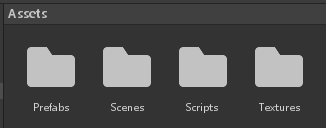
首先开启一个 2D 专案,之后新建立四个资料夹,分别名为
- Textures – 用以存放游戏影像
- Scripts – 用以存放 C# 脚本
- Prefabs – 存放游戏的所有物件
- Scenes – 存放游戏的所有场景
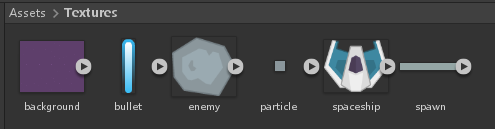
进入 Textures 资料夹,将文章开头下载的素材放入(共六张)
建立主要场景
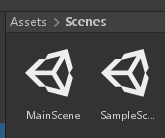
按下「档案」「另存为..」将目前场景存为主场景,名为「MainScene」
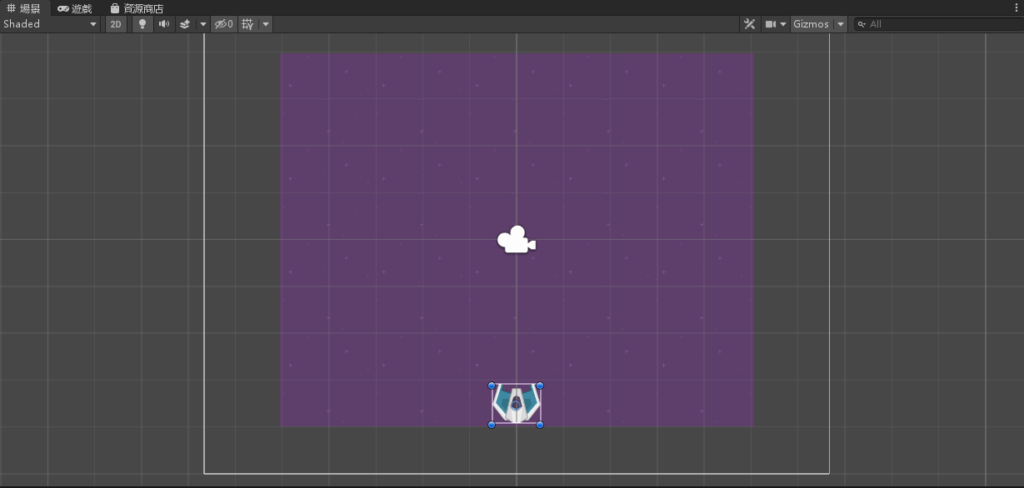
将图片 background 以及太空船 spaceship 拉进去阶层视窗
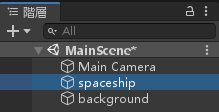
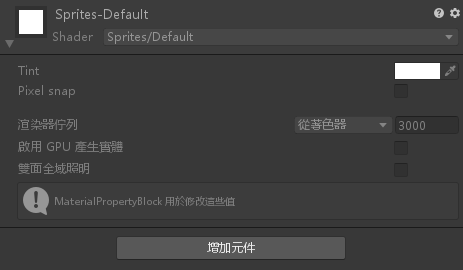
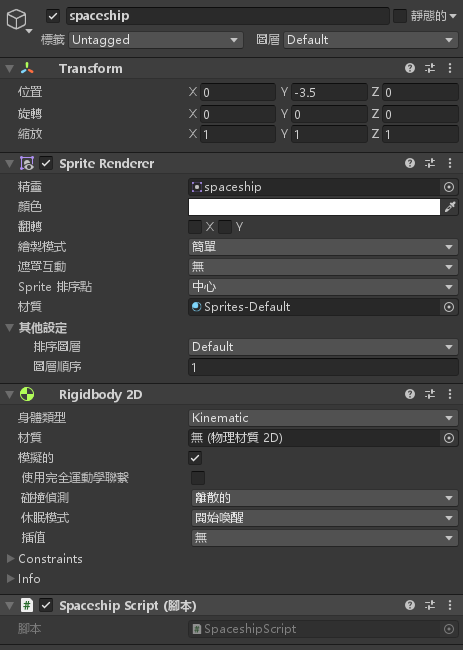
点击 spaceship 物件修改属性,按下「增加元件」「2D 物理」「Rigidbody」
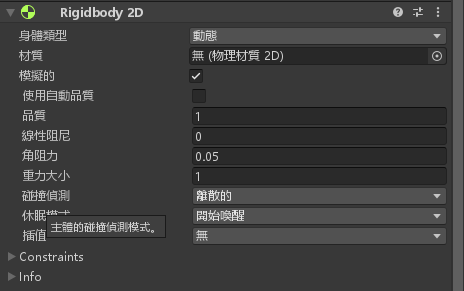
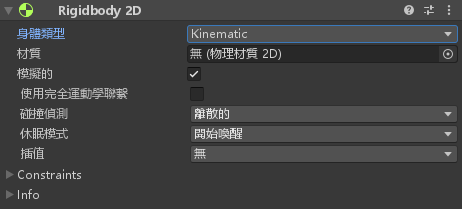
并将「身体类型」变更为「Kinematic」
将 spaceship 物件位置设定为 -3.5
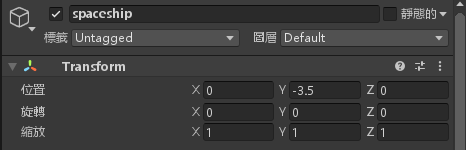
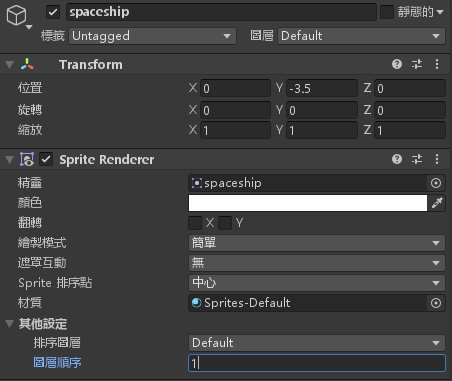
将 spaceship 的图层顺序设定为 1
建立太空船控制脚本
新建一个 C# 脚本,名为「SpaceshipScript」
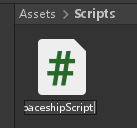
点击进入编辑脚本,输入以下程式码
using System.Collections;
using System.Collections.Generic;
using UnityEngine;

public class SpaceshipScript : MonoBehaviour
{
    // Start is called before the first frame update
    private Rigidbody2D r2d;
    void Start()
    {
        r2d = gameObject.GetComponent<Rigidbody2D>();
    }

    // Update is called once per frame
    void Update()
    {
        if (Input.GetKey(KeyCode.RightArrow))
            r2d.velocity = new Vector2(10, 0);
        else if (Input.GetKey(KeyCode.LeftArrow))
            r2d.velocity = new Vector2(-10, 0);
        else
            r2d.velocity = new Vector2(0, 0);
    }
}
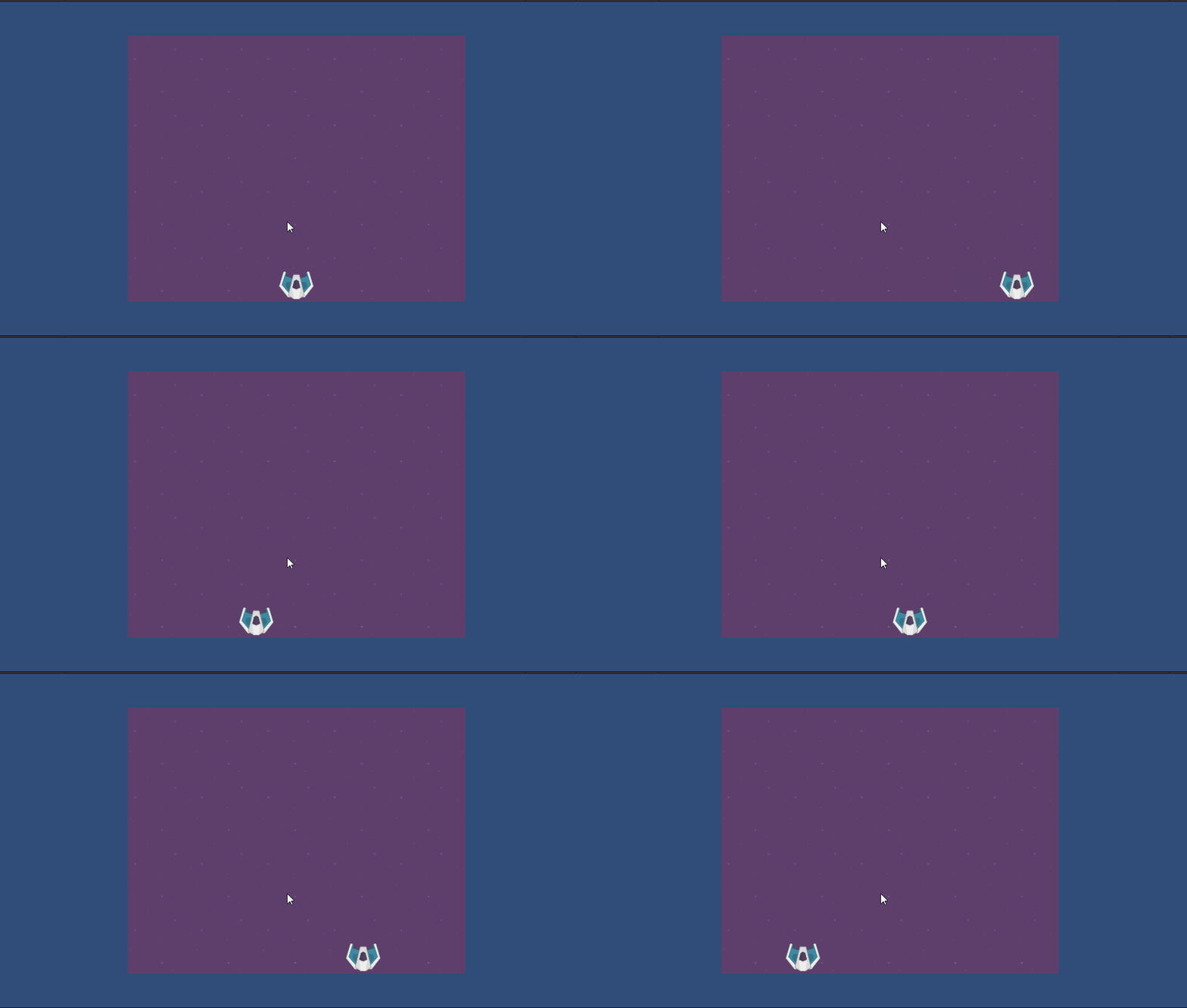
将「SpaceshipScript」脚本拉到 spaceship 物件底下
加入可以射击的子弹
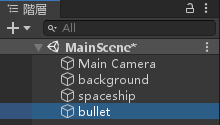
将子弹图片加入场景中
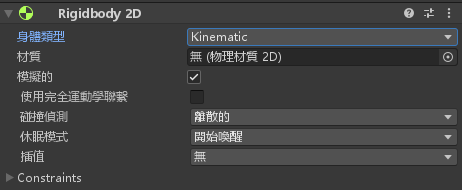
修改子弹物件的属性,按下「增加元件」「2D 物理」「Rigidbody」
并且将「身体类型」变更为「Kinematic」
帮子弹加入程式,新增 C# 脚本名为「BulletScript」
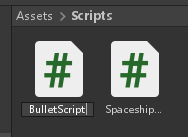
编辑 BulletScript 脚本,并且加入以下程式码
using System.Collections;
using System.Collections.Generic;
using UnityEngine;

public class BulletScript : MonoBehaviour
{
    // Start is called before the first frame update
    public int speed = 6;
    private Rigidbody2D r2d;
    void Start()
    {
        r2d = gameObject.GetComponent<Rigidbody2D>();
        r2d.velocity = new Vector2(0, speed);
    }

    // Update is called once per frame
    void Update()
    {

    }

    void OnBecameInvisible()
    {
        Destroy(gameObject);
    }
}
将 BulletScript 脚本拉到 bullet 物件底下

修改 bullet 物件的图层顺序为1

将 bullet 做成预置物件
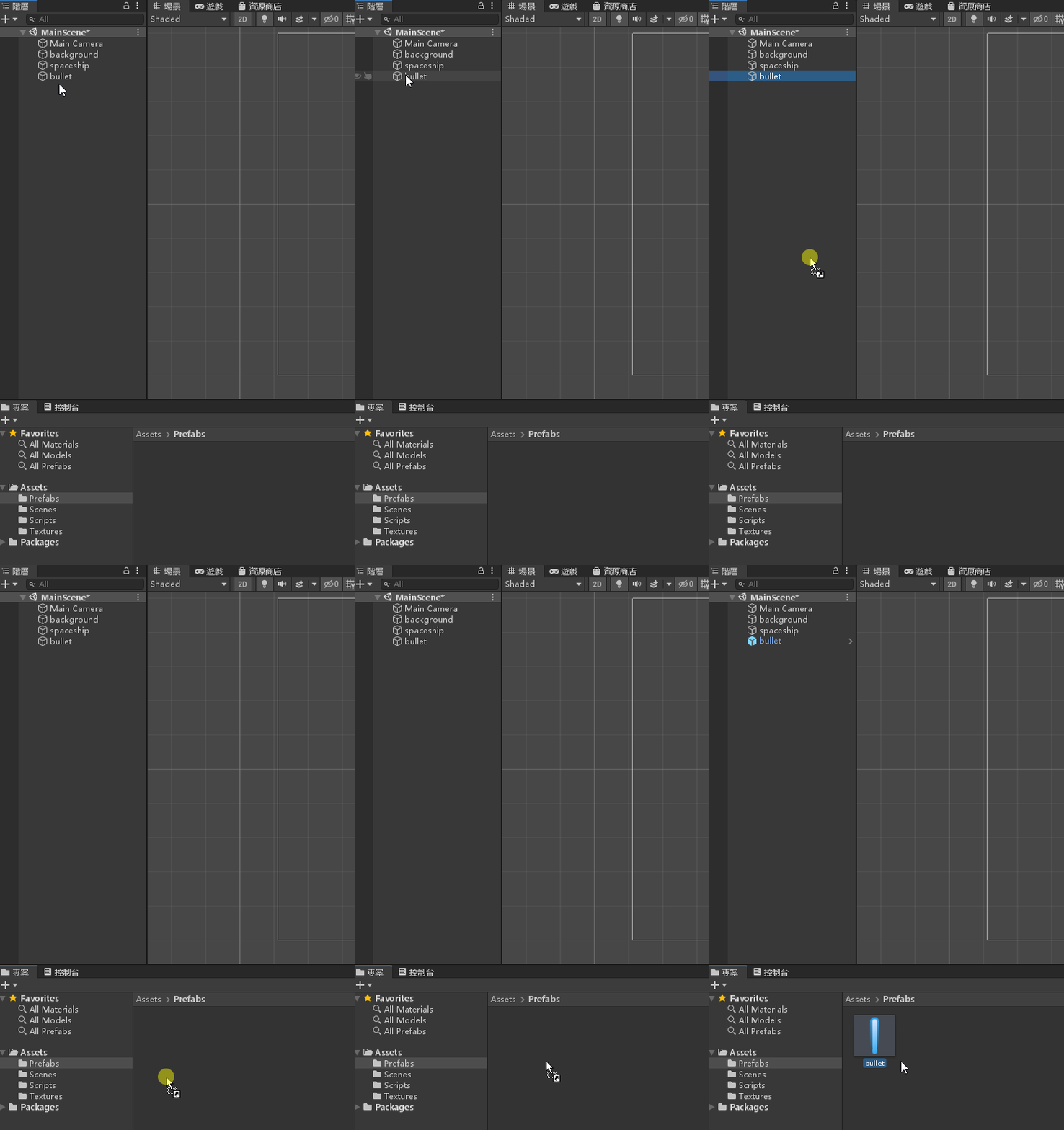
之后删除在阶层视窗的 bullet 物件

将 spaceship 的脚本「SpaceshipScript」修改为以下
using System.Collections;
using System.Collections.Generic;
using UnityEngine;

public class SpaceshipScript : MonoBehaviour
{
    // Start is called before the first frame update
    private Rigidbody2D r2d;
    public GameObject bullet;
    void Start()
    {
        r2d = gameObject.GetComponent<Rigidbody2D>();
    }

    // Update is called once per frame
    void Update()
    {
        if (Input.GetKey(KeyCode.RightArrow))
            r2d.velocity = new Vector2(10, 0);
        else if (Input.GetKey(KeyCode.LeftArrow))
            r2d.velocity = new Vector2(-10, 0);
        else
            r2d.velocity = new Vector2(0, 0);

        if (Input.GetKeyDown(KeyCode.Space))
        {
            Instantiate(bullet, transform.position, Quaternion.identity);
        }
    }
}
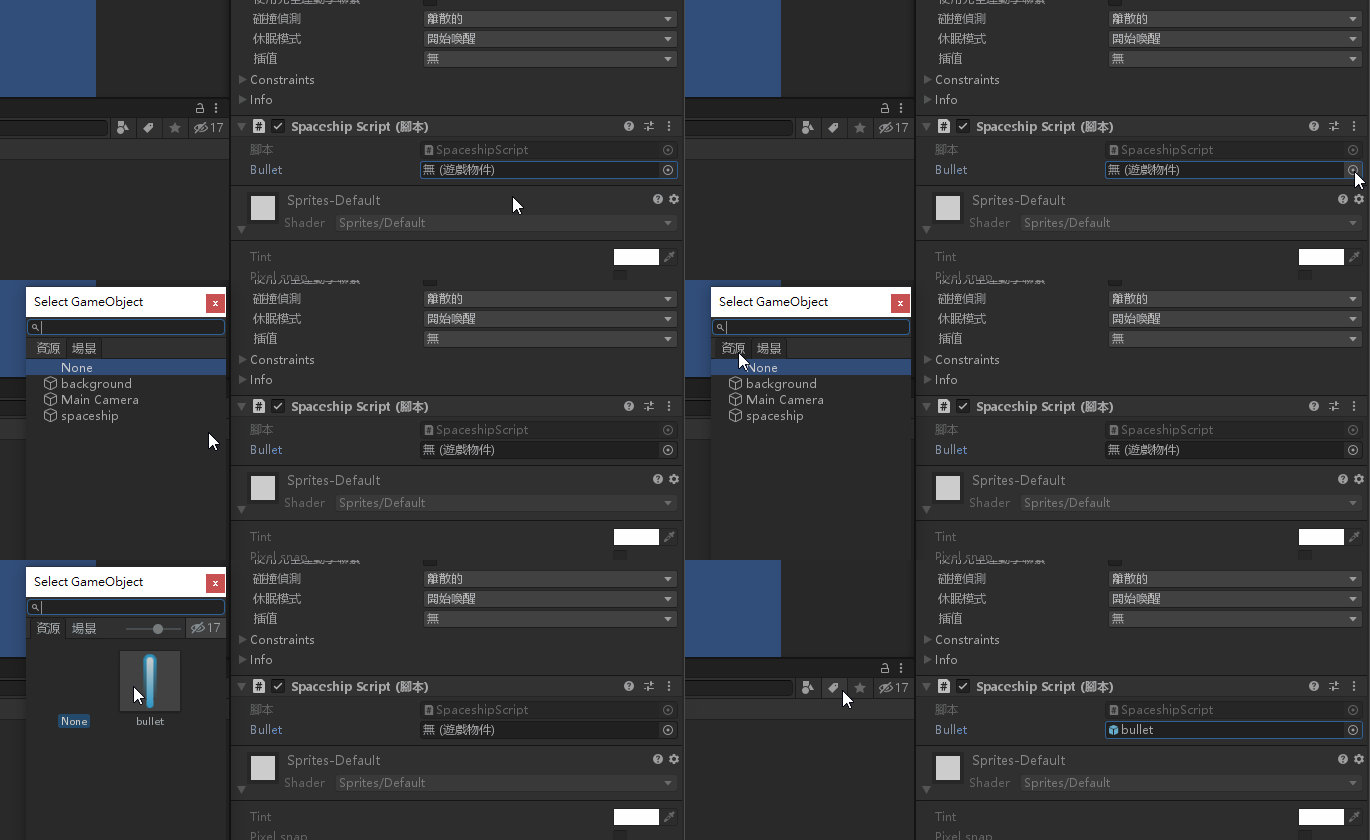
将 spaceship 物件底下的脚本,将预置物件的 bullet 拉进去
再来要把敌机(石头)放进来,将 emeny 加进阶层视窗
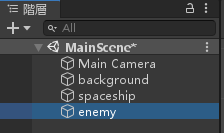
修改 enemy 物件的属性,按下「增加元件」「2D 物理」「Rigidbody」
并且将「身体类型」变更为「Kinematic」
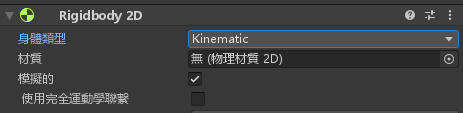
将图层顺序设定为1

新建一个脚本,名为「EnemyScript」
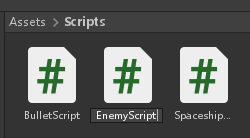
编辑 EnemyScript 脚本,并且输入以下程式码
using System.Collections;
using System.Collections.Generic;
using UnityEngine;

public class EnemyScript : MonoBehaviour
{
    public int speed = -5;
    private Rigidbody2D r2d;
    // Start is called before the first frame update
    void Start()
    {
        r2d = gameObject.GetComponent<Rigidbody2D>();
        r2d.velocity = new Vector2(0, speed);
        r2d.angularVelocity = Random.Range(-200, 200);
    }

    // Update is called once per frame
    void Update()
    {

    }

    void OnBecameInvisible()
    {
        Destroy(gameObject);
    }
}
将脚本 EnemyScript 拉近 enemy 物件底下

将 enemy 做成预置物件
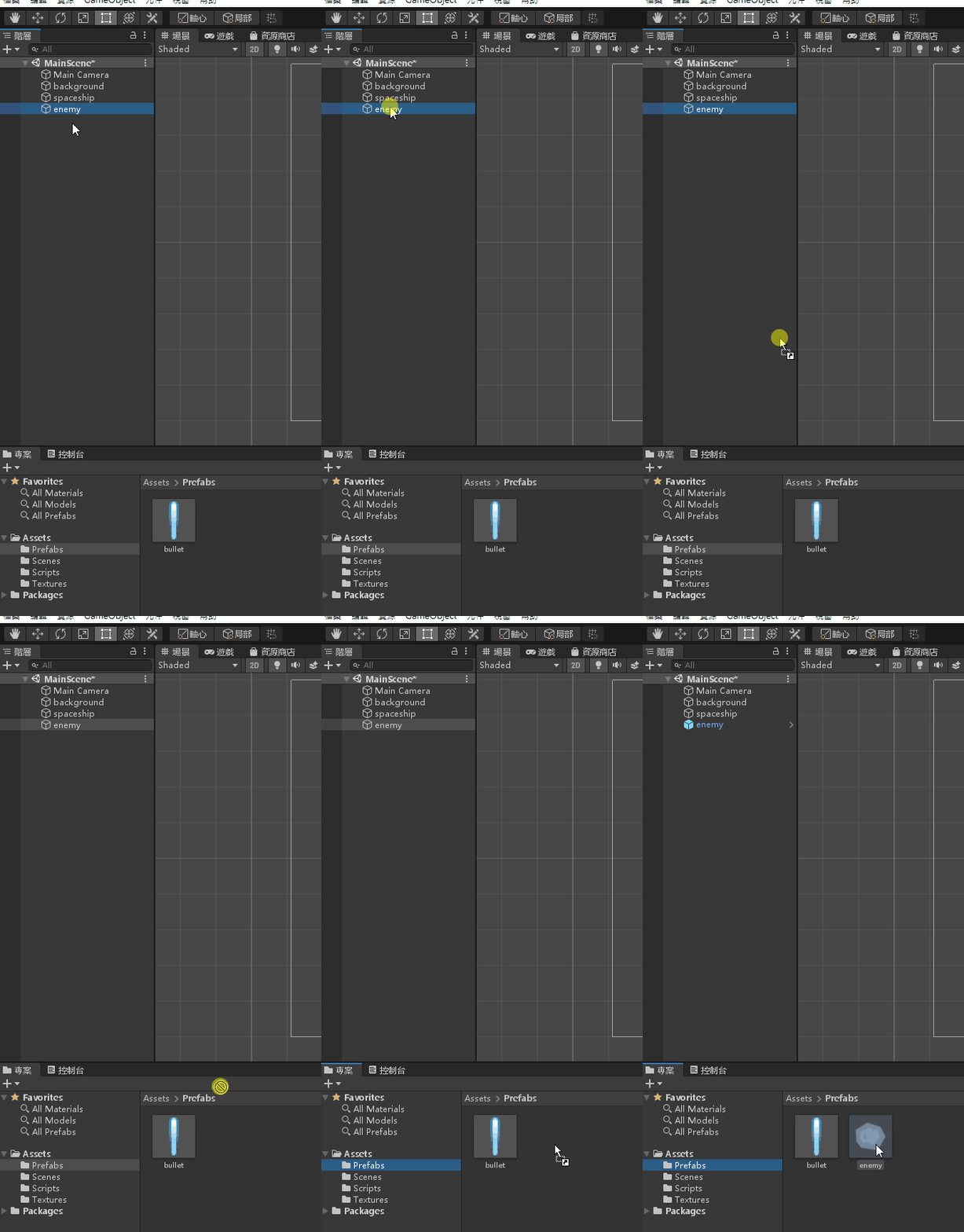
删除阶层视窗的 enemy 物件
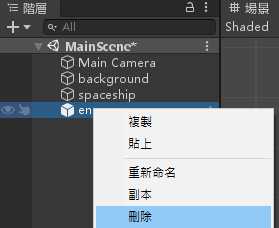
制作孵化器(产生器)
将图片 spawn 拉到阶层视窗,并设定Y位置为5
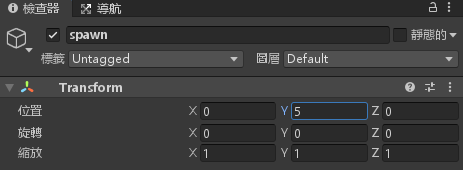
建立 C# 脚本名为「SpawnScript」
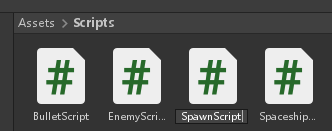
编辑脚本并加入以下程式码
using System.Collections;
using System.Collections.Generic;
using UnityEngine;

public class SpawnScript : MonoBehaviour
{
    public GameObject enemy;
    public float spawnTime = 2;
    // Start is called before the first frame update
    void Start()
    {
        InvokeRepeating("addEnemy", 0, spawnTime);
    }

    void addEnemy()
    {
        Renderer rd = gameObject.GetComponent<Renderer>();
        float x1 = transform.position.x - rd.bounds.size.x / 2;
        float x2 = transform.position.x + rd.bounds.size.x / 2;
        Vector2 spawnPoint = new Vector2(Random.Range(x1, x2), transform.position.y);
        Instantiate(enemy, spawnPoint, Quaternion.identity);
    }

    // Update is called once per frame
    void Update()
    {

    }
}
将 SpawnScript 脚本拉到 spawn 物件底下
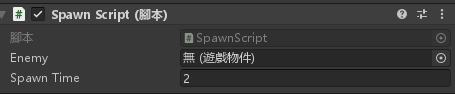
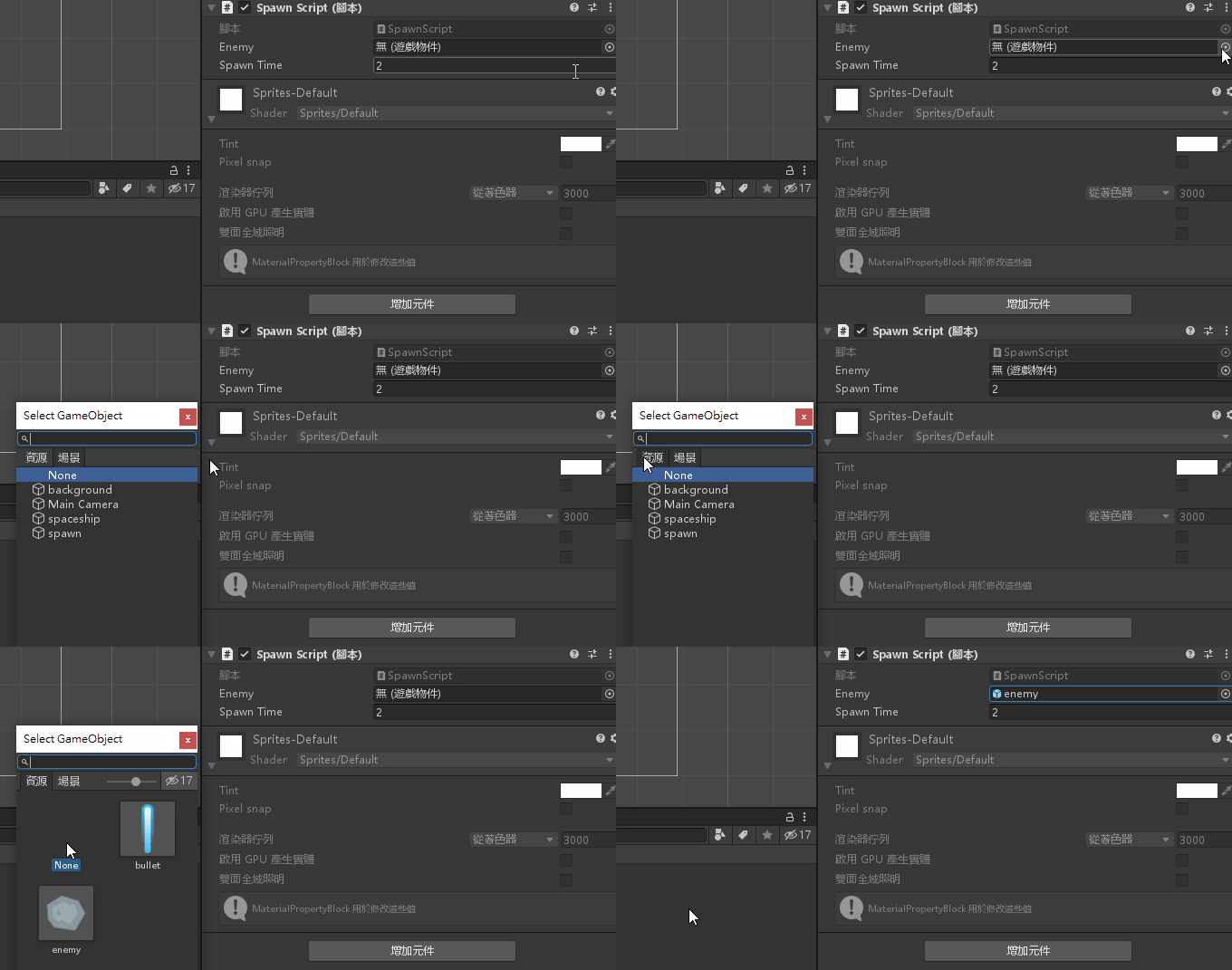
将 enemy 预置物件加入
碰撞侦测
将 spaceship 物件与 bullet、enemy 预置物件都使用「增加元件」「2D 盒状碰撞器」将「是触发器」打勾
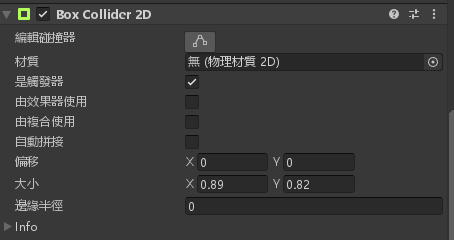
更新 EnemyScript 脚本
注:脚本内的 bullet(Clone) 与 spaceship 请与预置物件同名
using System.Collections;
using System.Collections.Generic;
using UnityEngine;

public class EnemyScript : MonoBehaviour
{
    public int speed = -5;
    private Rigidbody2D r2d;
    // Start is called before the first frame update
    void Start()
    {
        r2d = gameObject.GetComponent<Rigidbody2D>();
        r2d.velocity = new Vector2(0, speed);
        r2d.angularVelocity = Random.Range(-200, 200);
    }

    // Update is called once per frame
    void Update()
    {

    }

    void OnBecameInvisible()
    {
        Destroy(gameObject);
    }

    void OnTriggerEnter2D(Collider2D obj)
    {
        if (obj.gameObject.name.Equals("bullet(Clone)"))
        {
            Destroy(gameObject);
            Destroy(obj.gameObject);
        }
        if (obj.gameObject.name.Equals("spaceship"))
        {
            Destroy(gameObject);
        }
    }
}
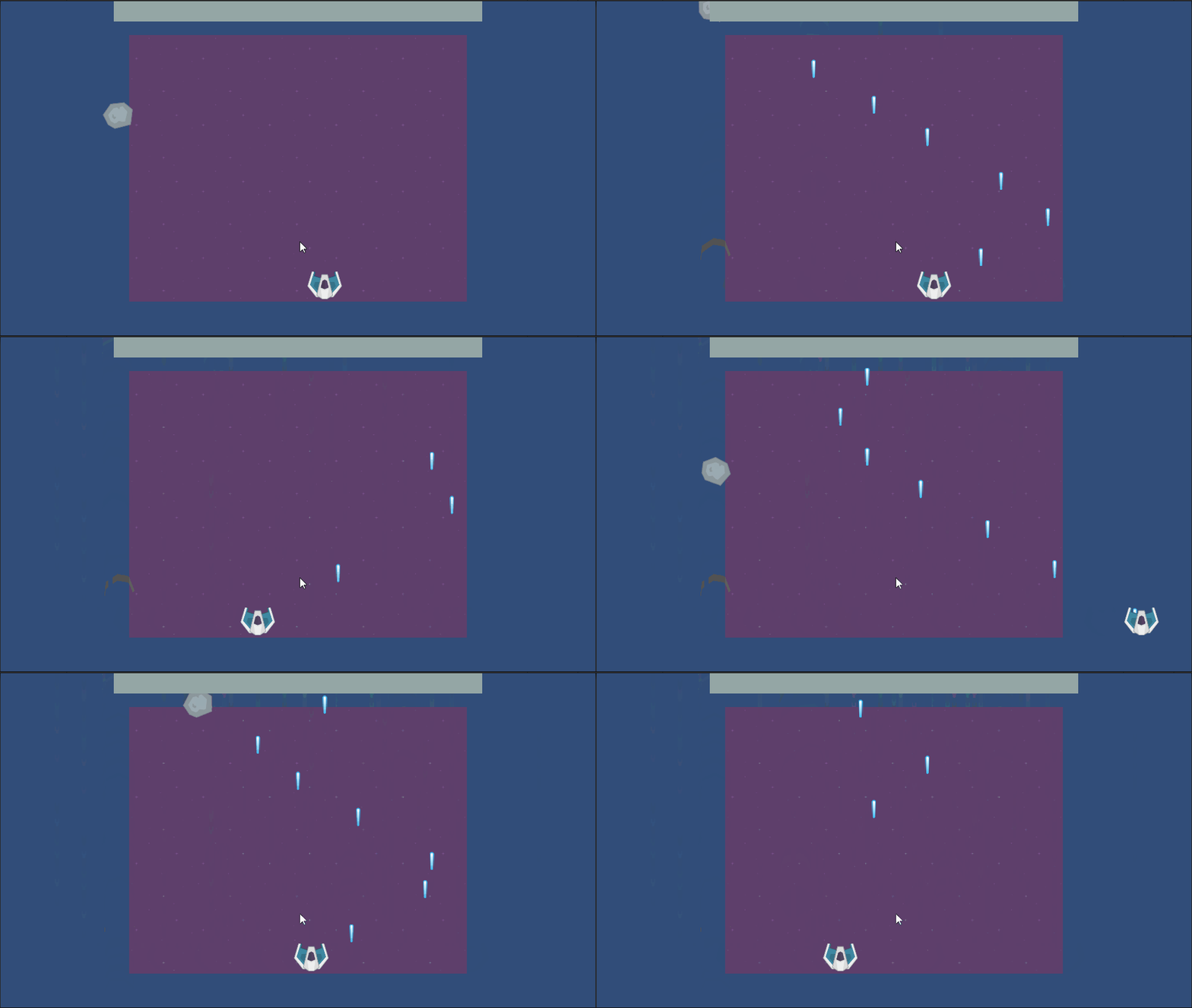
游戏完成,玩玩看吧!

-
车牌回来了
但是现在汽门漏气,维修ing...
- 受保护的内容: NAS 版 Mathbot 管理网站与 Linebot 启动方法 - 2024 年 11 月 15 日
- Realtime 啥鬼的 - 2021 年 6 月 15 日
- nodejs 数学游戏 - 2021 年 6 月 8 日
为什么我的background比较小?
哪里的背景
紫色的