
素材下載
今天沒有素材
STARTO!
建立一個 3D 專案
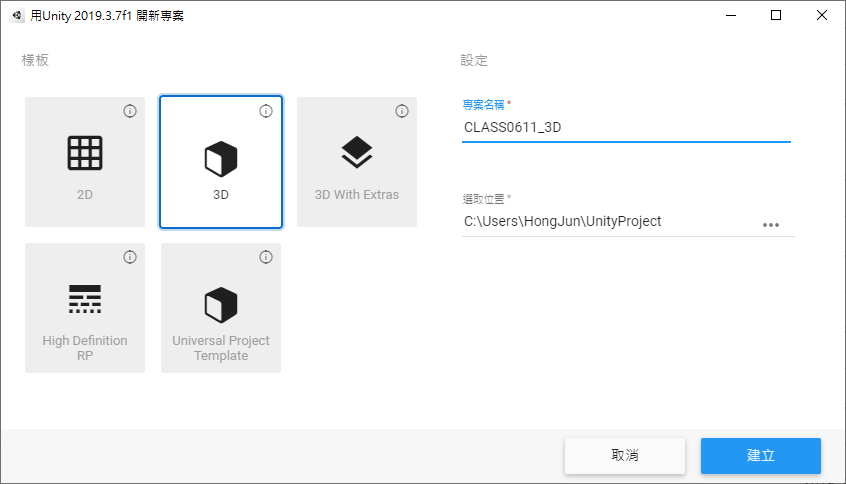
先按下工具列的 檔案>另存為… 檔名輸入 Scene1,另存成新的 Scene
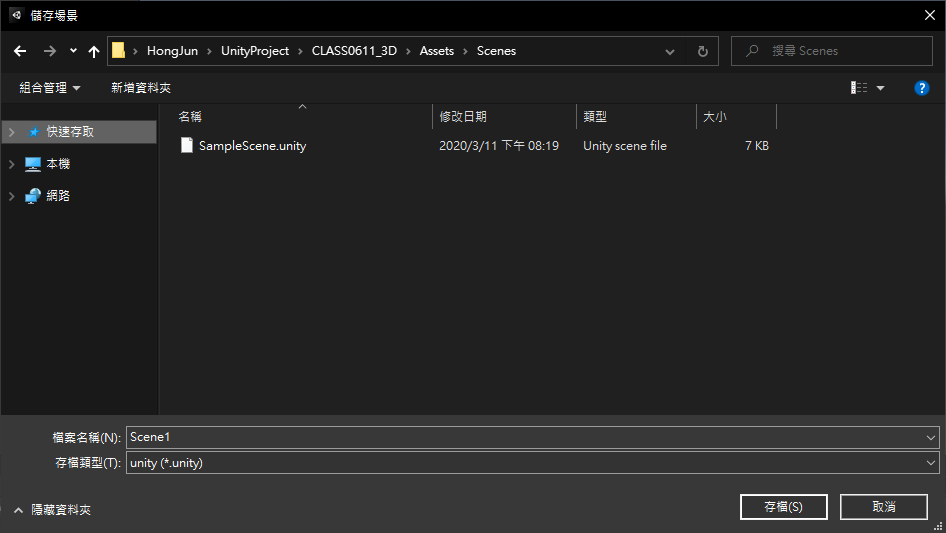
在階層視窗按下滑鼠右鍵 > 3D 物件 > 平面,新增一塊地板
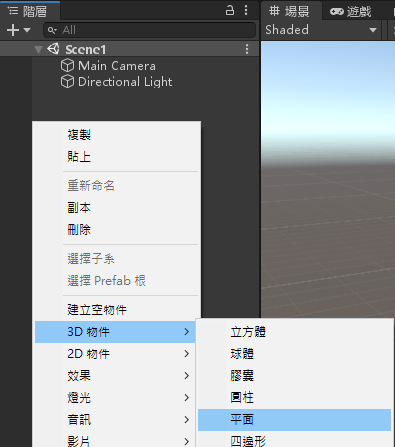
在階層視窗按下滑鼠右鍵 > 3D 物件 > 球體,新增一顆球
將 Sphere 物件變更名稱為 Player
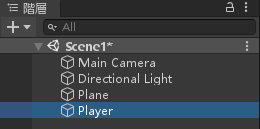
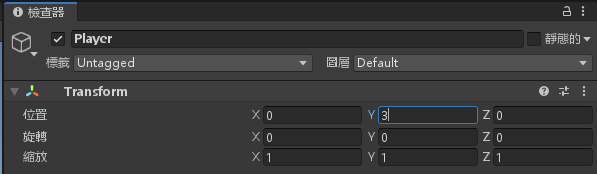
將 Player 物件變更屬性 Y = 3
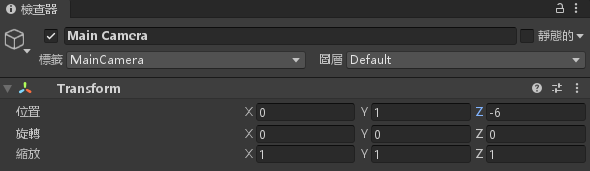
調整 MainCamera 物件的屬性 Y = 1;Z = -6
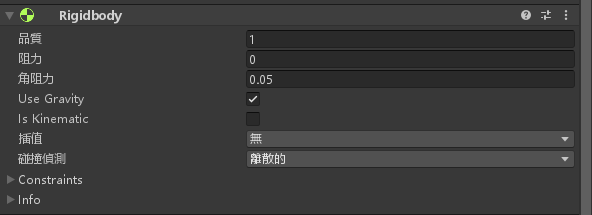
對 Player 物件增加元件 > 物理 > Rigidbody
建立一個 Scripts 資料夾
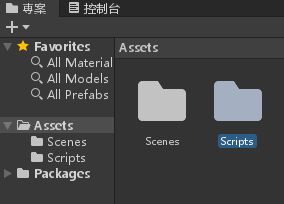
建立一個 C# 腳本,名為 PlayerScript
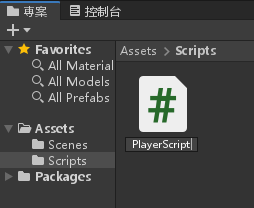
編輯腳本並輸入以下程式碼
using System.Collections;
using System.Collections.Generic;
using UnityEngine;
public class PlayerScript : MonoBehaviour
{
// Start is called before the first frame update
Rigidbody rb;
float speed = 5;
void Start()
{
rb = GetComponent<Rigidbody>();
}
// Update is called once per frame
void Update()
{
}
private void FixedUpdate()
{
float moveHorizontal = Input.GetAxis("Horizontal");
float moveVertical = Input.GetAxis("Vertical");
Vector3 movement = new Vector3(moveHorizontal, 0.0f, moveVertical);
rb.AddForce(movement * speed);
}
}
將腳本加入 Player 物件中

新建一個腳本,名為 CameraScript,編輯並輸入以下程式碼
using System.Collections;
using System.Collections.Generic;
using UnityEngine;
public class CameraScript : MonoBehaviour
{
// Start is called before the first frame update
private GameObject player;
Vector3 offset;
void Start()
{
player = GameObject.Find("Player");
offset = transform.position - player.transform.position;
}
private void LateUpdate()
{
transform.position = player.transform.position + offset;
}
// Update is called once per frame
void Update()
{
}
}
將 CameraScript 腳本拉進 MainCamera 物件

變更 Player 物件的屬性由 Y = 3 改為 Y = 0.5
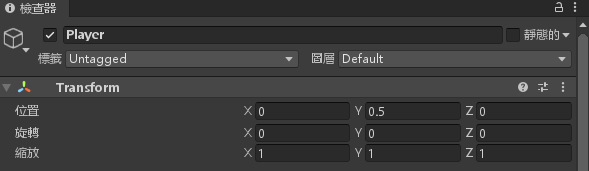
完成初步的畫面
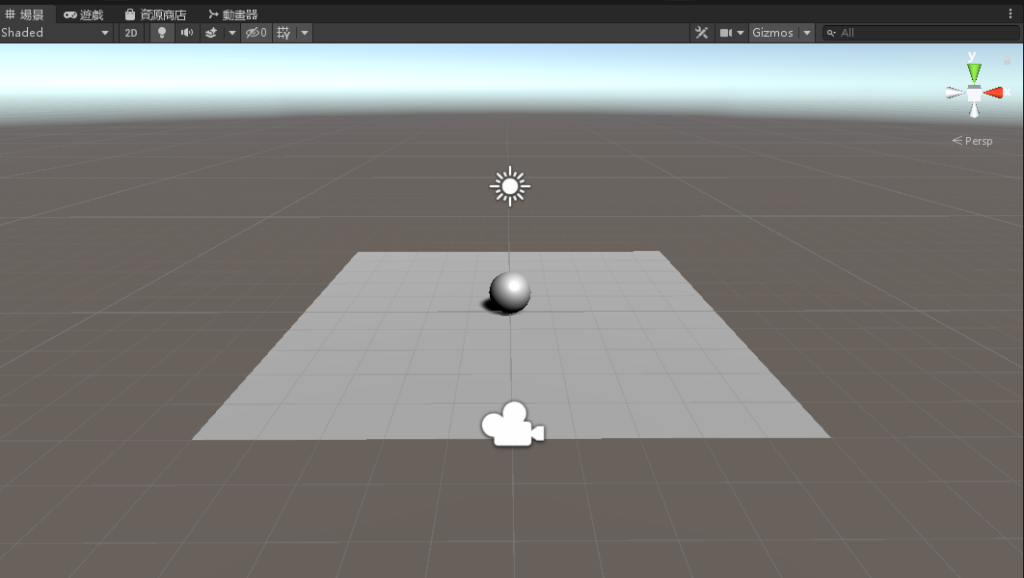
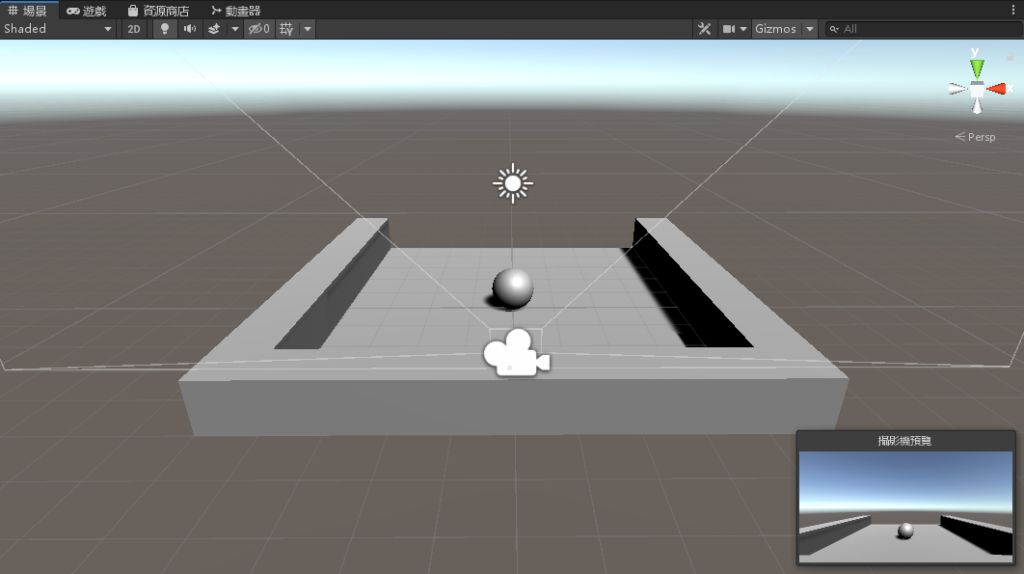
在階層視窗按下滑鼠右鍵 > 3D 物件 > 立方體
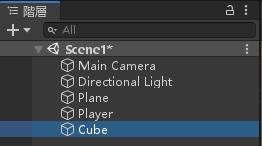
變更屬性,位置 X = -4.5;Y = 0.5;縮放 Z = 10
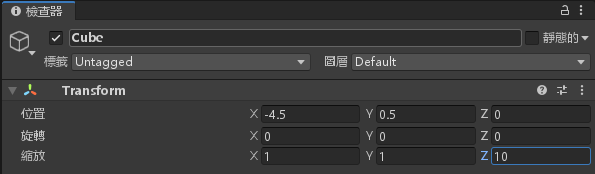
再次新增一個立方體,位置 X = 4.5;Y = 0.5;縮放 Z = 10
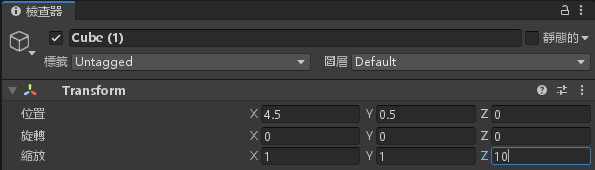
再再次新增一個立方體,位置 Y = 0.5;Z = -4.5;縮放 X = 10
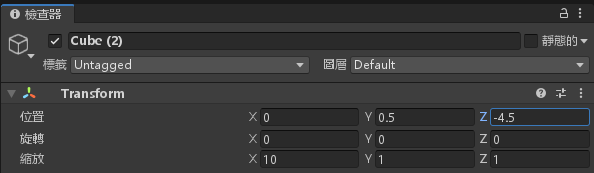
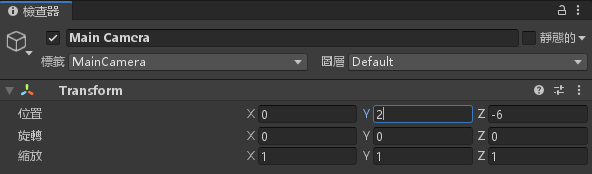
變更 MainCamera 的屬性,位置 Y = 2
完成圍牆製作
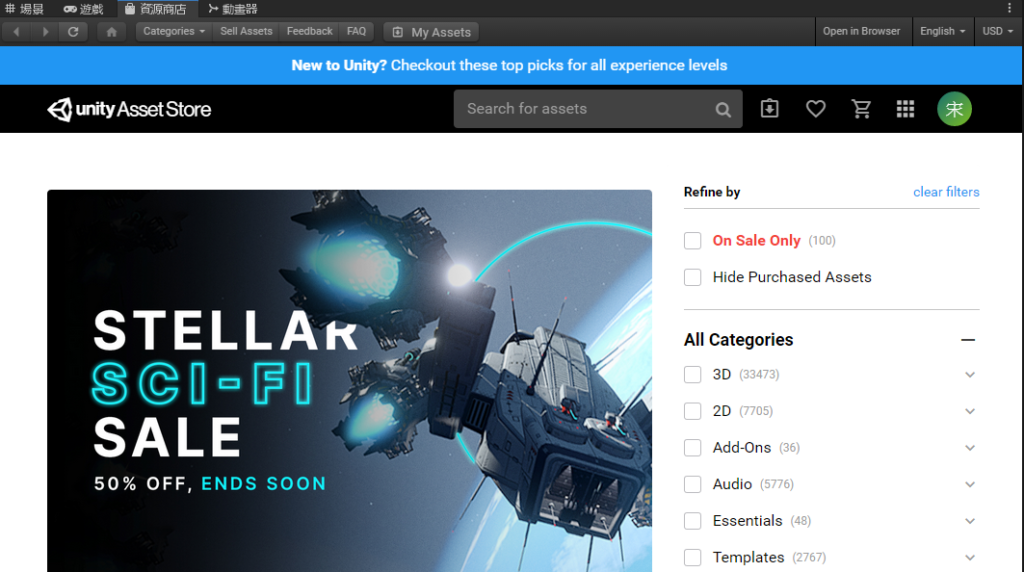
選擇畫面上方的 “資源商店”
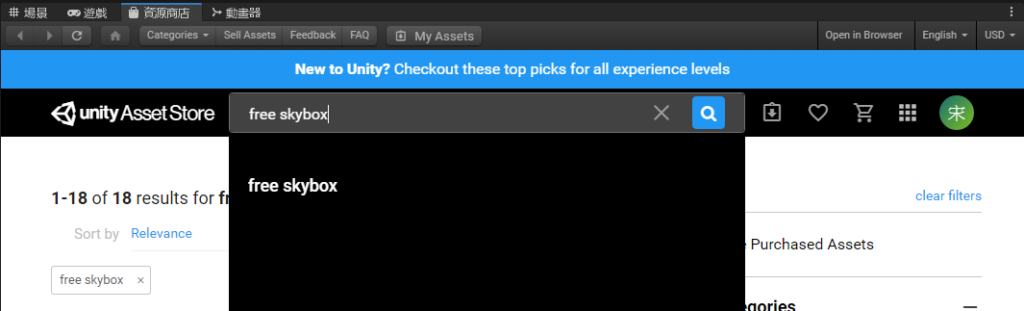
輸入 free skybox
挑選自己喜歡的一組
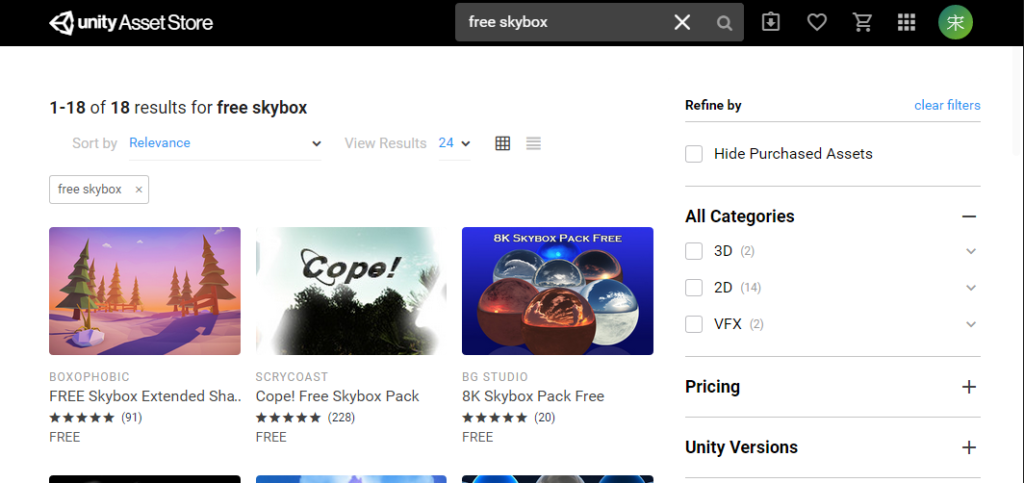
點進去
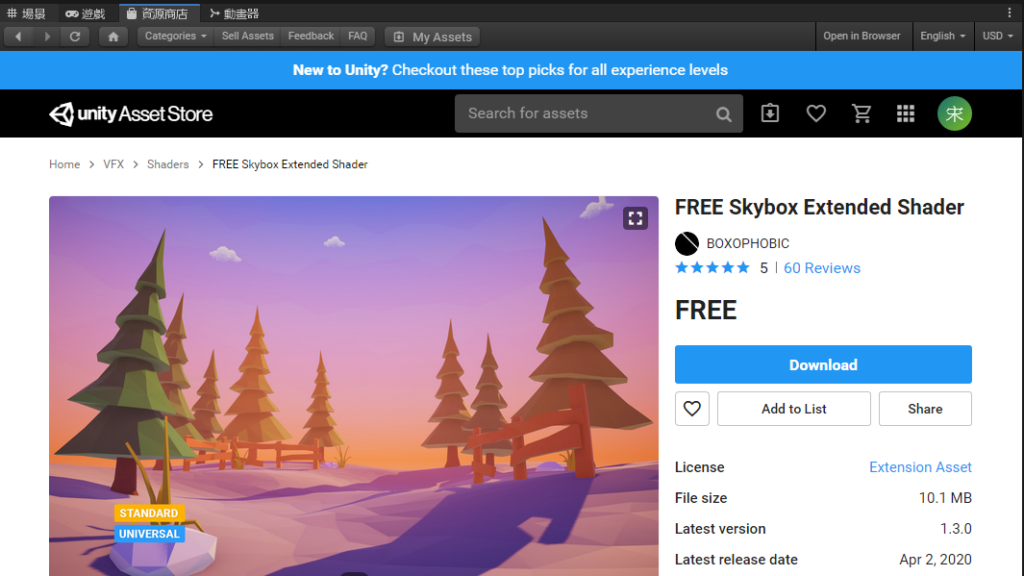
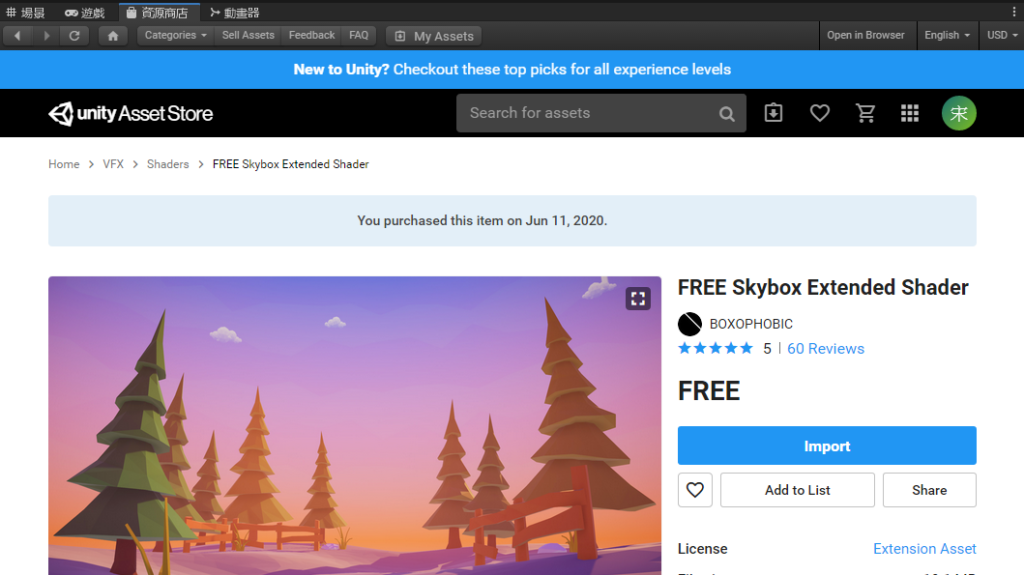
選擇 Download 等待下載完成,並且按下 Import
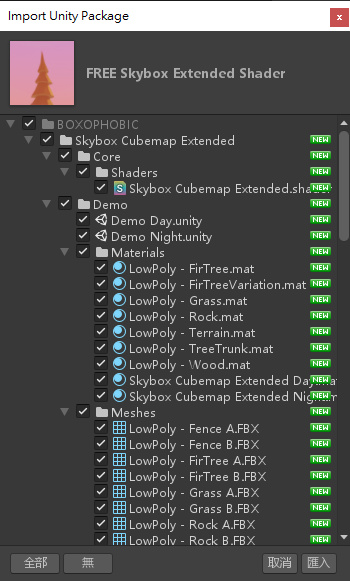
會跳出這個視窗,選擇匯入
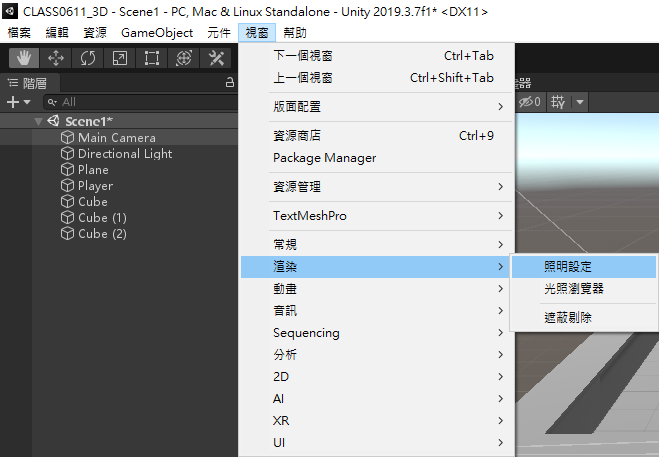
選擇工具列的 視窗 > 渲染 > 照明設定
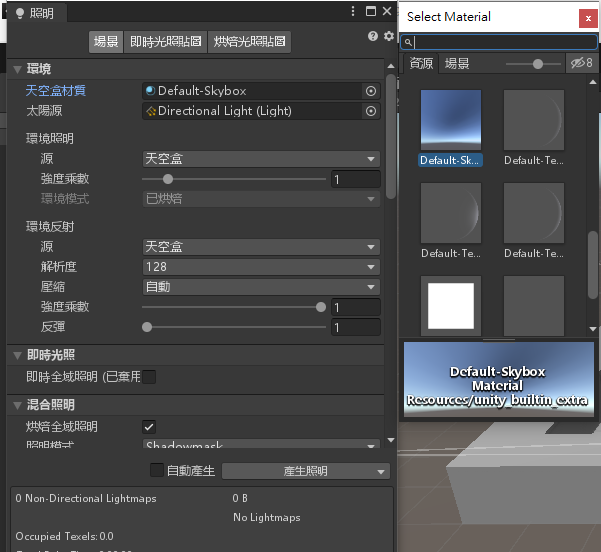
選擇天空盒材質
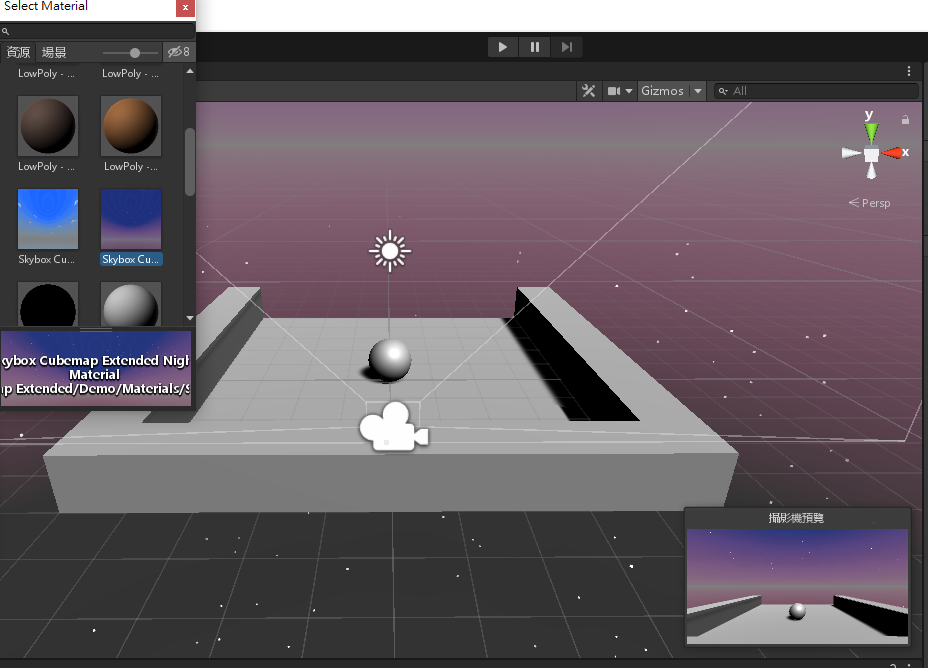
選擇自己喜歡的星空
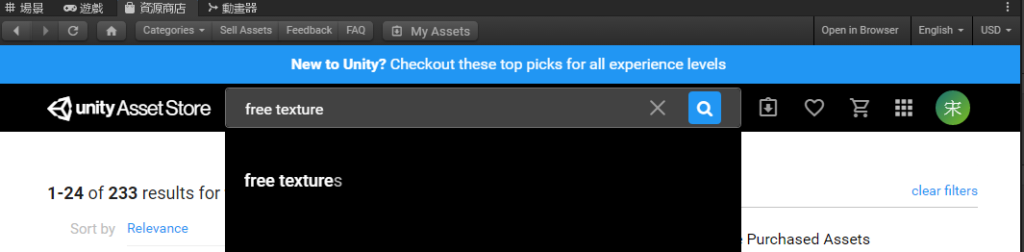
再次開啟資源商店,輸入 free texture
挑選一個喜歡的
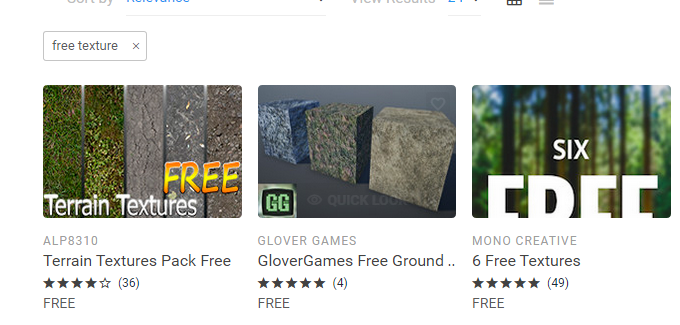
並且點進去
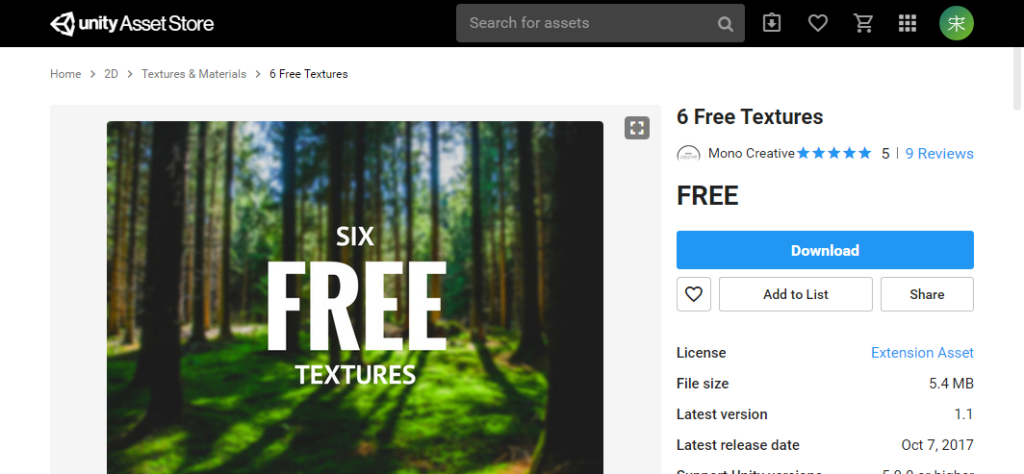
選擇 Download 等待下載完成,並且按下 Import
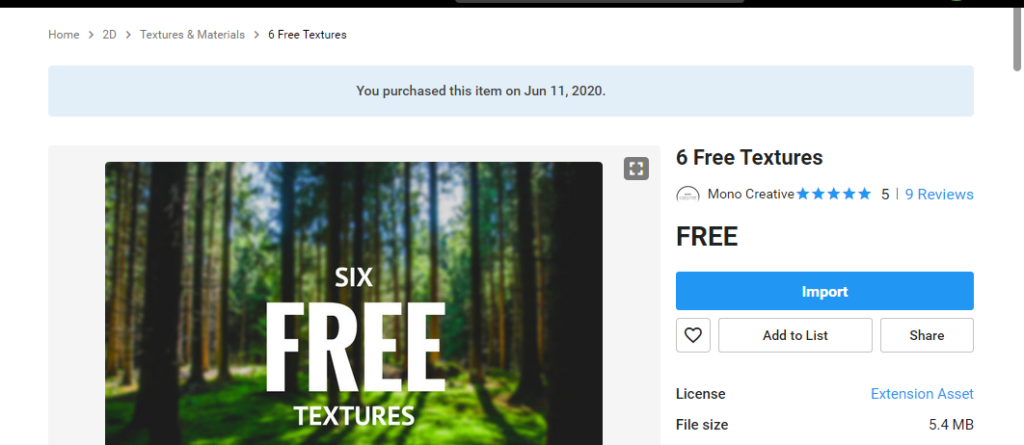
按下 匯入
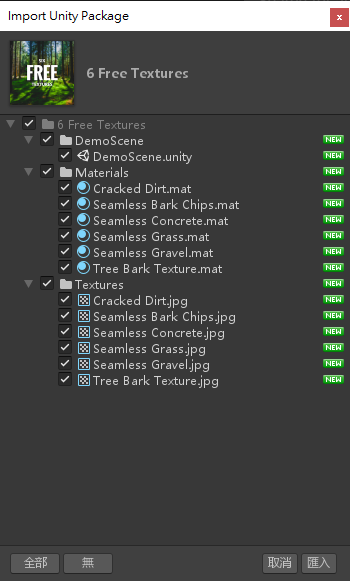
進入這個資料夾
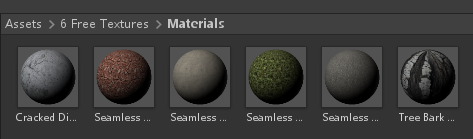
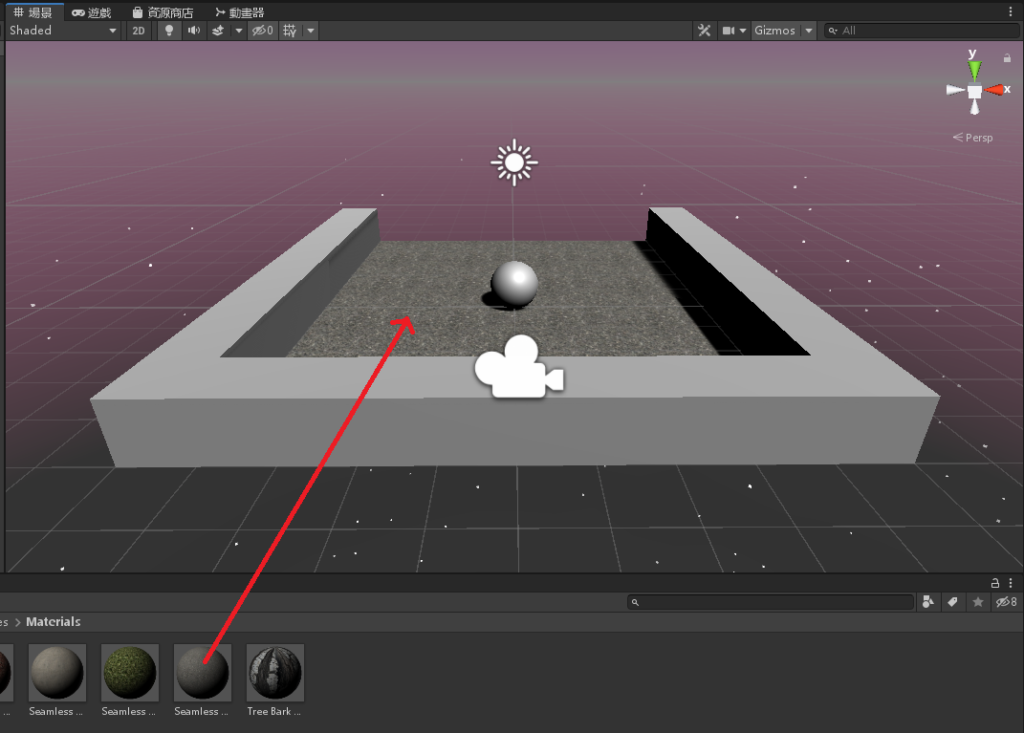
將想要套用的材質拉到欲套用的物件上
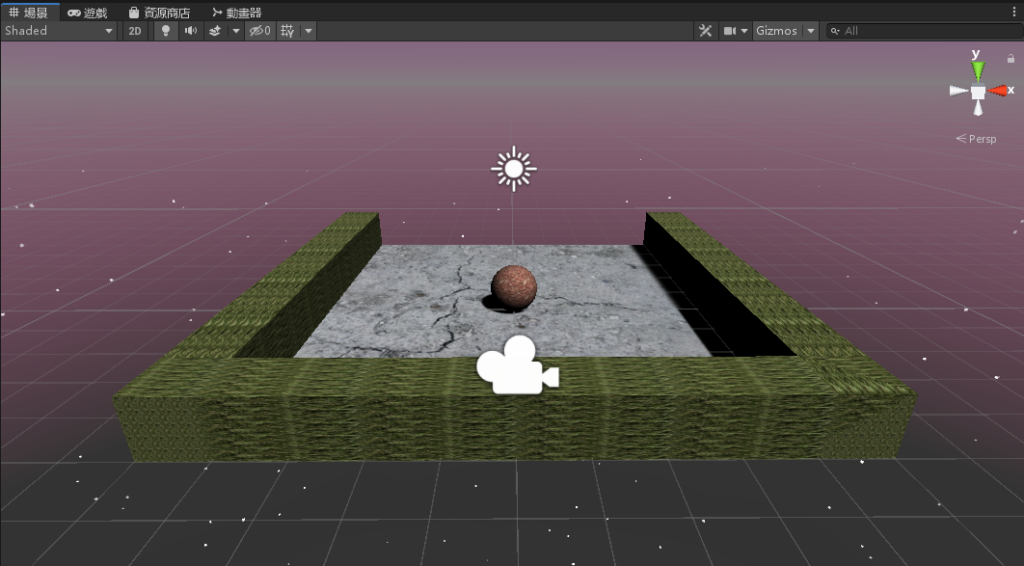
將全部的材質都拉一拉
將三個 Cube 物件選起來
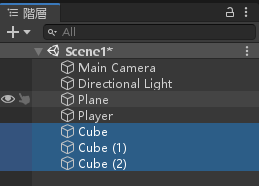
將 位置 Y 調整為 2
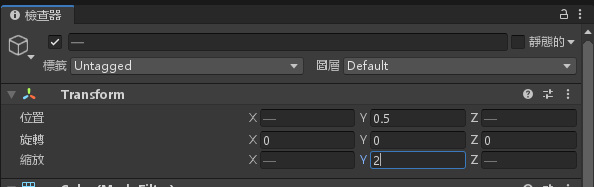
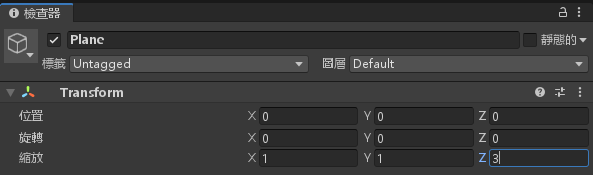
將 Plane 物件的屬性,縮放 Z 設定為 3
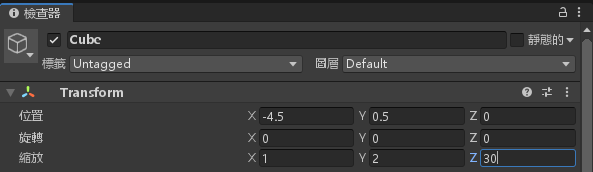
將 Cube 物件的屬性,縮放 Z 由 10 改為 30
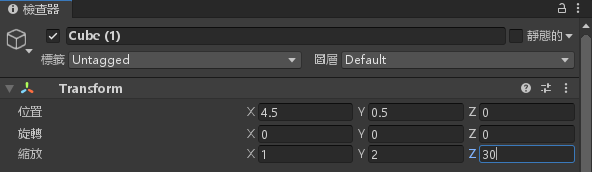
將 Cube (1) 物件的屬性,縮放 Z 由 10 改為 30
將 Cube (2) 物件的屬性,大小 Z 由 -4.5 改為 -14.5
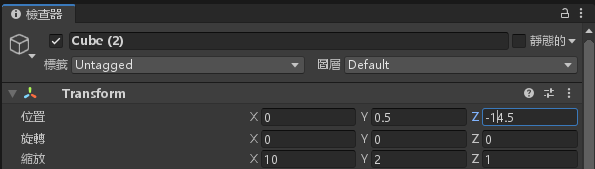
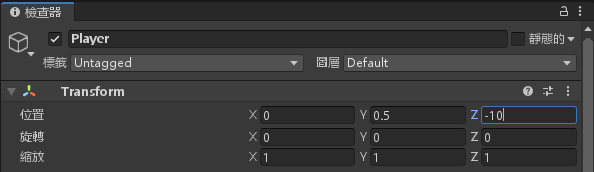
將 Player 物件的屬性,位置 Z 改為 -10
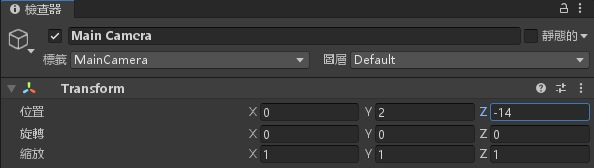
將 MainCamera 物件的屬性,位置 Z 由 -6 改為 -14
再次進入資源商店,搜尋 jewel
待續

-
車牌回來了
但是現在汽門漏氣,維修ing...
- 受保護的內容: NAS 版 Mathbot 管理網站與 Linebot 啟動方法 - 2024 年 11 月 15 日
- Realtime 啥鬼的 - 2021 年 6 月 15 日
- nodejs 數學遊戲 - 2021 年 6 月 8 日