
安裝vue 命令列工具
npm install -g @vue/cli
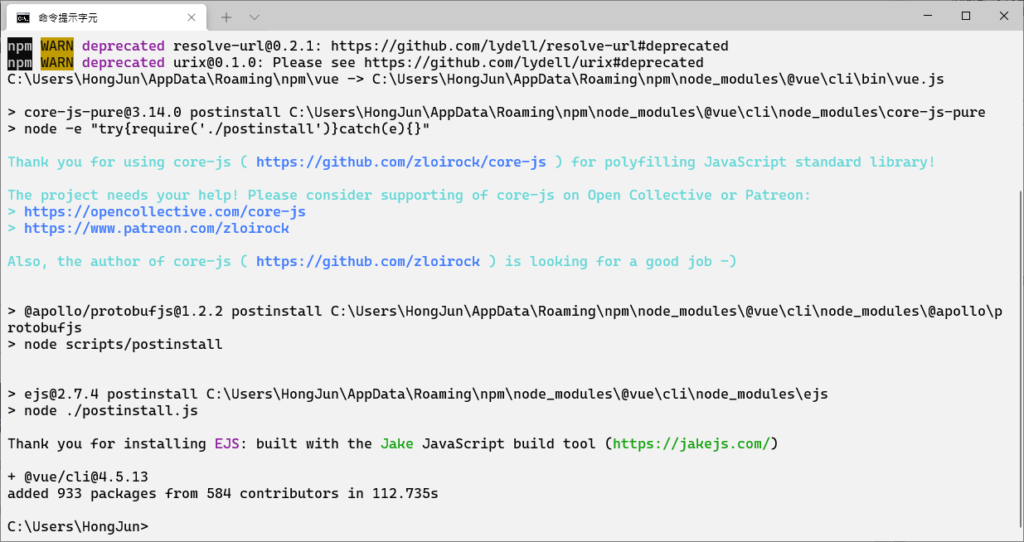
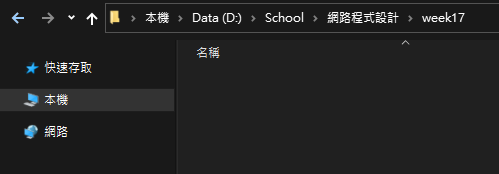
建立一個工作目錄,並且將終端機切換到這個目錄
利用vue命令,建立realtime-chart專案
vue create realtime-chart
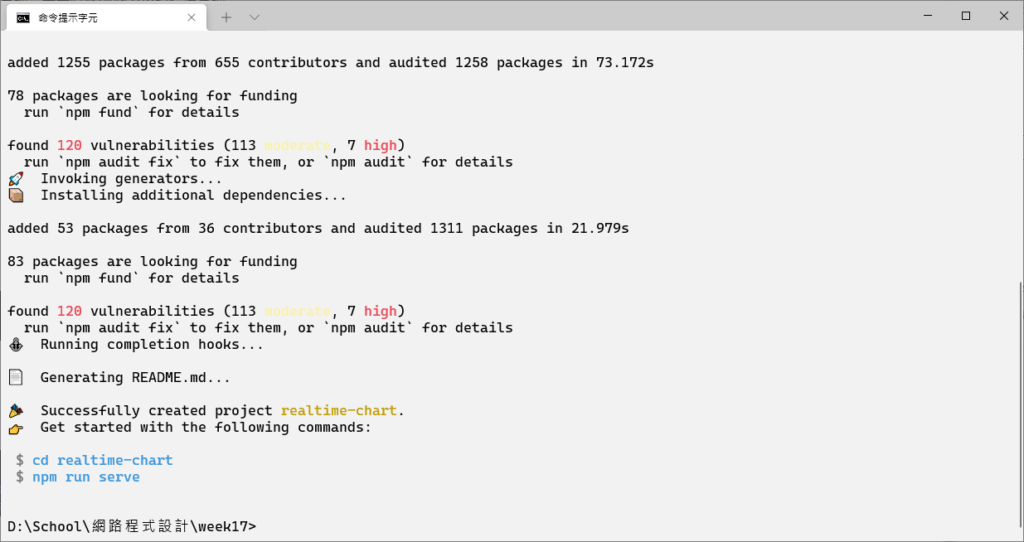
切換進去套件目錄,並且測試服務運行
cd realtime-chart
npm run serve
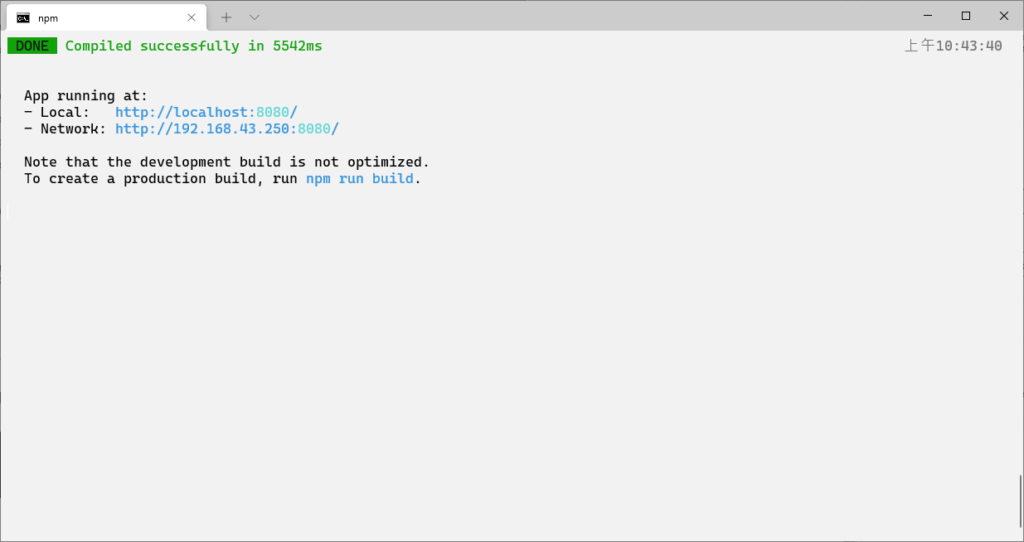
看到這個表示完成了

安裝相關的相依套件
npm install --save chart.js express socket.io socket.io-client vue-chartjs
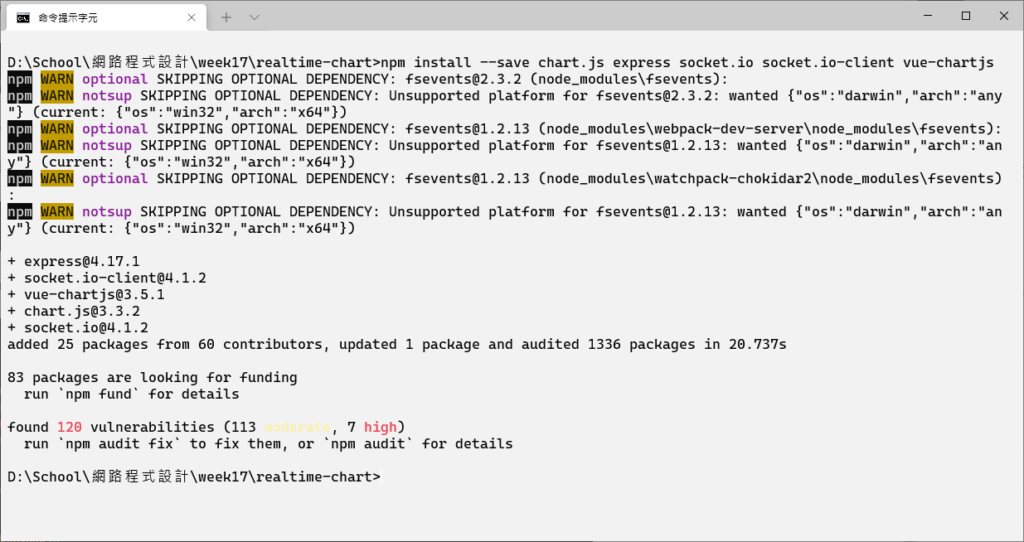
在這個目錄底下開啟 vscode
code .
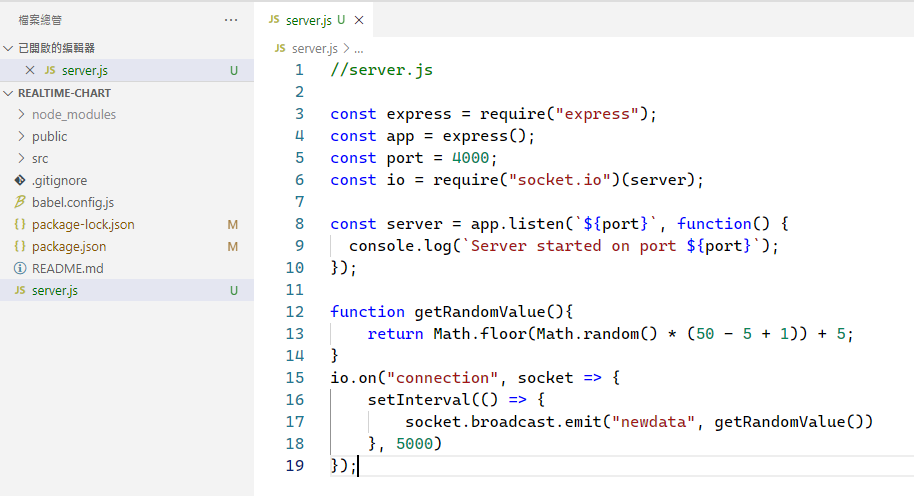
建立一個檔案 server.js 並且貼上以下程式碼
//server.js

const express = require("express");
const app = express();
const port = 4000;
const io = require("socket.io")(server);

const server = app.listen(`${port}`, function() {
  console.log(`Server started on port ${port}`);
});

function getRandomValue(){
    return Math.floor(Math.random() * (50 - 5 + 1)) + 5;
}
io.on("connection", socket => {
    setInterval(() => {
        socket.broadcast.emit("newdata", getRandomValue())
    }, 5000)
});
開啟 src/App.vue 檔案,然後安裝擴充套件
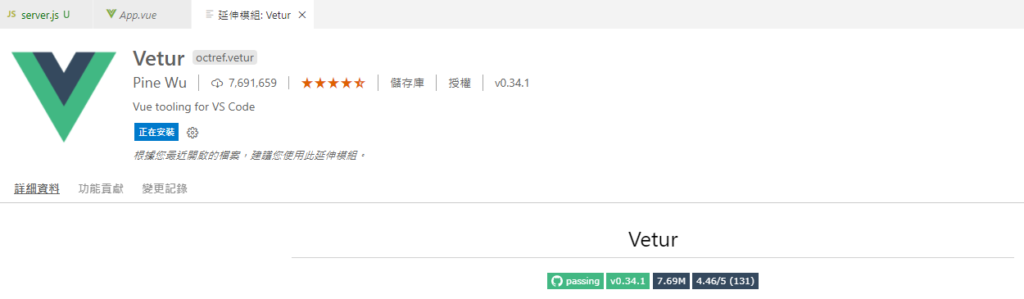
將 App.vue 替換成以下程式碼
<template>
  <div class="small">
    <line-chart :chart-data="datacollection" id="mychart"></line-chart>
  </div>
</template>

<script>
import LineChart from "../LineChart.js";
import io from "socket.io-client";
var socket = io.connect("http://localhost:4000");

export default {
  components: {
    LineChart
  },
  data() {
    return {
      datacollection: null
    };
  },
  created() {
    this.getRealtimeData()
  },
  methods: {
    fillData(fetchedData) {
      this.datacollection = {
        labels: [this.getRandomChartValues(fetchedData), this.getRandomChartValues(fetchedData)],
        datasets: [
          {
            label: "Google Stock",
            backgroundColor: "#1A73E8",
            data: [this.getRandomChartValues(fetchedData), this.getRandomChartValues(fetchedData)]
          },
          {
            label: "Microsoft Stock",
            backgroundColor: "#2b7518",
            data: [this.getRandomChartValues(fetchedData), this.getRandomChartValues(fetchedData)]          }
        ]
      };
    },
    getRealtimeData() {
      socket.on("newdata", fetchedData => {
        this.fillData(fetchedData)
      })
    },
    getRandomChartValues(number){
      return Math.floor(Math.random() * number)
    }
  }
};
</script>
<style>
.small {
  max-width: 600px;
  margin: 150px auto;
}
</style>
在專案目錄下面新增一個檔案 LineChart.js 並貼上以下程式碼
import { Line, mixins } from 'vue-chartjs'
const { reactiveProp } = mixins

export default {
  extends: Line,
  mixins: [reactiveProp],
  props: ['options'],
  mounted () {
    this.renderChart(this.chartData, this.options)
  }
}
試著將伺服器跑起來試試看
node server
目前暫時無法使用了,掰掰!

資工系所碩二畢
-
車牌回來了
但是現在汽門漏氣,維修ing...
-
車牌回來了
但是現在汽門漏氣,維修ing...
Latest posts by SHXJ (see all)
- 受保護的內容: NAS 版 Mathbot 管理網站與 Linebot 啟動方法 - 2024 年 11 月 15 日
- Realtime 啥鬼的 - 2021 年 6 月 15 日
- nodejs 數學遊戲 - 2021 年 6 月 8 日