
作業需求
前置準備
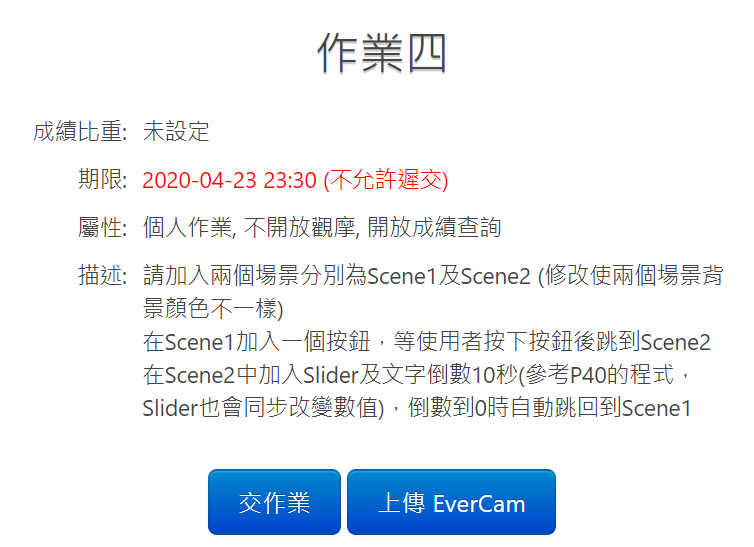
要先熟悉場景切換跟 Slider 用法以及在畫面上建立一個圖片按鈕
建立一個 UI 上的圖片按鈕
切換場景
Slider Bar
按鈕圖片下載
建立兩個場景
首先先做一個圖片按鈕
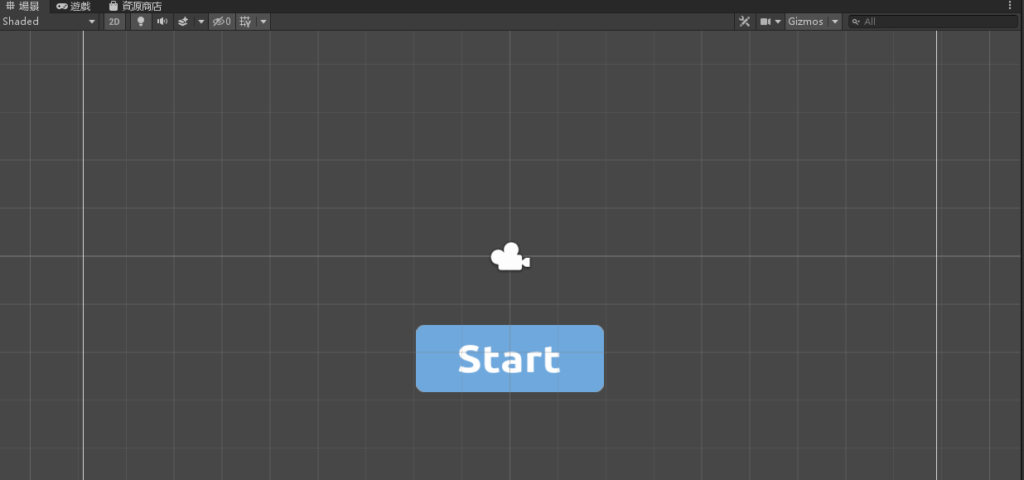
另存成一個場景,名為「Scene1」
並且在資源管理器的目錄「Assets」「Scenes」目錄下按滑鼠右鍵「建立」「場景」命名為「Scene2」
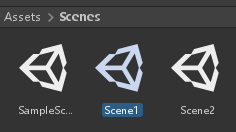
先編輯 Scene1 ,點兩下進入修改 Scene1 的背景顏色

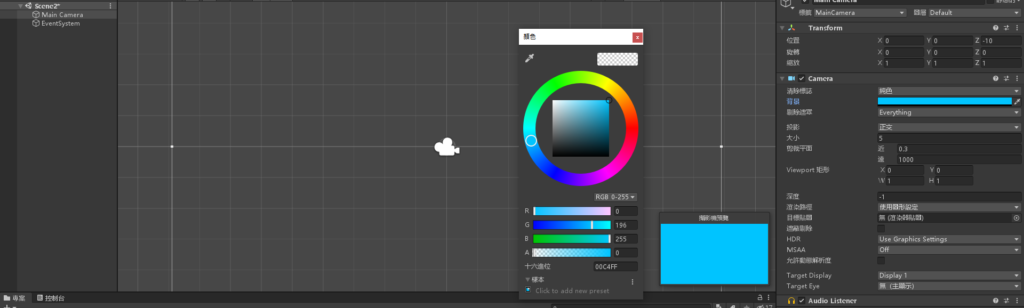
再來編輯 Scene2 修改背景顏色
在 Scene1 的按鈕按下後跳到 Scene2
建立一個 C# 腳本,命名為「Jump2」
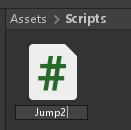
編輯 Jump2 腳本,加入以下程式碼
using System.Collections;
using System.Collections.Generic;
using UnityEngine;
public class Jump2 : MonoBehaviour
{
// Start is called before the first frame update
void Start()
{
}
// Update is called once per frame
void Update()
{
}
public void MENU_ACTION_GOTO_PAGE()
{
Application.LoadLevel("Scene2");
}
}
將 Jump2 腳本拉到物件「Main Camera」底下
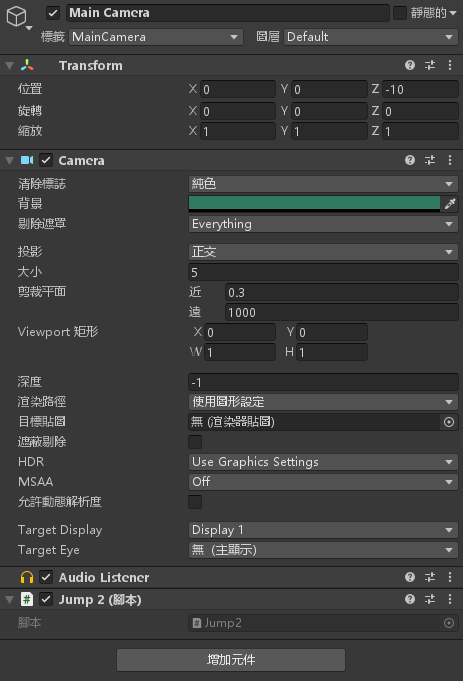
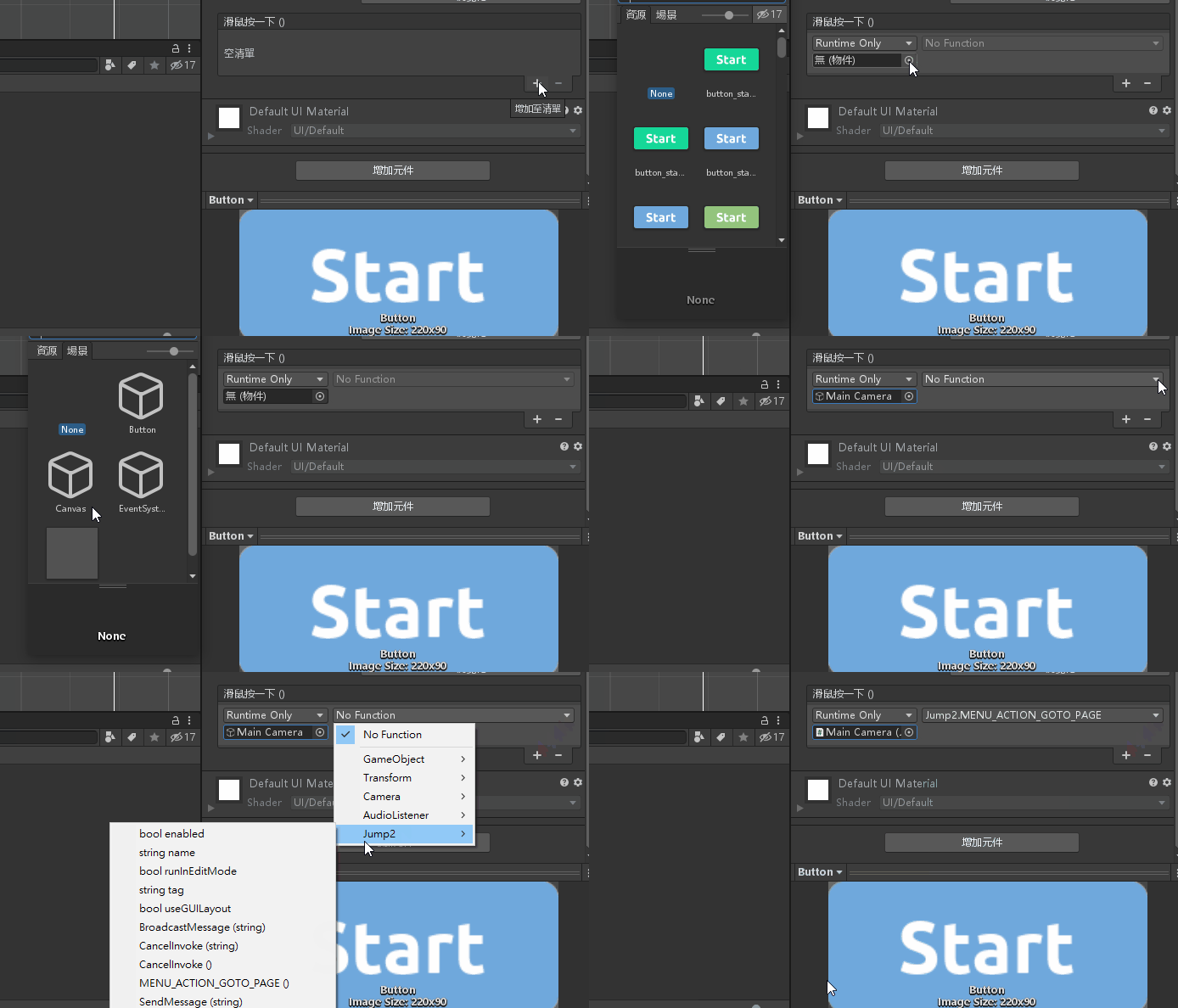
將「Button」物件的 OnClick() (滑鼠按一下()) 設定為 Main Camera
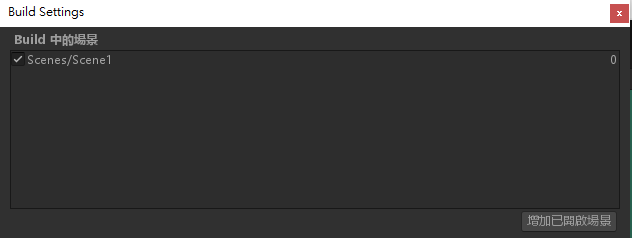
依序按下「檔案」「建置設定..」將 Scene1 加入
按下 Ctrl + S 儲存所有設定
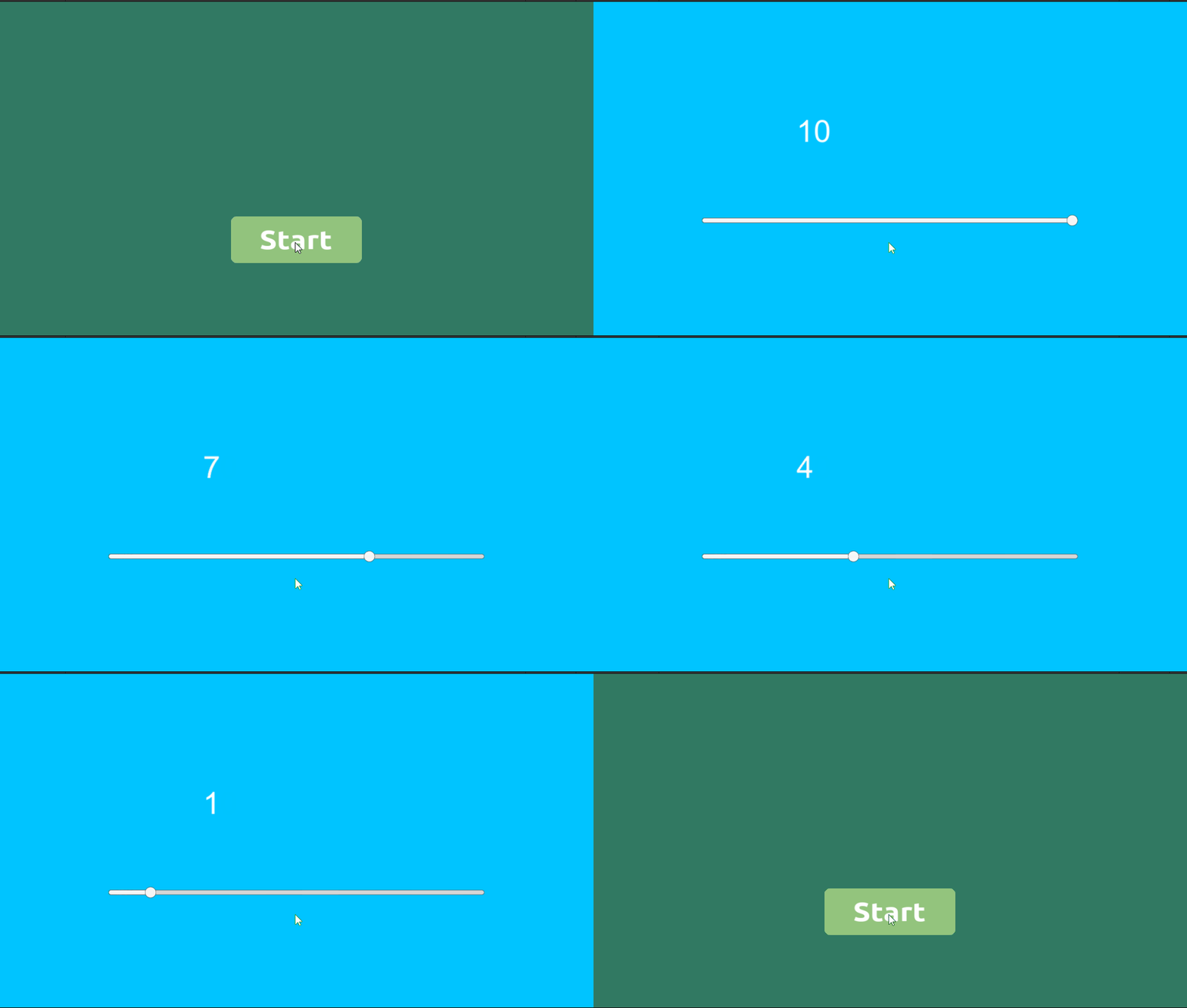
在 Scene2 加入 Slider 以及倒數計時並跳回 Scene1
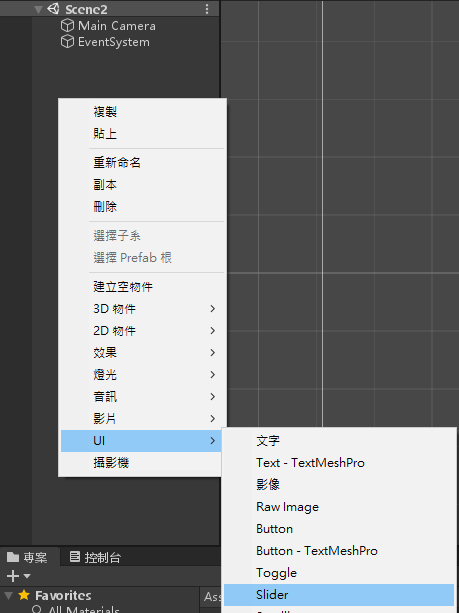
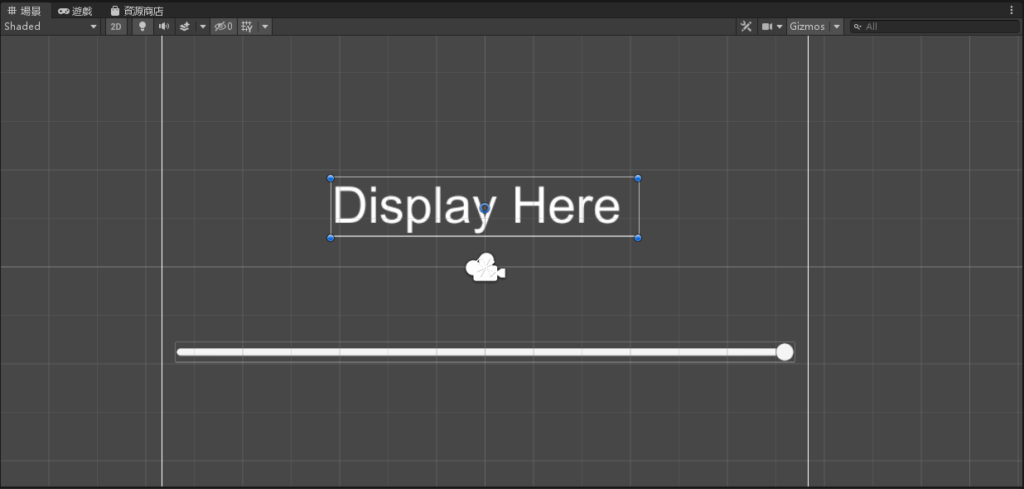
進入 Scene2 場景,「階層」「UI」「Slider」加入 Slider
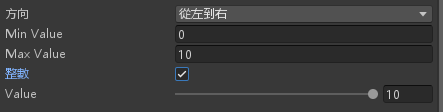
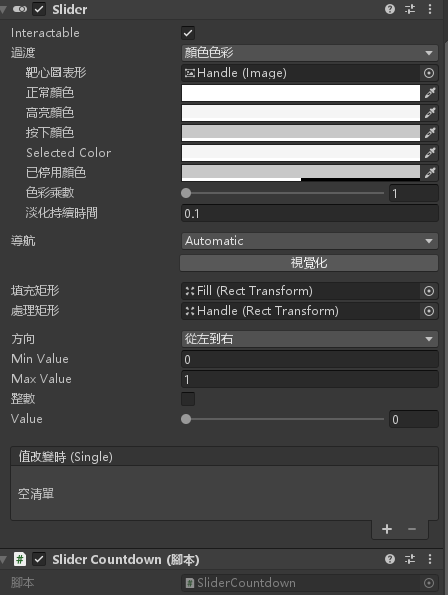
設定 Slider 物件的屬性
- Min Value: 0
- Max Value: 10
- 整數打勾
- Value: 10
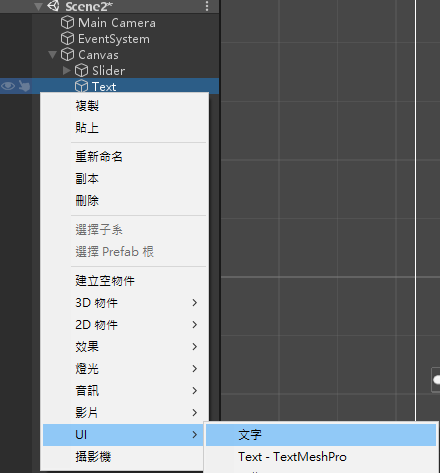
「階層」「UI」「文字」加入 Text
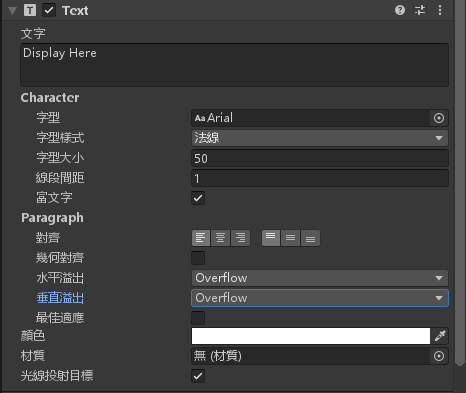
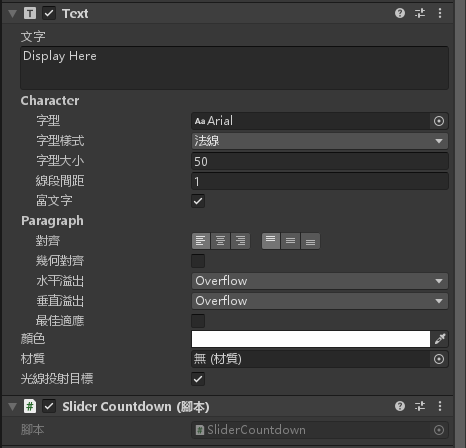
設定文字物件的屬性
Scene2 設定完成
建立一個腳本,名為「SliderCountdown」
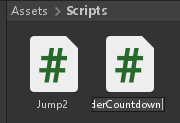
編輯腳本並加入以下程式碼
using System.Collections;
using System.Collections.Generic;
using UnityEngine;
using UnityEngine.UI;
using UnityEngine.SceneManagement;
public class SliderCountdown : MonoBehaviour
{
// Start is called before the first frame update
private int First_Second;
private Slider SliderUI;
private Text TextUI;
private float countdowntimerdelay;
private float countdowntimerstarttime;
void Start()
{
SliderUI = GameObject.Find("Slider").transform.GetComponent<Slider>();
TextUI = GameObject.Find("Text").transform.GetComponent<Text>();
First_Second = 11;
CountdownTimerRestet(First_Second);
}
// Update is called once per frame
void Update()
{
int timeleft = (int)CountdownTimersecre();
SliderUI.value = timeleft;
TextUI.text = timeleft.ToString();
if (timeleft == 0) Goto_Scene1();
}
private void Goto_Scene1() { SceneManager.LoadScene("Scene1"); }
private void CountdownTimerRestet(float delaysec)
{
countdowntimerdelay = delaysec;
countdowntimerstarttime = Time.time;
}
private float CountdownTimersecre()
{
float elapsedsec = Time.time - countdowntimerstarttime;
float timeleft = countdowntimerdelay - elapsedsec;
return timeleft;
}
}
將腳本拉入 Slider 物件底下
將腳本拉入 Text 物件底下
依序按下「檔案」「建置設定..」將 Scene2 加入
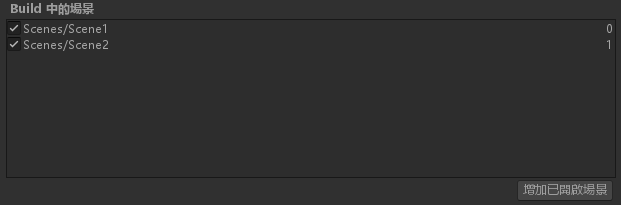
按下 Ctrl + S 儲存所有設定
完成,看看效果吧!

資工系所碩二畢
-
車牌回來了
但是現在汽門漏氣,維修ing...
-
車牌回來了
但是現在汽門漏氣,維修ing...
Latest posts by SHXJ (see all)
- 受保護的內容: NAS 版 Mathbot 管理網站與 Linebot 啟動方法 - 2024 年 11 月 15 日
- Realtime 啥鬼的 - 2021 年 6 月 15 日
- nodejs 數學遊戲 - 2021 年 6 月 8 日