
作業需求
前置作業與素材下載
請先了解基礎操作:占卜輪盤
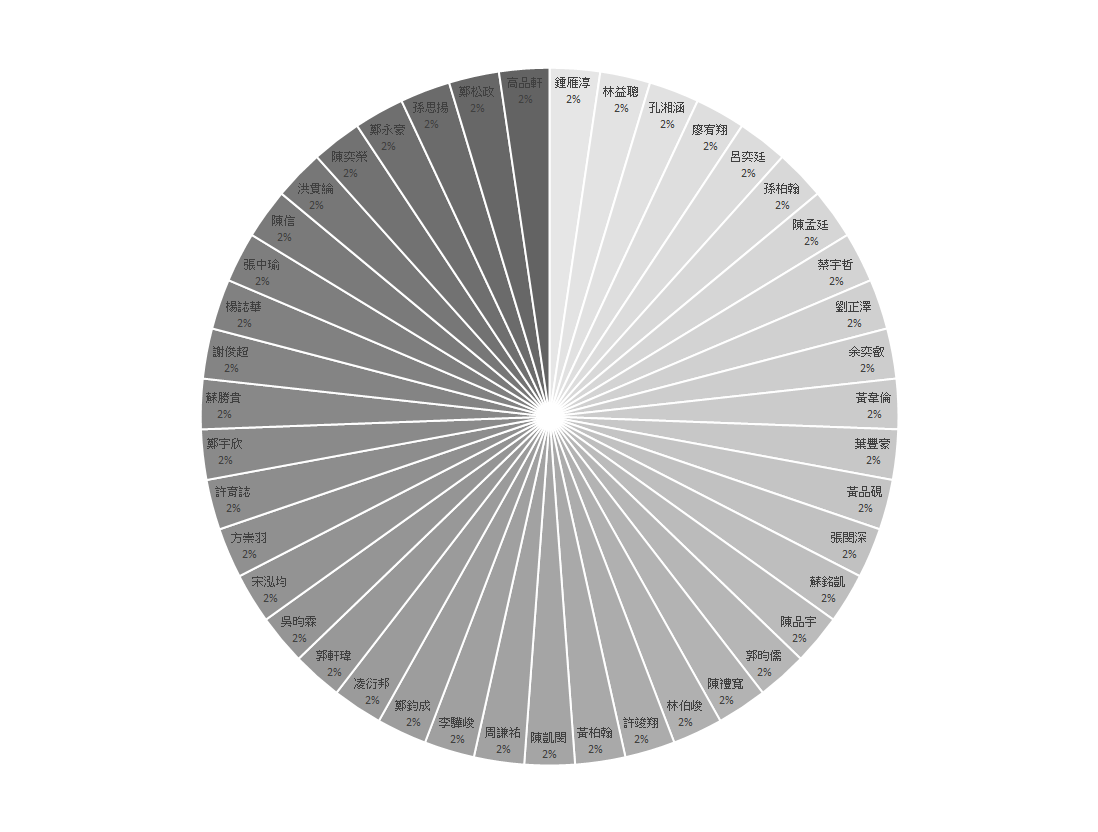

STARTO!
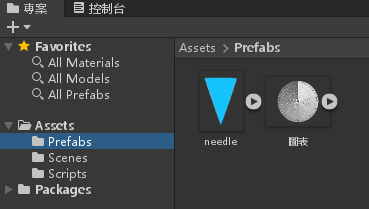
建立一個 2D 專案,並將開頭下載的兩個素材拉進來
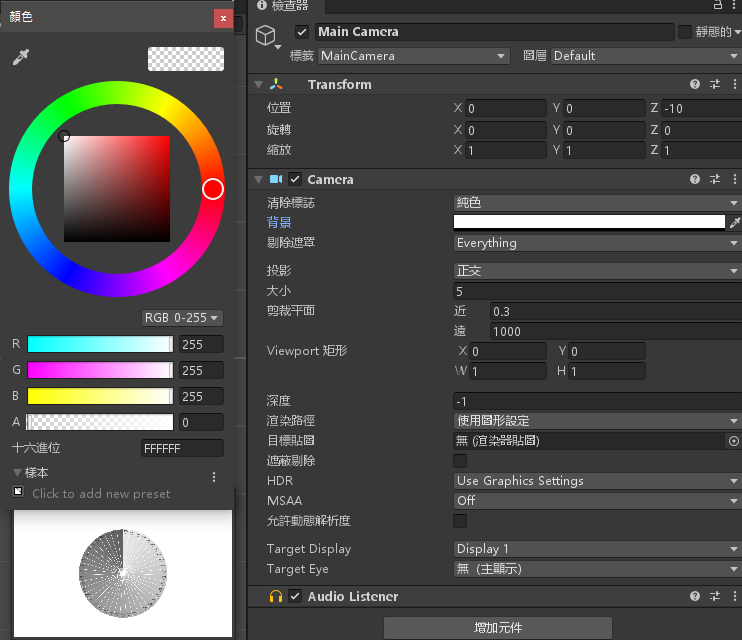
修改 MainCamera 的顏色為全白色
將 圖表 拉進階層視窗裡面
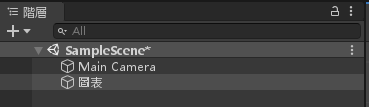
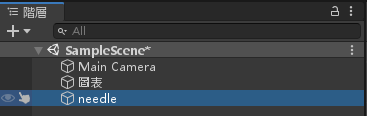
將 needle (指針) 拉進階層視窗裡面
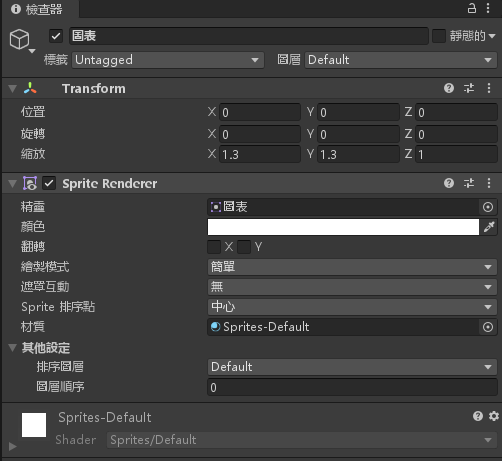
將 圖表 物件屬性設定如下(位置0, 0, 0 縮放1.3, 1.3, 1)
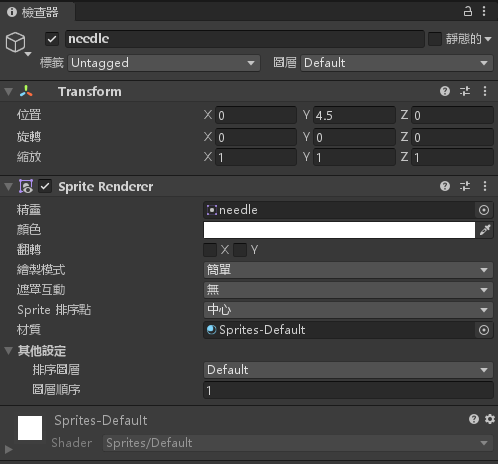
將 needle 物件設定以下屬性(位置 Y:4.5)
新增一個 UI > 文字,設定好 Canvas 與 渲染攝影機,並且設定好文字的屬性
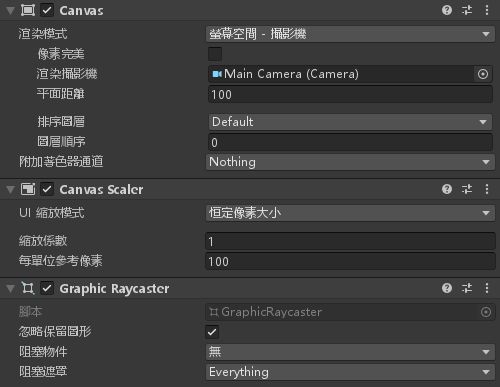
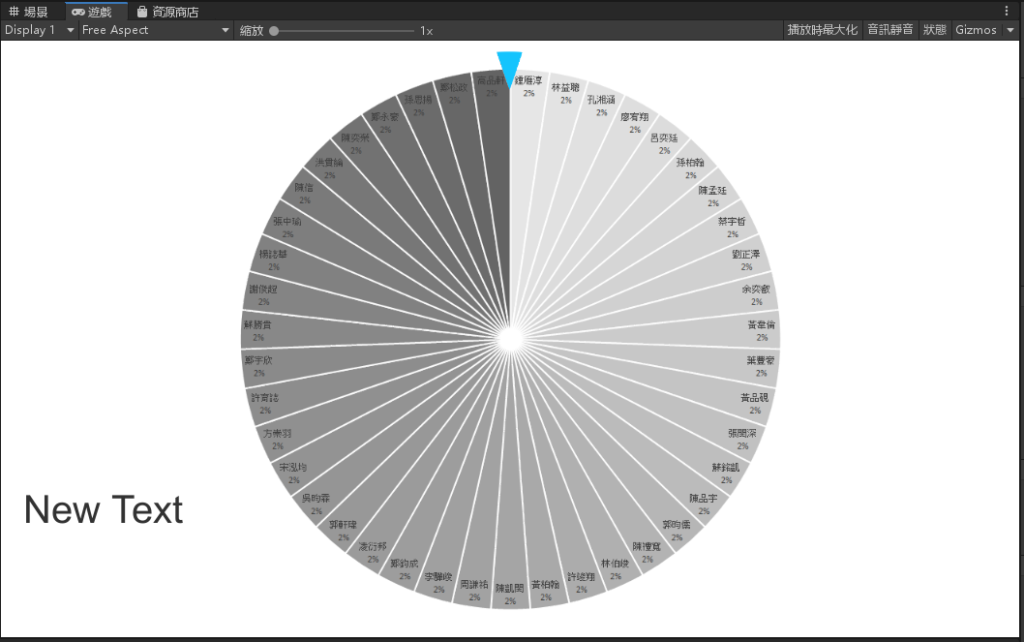
完成
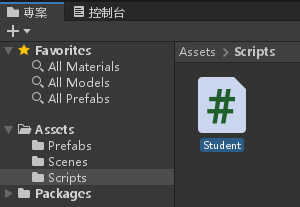
建立一個 C# 腳本,名為 Student
點兩下編輯腳本並輸入以下程式碼
using System;
using System.Collections;
using System.Collections.Generic;
using UnityEngine;
using UnityEngine.UI;
public class Student : MonoBehaviour
{
// Start is called before the first frame update
string[] Student_List = new string[] { "鍾雁淳", "林益聰", "孔湘涵", "廖宥翔", "呂奕廷", "孫柏翰", "陳孟廷",
"蔡宇哲", "劉正澤", "余奕叡", "黃韋倫", "葉豐豪", "黃品硯","張閔深", "蘇銘凱", "陳品宇", "郭昀儒",
"陳禮寬", "林伯峻", "許竣翔", "黃柏翰", "陳凱閔", "周謙祐","李驊峻", "鄭鈞成", "凌衍邦", "郭軒瑋",
"吳昀霖", "宋泓均", "方崇羽", "許育誌", "鄭宇欣", "蘇勝貴","謝俊超", "楊誌華", "張中瑜", "陳信",
"洪貫綸", "陳奕榮", "鄭永豪", "孫思揚", "鄭松政", "高品軒" };
float rotSpeed = 0;
private Text Angle;
void Start()
{
Angle = GameObject.Find("Text").transform.GetComponent<Text>();
Angle.text = "今天的倒楣鬼:";
}
// Update is called once per frame
void Update()
{
float Once_Percent = 360.0f / 43.0f;
if (Input.GetMouseButtonDown(0))
rotSpeed = UnityEngine.Random.Range(10.0f, 30.0f);
transform.Rotate(0, 0, rotSpeed);
rotSpeed *= 0.995f;
float now_rotation = transform.localEulerAngles.z;
float result = (now_rotation / Once_Percent) * 1.0f;
if (now_rotation != 0)
Angle.text = "今天的倒楣鬼:\n" + Student_List[(int)Math.Ceiling(result) - 1].ToString();
}
}
將 Student.cs 腳本拉進 圖表 物件底下
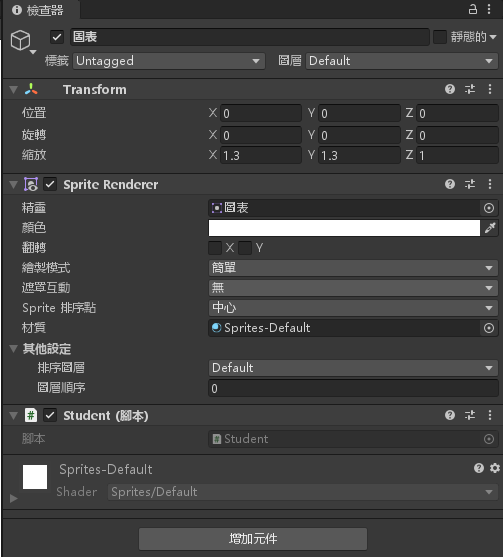
完成

資工系所碩二畢
-
車牌回來了
但是現在汽門漏氣,維修ing...
-
車牌回來了
但是現在汽門漏氣,維修ing...
Latest posts by SHXJ (see all)
- 受保護的內容: NAS 版 Mathbot 管理網站與 Linebot 啟動方法 - 2024 年 11 月 15 日
- Realtime 啥鬼的 - 2021 年 6 月 15 日
- nodejs 數學遊戲 - 2021 年 6 月 8 日