
前置作業
首先按照上個禮拜的文章,建立一個虛擬環境,資料夾使用 week2
建立完成後進入虛擬環境 week2 資料夾
將 django 套件安裝起來並且確認版本
pip install django
python -m django --version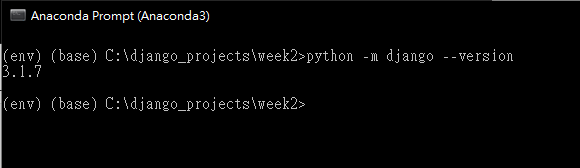
建立一個專案,名稱為 mysite
django-admin startproject mysite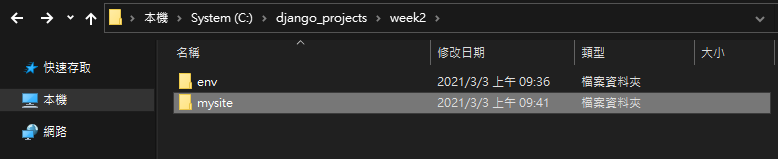
進入專案資料夾並且測試伺服器能不能運作
cd mysite
python manage.py runserver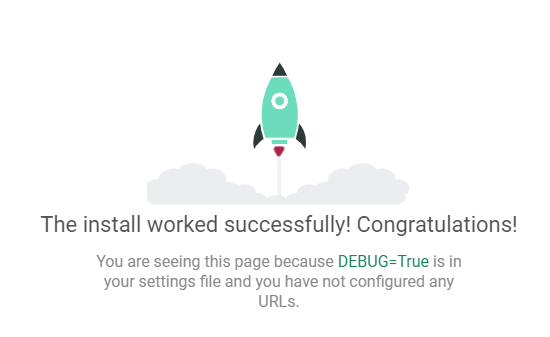
再來按照上個禮拜的文章,建立一個 polls 模組

資料庫設定
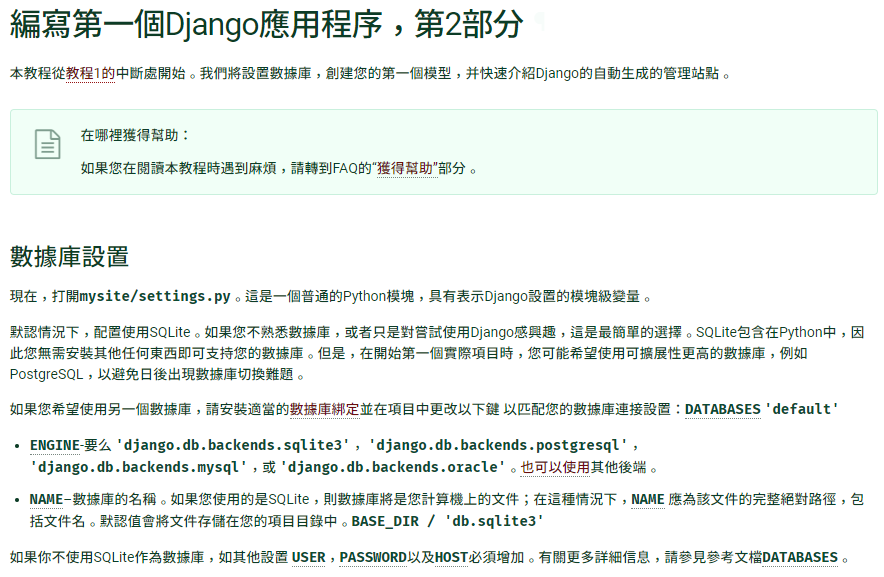
首先在 mysite 目錄開啟 VSCODE
code .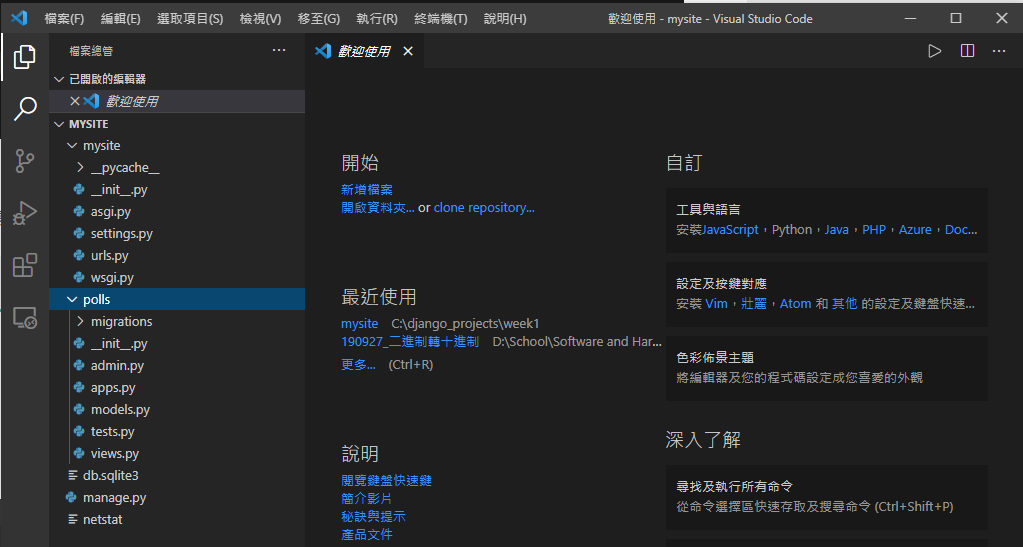
開啟 mysite/settings.py 檔案,修改時區 (第 106、108 行) 為台灣時區
LANGUAGE_CODE = 'zh-Hant'
TIME_ZONE = 'Asia/Taipei'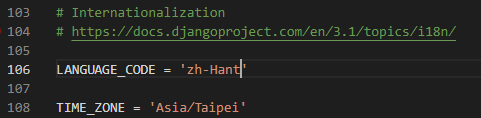
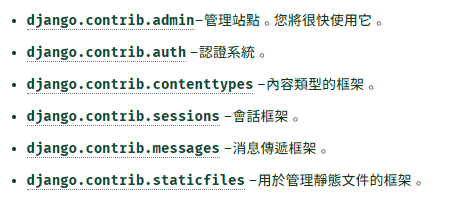
預設的情況下,django 包含以下的模組
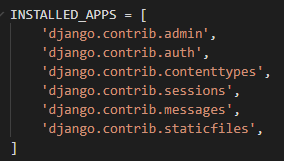
以下是官方文件對於這些模組的解釋
再來執行以下的指令建立資料庫
python manage.py migrate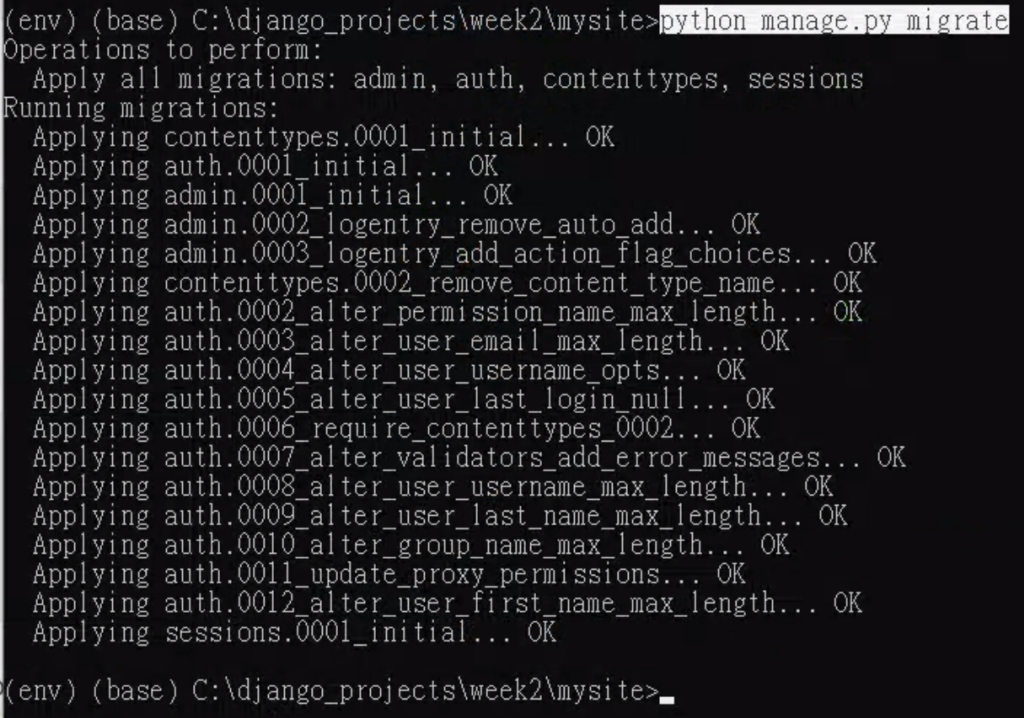
開啟 polls/models.py 檔案,修改成以下程式碼
from django.db import models
class Question(models.Model):
question_text = models.CharField(max_length=200)
pub_date = models.DateTimeField('date published')
class Choice(models.Model):
question = models.ForeignKey(Question, on_delete=models.CASCADE)
choice_text = models.CharField(max_length=200)
votes = models.IntegerField(default=0)
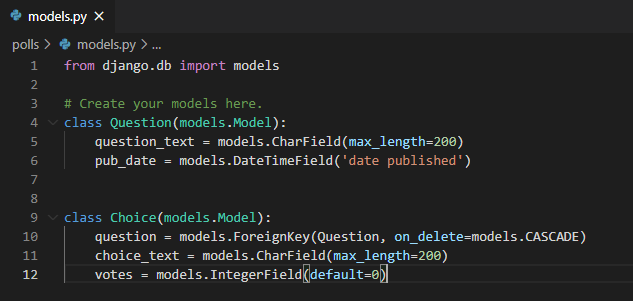
開啟 mysite/settings.py ,找到 INSTALLED_APPS (第33行),加入新的一行設定檔案
'polls.apps.PollsConfig',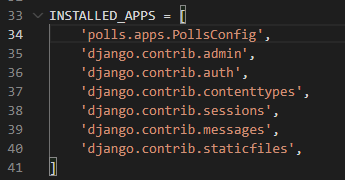
執行以下的指令,告訴 django 我們對於模組有做了一些更改
把 model 類別定義轉換成 django 資料庫修改的語法
並且觀察 django 資料修改的語法 (翻譯 SQL 指令)
python manage.py makemigrations polls
python manage.py sqlmigrate polls 0001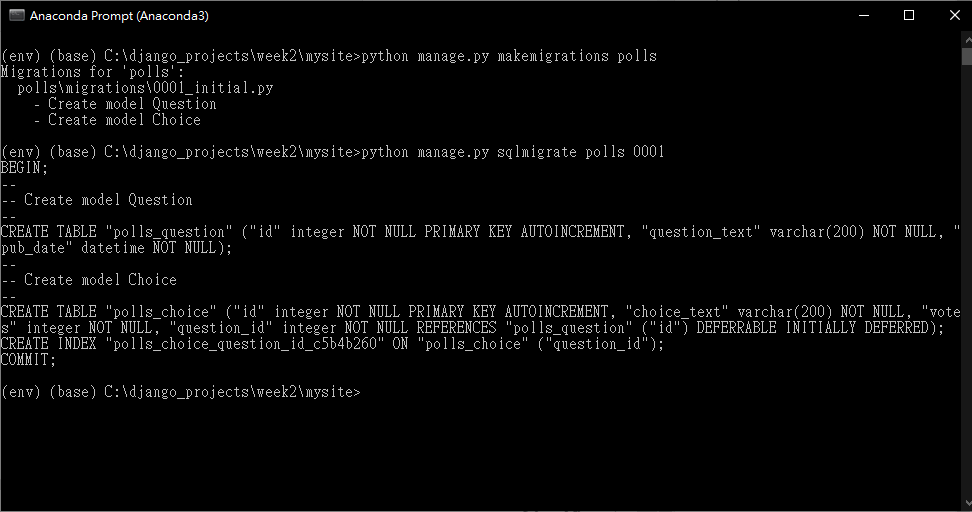
輸入以下的指令執行寫入資料庫,建立以及修改資料表
python manage.py migrate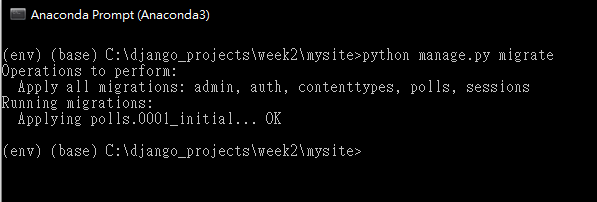
進入 python 與 django 的互動式 shell 終端機
python manage.py shell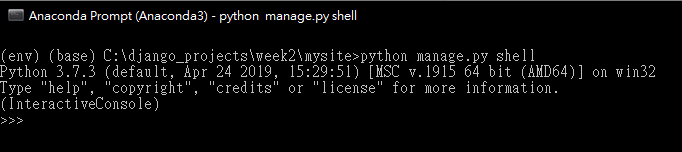
匯入 polls 模組
from polls.models import Choice, Question查看一下目前的所有資料
Question.objects.all()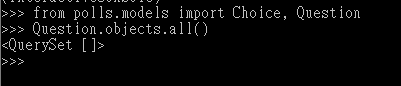
匯入時區,準備新增資料
from django.utils import timezone新增一筆資料
q = Question(question_text="What's new?", pub_date=timezone.now())儲存這一筆資料
q.save()查看剛剛新增資料的 id
q.id
查看第一筆資料的問題文字
q.question_text查看第一筆資料的發布日期
q.pub_date
修改第一筆資料問題的文字為 “What’s up?” 並且儲存
q.question_text = "What's up?"
q.save()
再次查看目前的所有資料
Question.objects.all()
編輯 polls/models.py ,修改成以下程式碼
import datetime
from django.db import models
from django.utils import timezone
# Create your models here.
class Question(models.Model):
question_text = models.CharField(max_length=200)
pub_date = models.DateTimeField('date published')
def __str__(self):
return self.question_text
def was_published_recently(self):
return self.pub_date >= timezone.now() - datetime.timedelta(days=1)
class Choice(models.Model):
question = models.ForeignKey(Question, on_delete=models.CASCADE)
choice_text = models.CharField(max_length=200)
votes = models.IntegerField(default=0)
def __str__(self):
return self.choice_text
回到互動式的 shell 終端機,首先載入基本的模組
python manage.py shell
from polls.models import Choice, Question
from django.utils import timezone
查找資料,設定條件 id = 1
Question.objects.filter(id=1)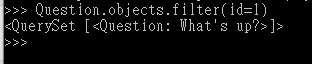
查詢資料,設定條件為 問題起始為 “What”
Question.objects.filter(question_text__startswith='What')
設定目前的年份
current_year = timezone.now().year查詢資料,設定條件為今年的資料
Question.objects.get(pub_date__year=current_year)
查詢資料,設定條件為鍵值 = 1
Question.objects.get(pk=1)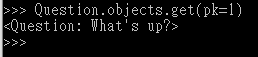
判定某一筆資料是不是最近一天內發布的資料
q = Question.objects.get(pk=1)
q.was_published_recently()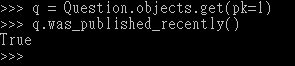
查詢資料,設定條件為已選擇的資料
q.choice_set.all()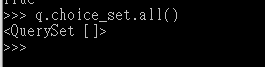
建立三個已選擇的資料
q.choice_set.create(choice_text='Not much', votes=0)
q.choice_set.create(choice_text='The sky', votes=0)
c = q.choice_set.create(choice_text='Just hacking again', votes=0)
c.question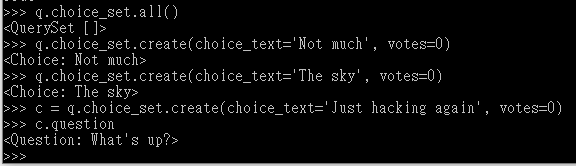
顯示已選擇的資料與數量
q.choice_set.all()
q.choice_set.count()
查詢資料,設定條件今年發布的資料
Choice.objects.filter(question__pub_date__year=current_year)
刪除其中一個選項
c = q.choice_set.filter(choice_text__startswith='Just hacking')
c.delete()
建立一個管理員帳號
輸入以下的指令建立一個超級使用者(管理員)帳號
python manage.py createsuperuser輸入管理員帳號

輸入電子信箱

輸入密碼 (確認使用不安全的密碼)
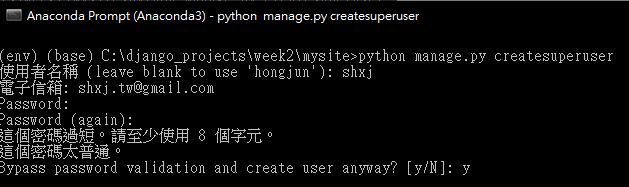
建立成功
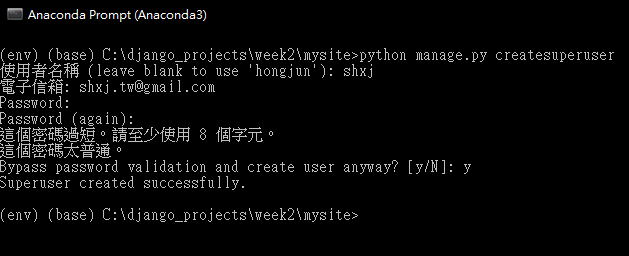
開啟伺服器後台,登入剛剛輸入的帳號密碼
python manage.py runserver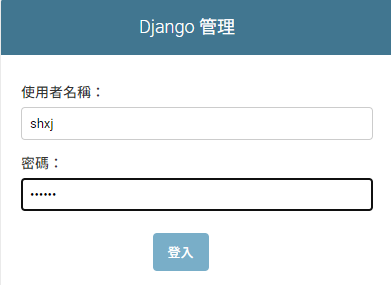
登入畫面
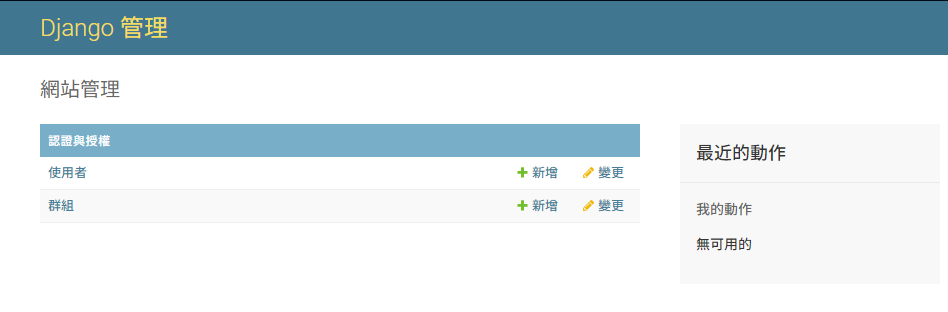
但是後台沒有看到剛剛我們建立的資料,所以要修改一下 polls/admin.py 檔案
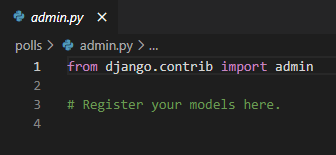
加入以下的程式碼
from django.contrib import admin
from .models import Question
admin.site.register(Question)
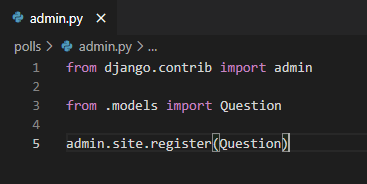
再次進入後台,會發現多了一個 polls
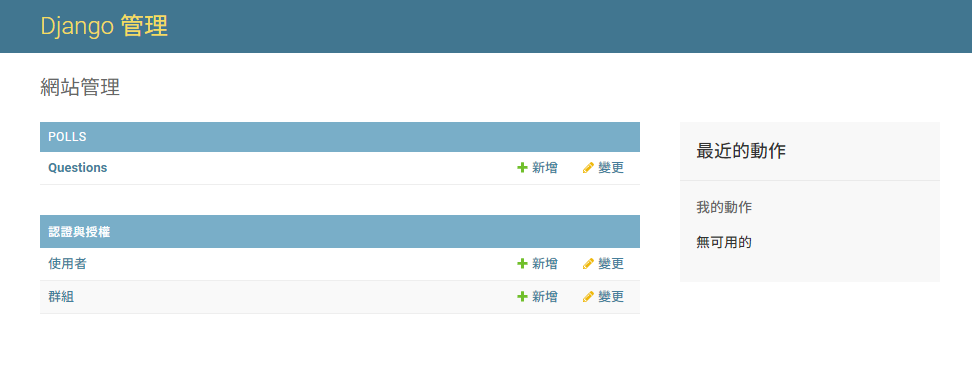
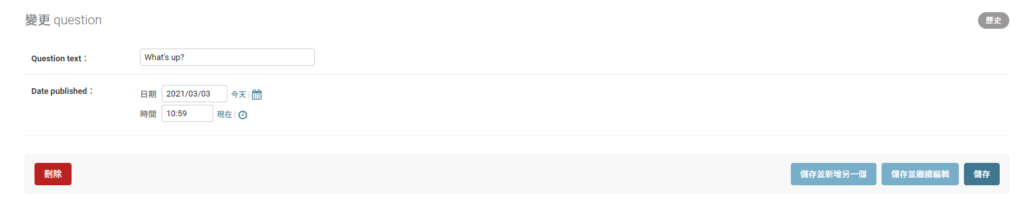
再來就可以變更資料

-
車牌回來了
但是現在汽門漏氣,維修ing...
- 受保護的內容: NAS 版 Mathbot 管理網站與 Linebot 啟動方法 - 2024 年 11 月 15 日
- Realtime 啥鬼的 - 2021 年 6 月 15 日
- nodejs 數學遊戲 - 2021 年 6 月 8 日