
游戏素材

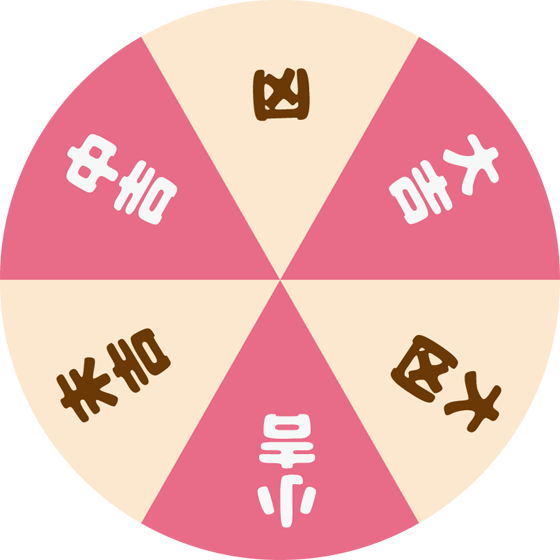
开始制作游戏
新建一个 2D 专案
将开头的两个素材拉进专案的资源管理器
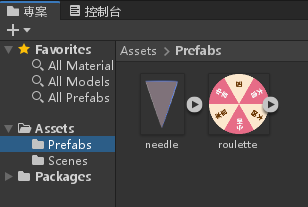
将 roulette (轮盘) 拉进阶层视窗
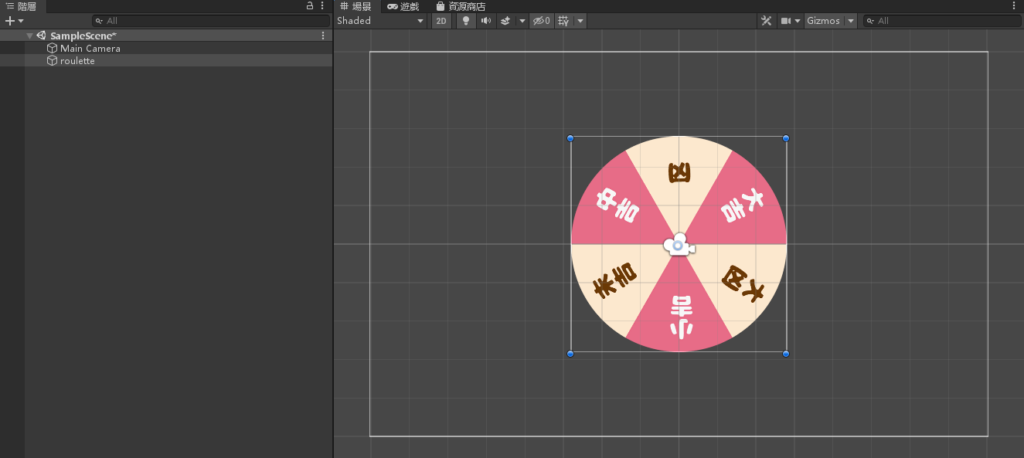
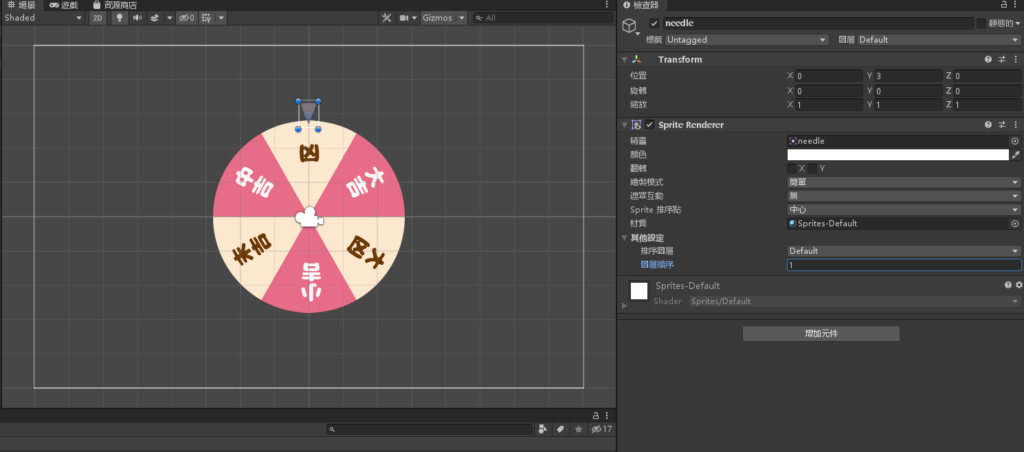
同样的将 needle (指针) 拉进阶层视窗,并设定属性位置为 0,3,0,图层顺序1
选到阶层视窗的 Main Camera ,将背景颜色修改为 FBFBF2 (浅黄色)
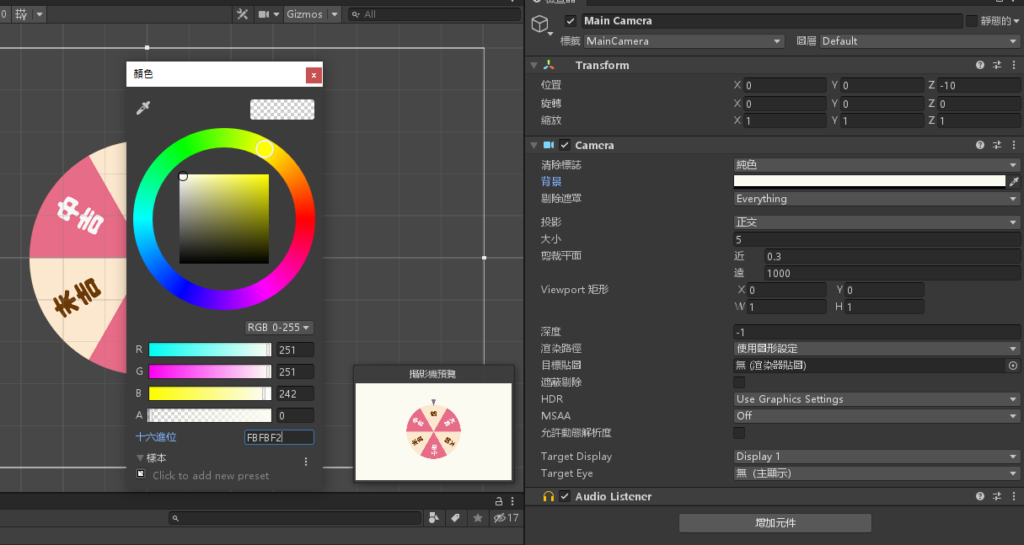
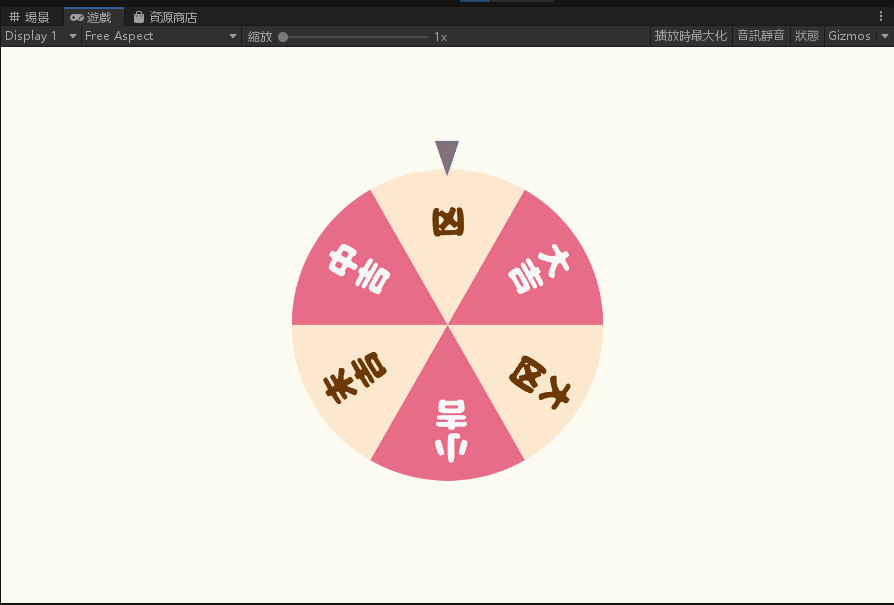
完成
撰写 C# 脚本
新增一个 C# 脚本,名为「RouletteController」
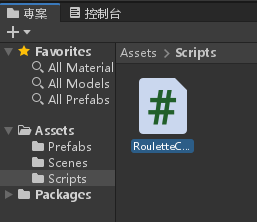
将以下程式码新增至脚本
using System.Collections;
using System.Collections.Generic;
using UnityEngine;

public class RouletteController : MonoBehaviour
{
    // Start is called before the first frame update
    float rotSpeed = 0;

    void Start()
    {

    }

    // Update is called once per frame
    void Update()
    {
        if (Input.GetMouseButtonDown(0))
            rotSpeed = Random.Range(10.0f, 30.0f);
        transform.Rotate(0, 0, rotSpeed);
        rotSpeed *= 0.995f;
    }
}
将 RouletteController 脚本新增到 roulette 物件底下
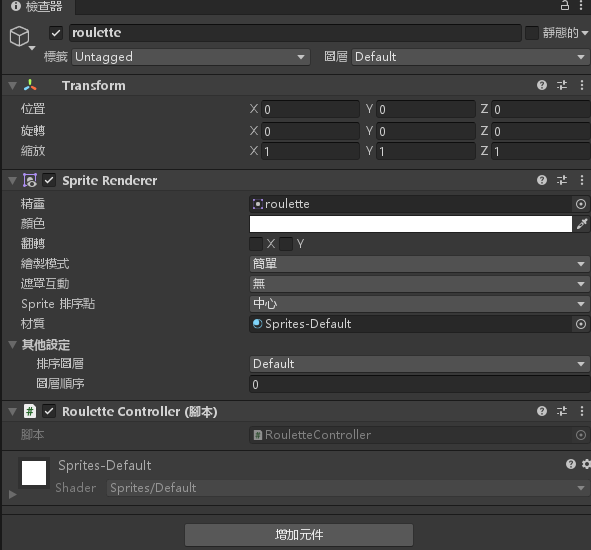
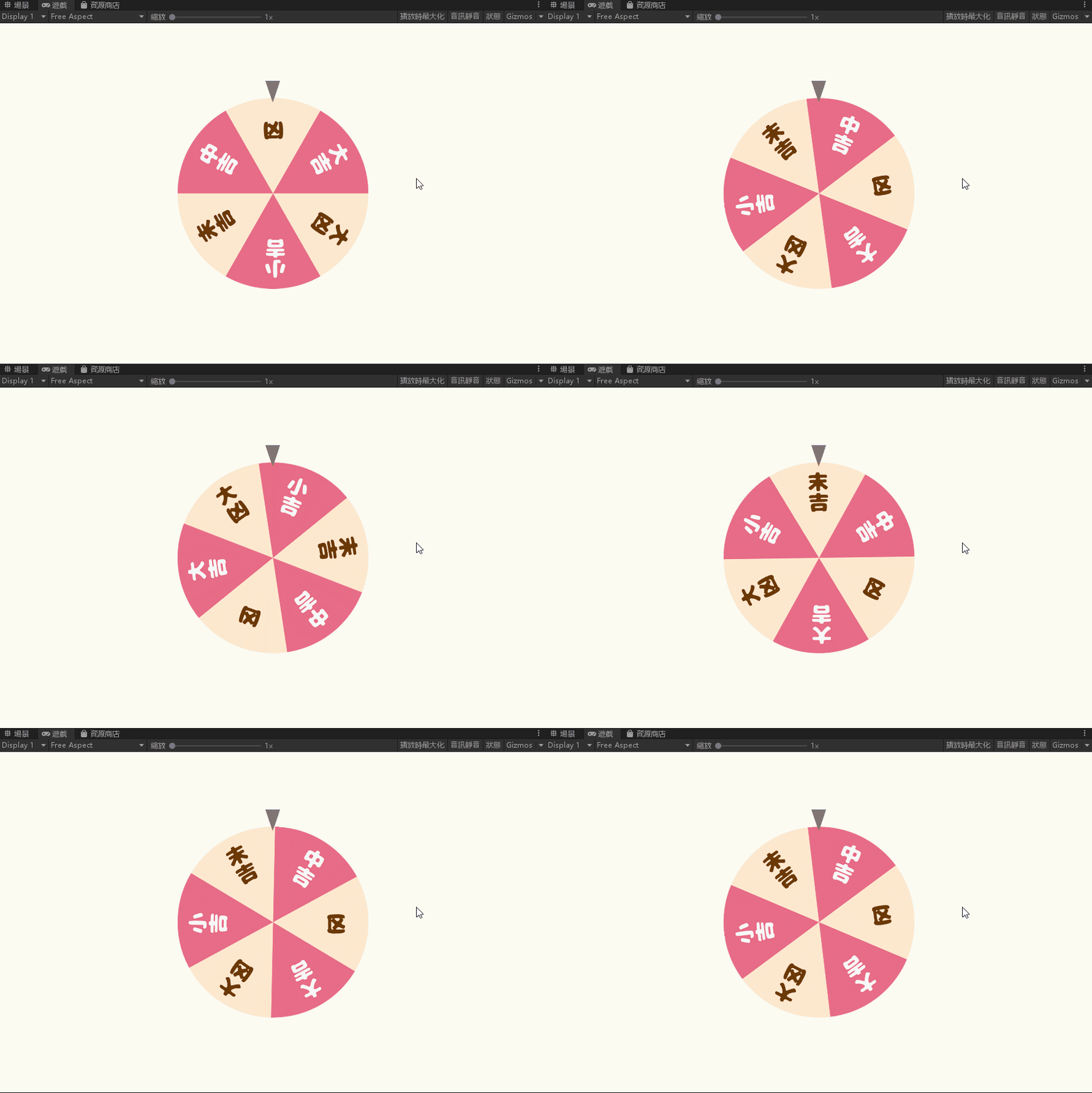
完成,看看结果吧
让程式知道你现在停在哪里
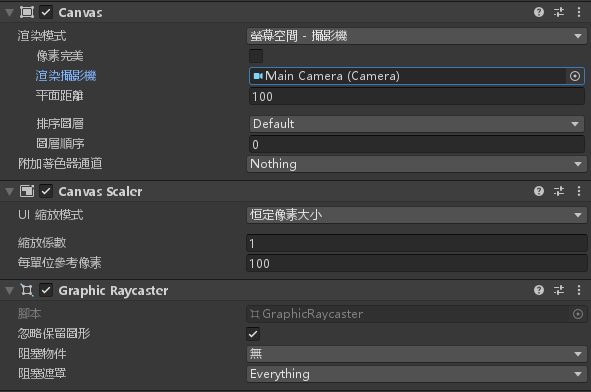
加入一个文字的 UI 在阶层视窗,设定 Canvas 的渲染模式为萤幕空间 – 摄影机
渲染摄影机设为 MainCamera
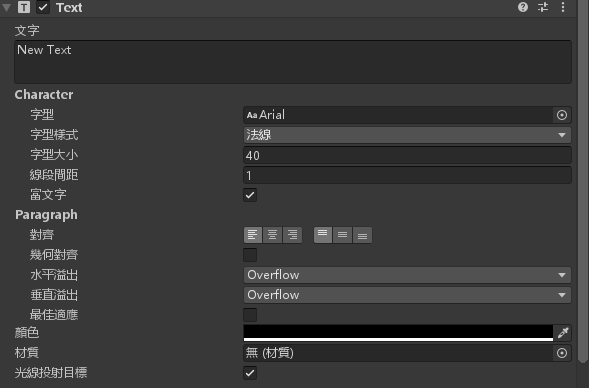
设定一下文字的属性让他可以在萤幕上被看到
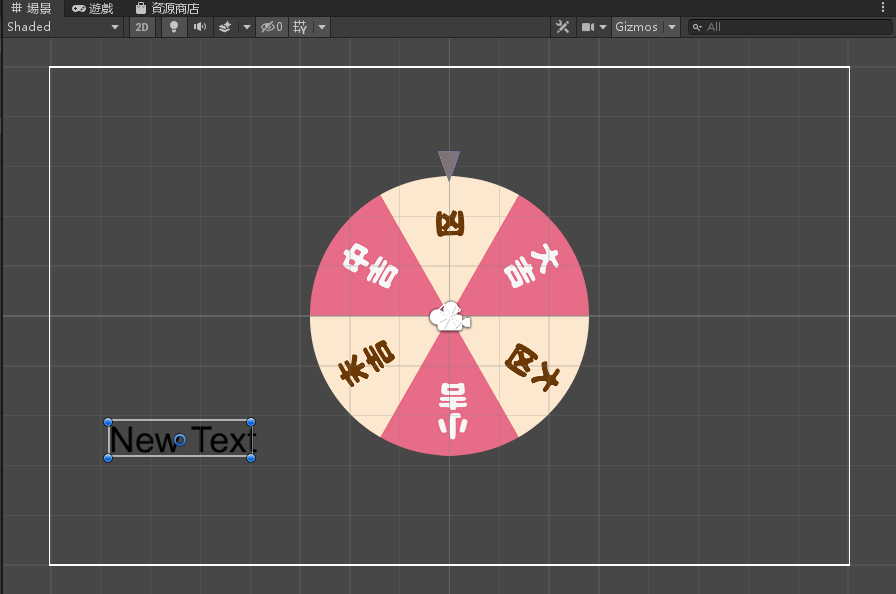
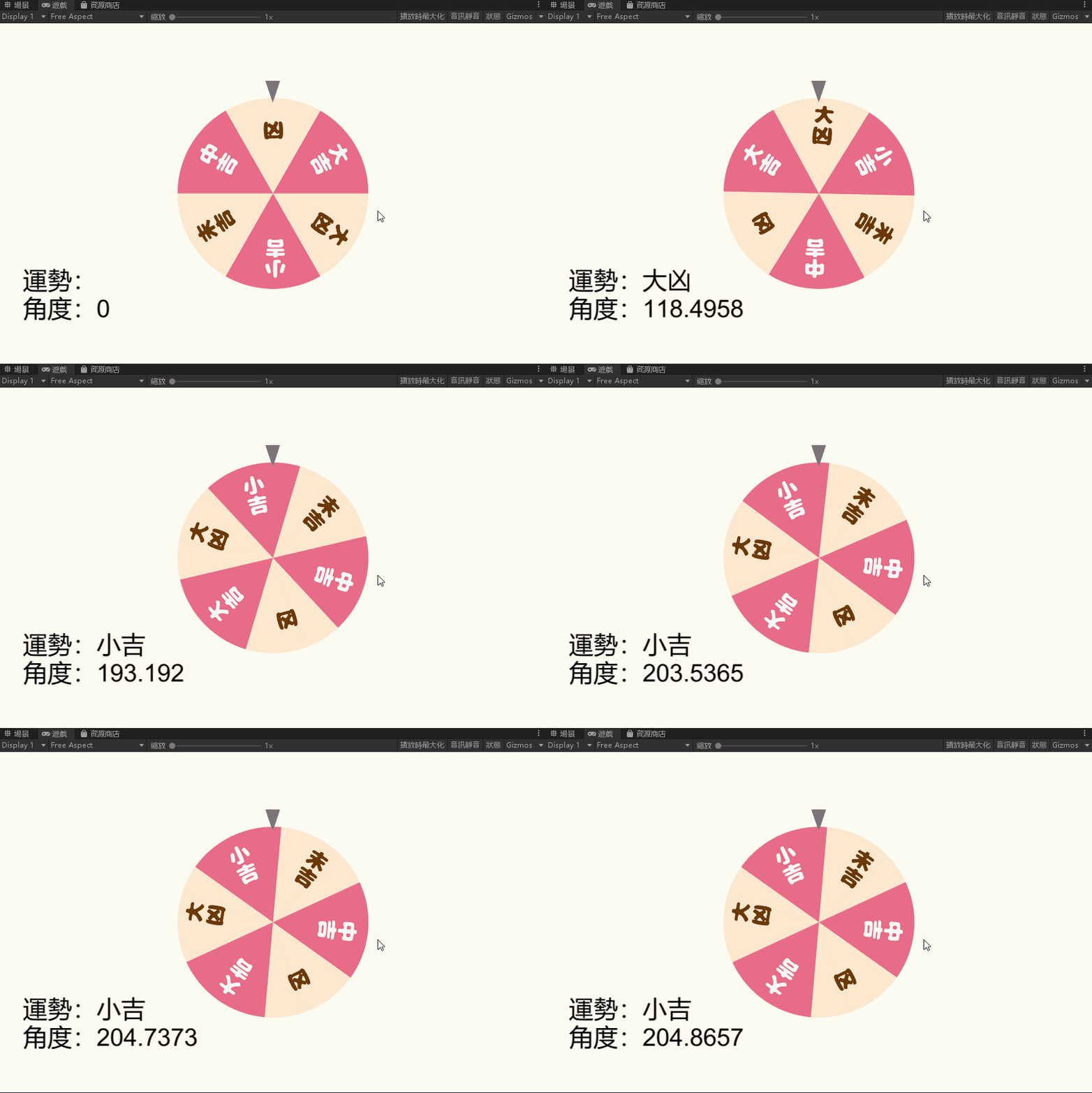
完成
获取面板中的角度值与显示运势文字
修改刚刚的 RouletteController.cs 脚本为以下
using System.Collections;
using System.Collections.Generic;
using UnityEngine;
using UnityEngine.UI;

public class RouletteController : MonoBehaviour
{
    // Start is called before the first frame update
    float rotSpeed = 0;
    private Text Angle;
    void Start()
    {
        Angle = GameObject.Find("Text").transform.GetComponent<Text>();
    }

    // Update is called once per frame
    void Update()
    {
        if (Input.GetMouseButtonDown(0))
            rotSpeed = Random.Range(10.0f, 30.0f);
        transform.Rotate(0, 0, rotSpeed);
        rotSpeed *= 0.995f;
        float now_rotation = transform.localEulerAngles.z;
        string now_status = string.Empty;
        if (now_rotation > 0 && now_rotation <= 30)
            now_status = "凶";
        else if (now_rotation > 30 && now_rotation <= 90)
            now_status = "大吉";
        else if (now_rotation > 90 && now_rotation <= 150)
            now_status = "大凶";
        else if (now_rotation > 150 && now_rotation <= 210)
            now_status = "小吉";
        else if (now_rotation > 210 && now_rotation <= 270)
            now_status = "末吉";
        else if (now_rotation > 270 && now_rotation <= 330)
            now_status = "中吉";
        else if (now_rotation > 330)
            now_status = "凶";
        Angle.text = "运势:" + now_status + "\n角度:" + now_rotation.ToString();
    }
}
完成

资工系所硕二毕
-
车牌回来了
但是现在汽门漏气,维修ing...
-
车牌回来了
但是现在汽门漏气,维修ing...
Latest posts by SHXJ (see all)
- 受保护的内容: NAS 版 Mathbot 管理网站与 Linebot 启动方法 - 2024 年 11 月 15 日
- Realtime 啥鬼的 - 2021 年 6 月 15 日
- nodejs 数学游戏 - 2021 年 6 月 8 日
在〈占卜轮盘〉中有 1 则留言