
素材下載
打磚塊遊戲素材:下載
STARTO!
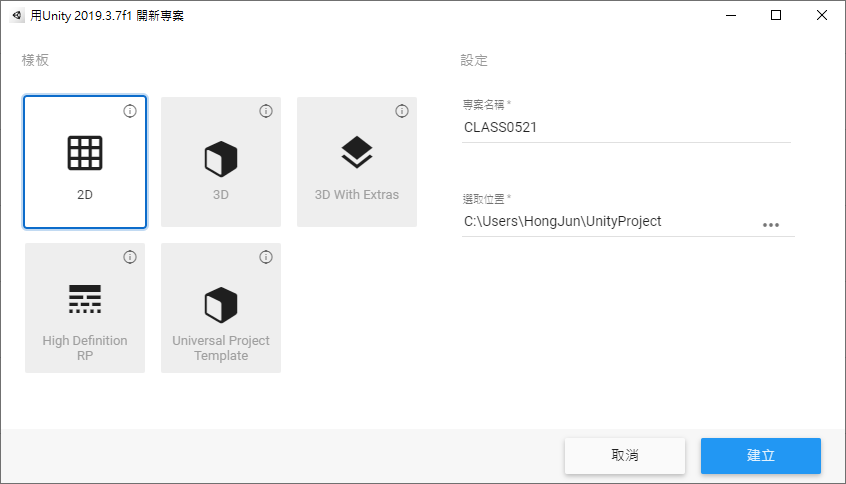
首先建立一個 2D 專案
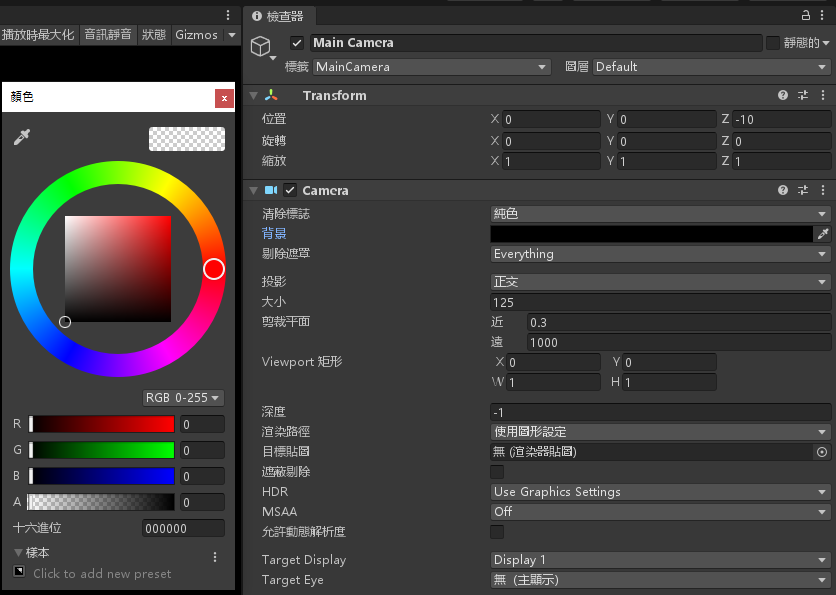
更改 MainCamera 的顏色為黑色 (0, 0, 0, 0),並且變更大小為 125
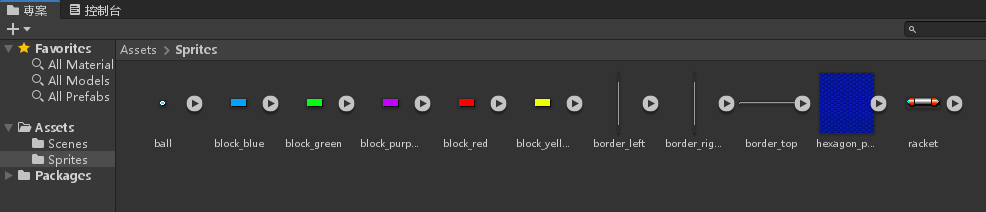
建立 Sprites 資料夾,將開頭下載的素材拉進來
將全部的素材全選
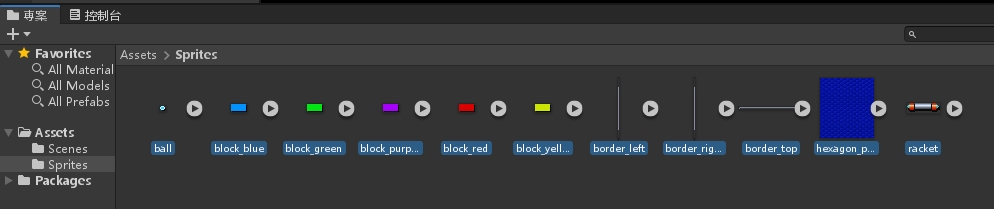
將所有圖片的每單位像素數改為 1
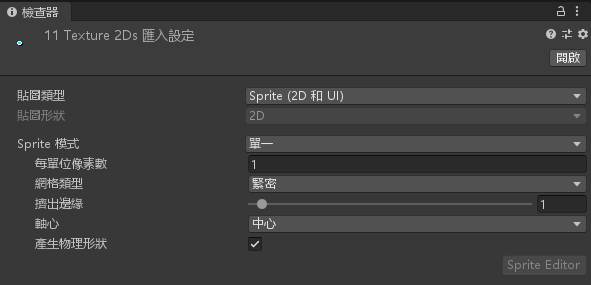
選擇套用
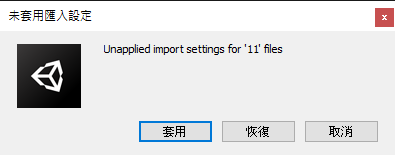
將 hexagon_pattern.png 拉入階層視窗
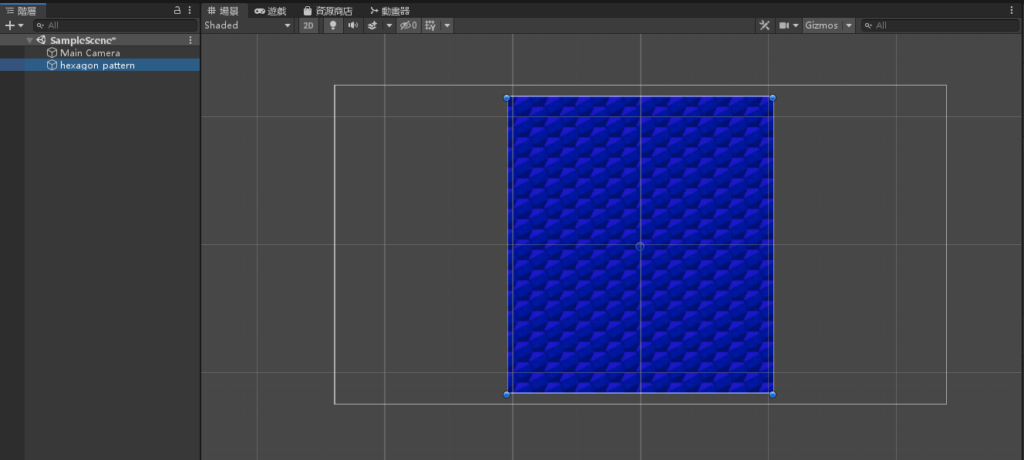
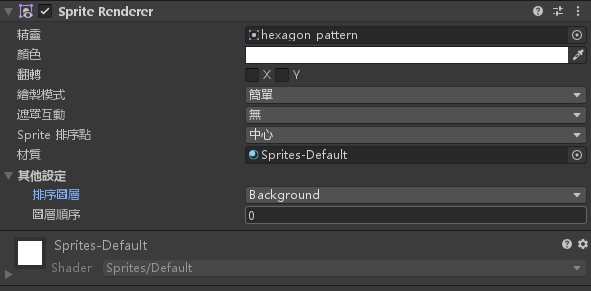
更改 hexagon_pattern 物件的屬性 Sprite Renderer > 其他設定 > 排序圖層,選擇 Add Sorting Layer…

按下 +
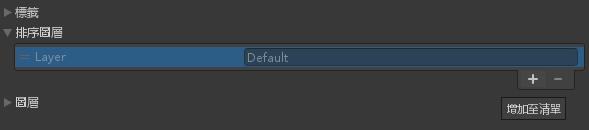
輸入 Background
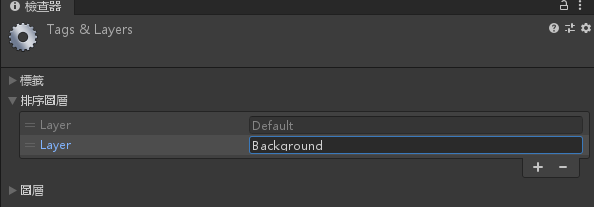
並把 Background 往上拉一個層級
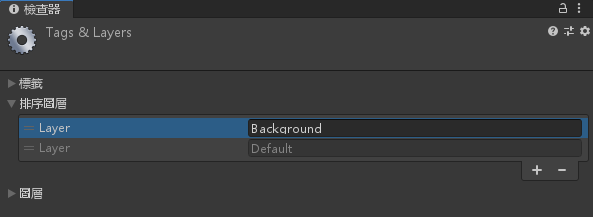
並將 hexagon_pattern 物件的排序圖層改為 Background
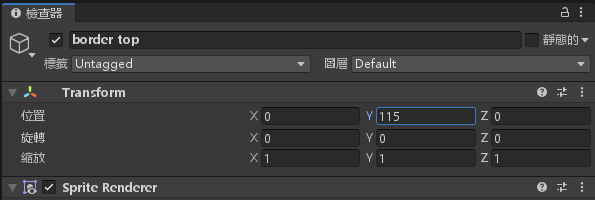
將 border_top.png 拉進階層視窗
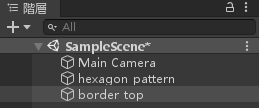
將 border_top 物件的 位置 Y 改為 115
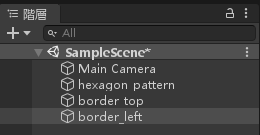
將 border_left.png 拉進階層視窗
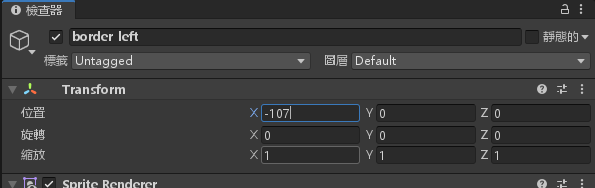
將 border_left 的位置 X 改為 -107
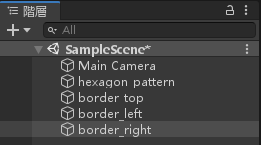
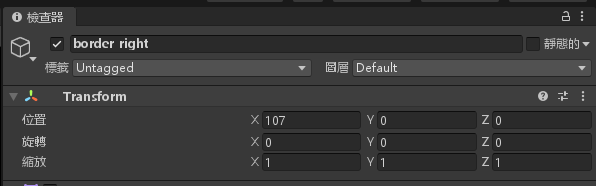
將 border_right.png 拉進階層視窗
將 border_right 的位置 X 改為 107
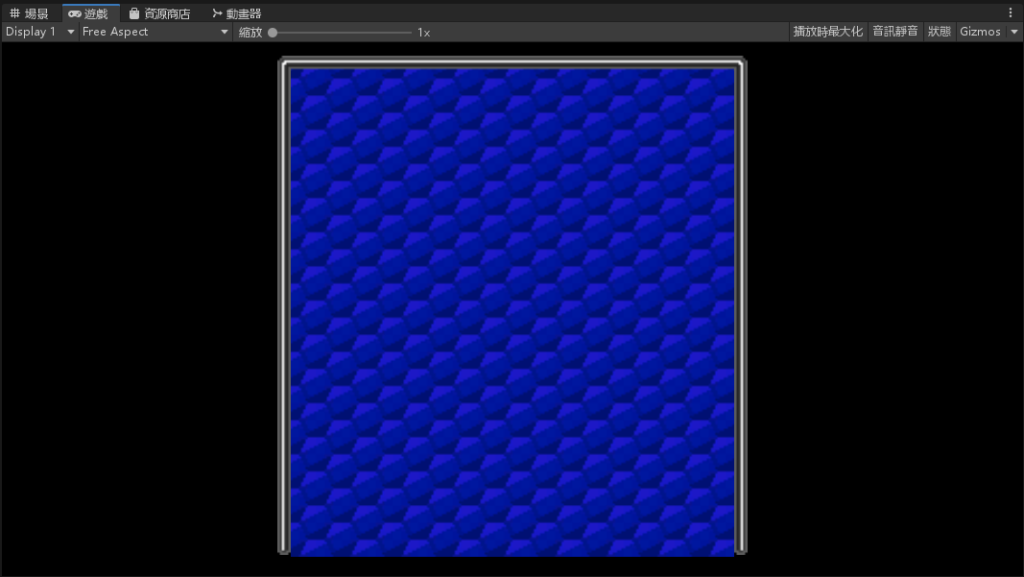
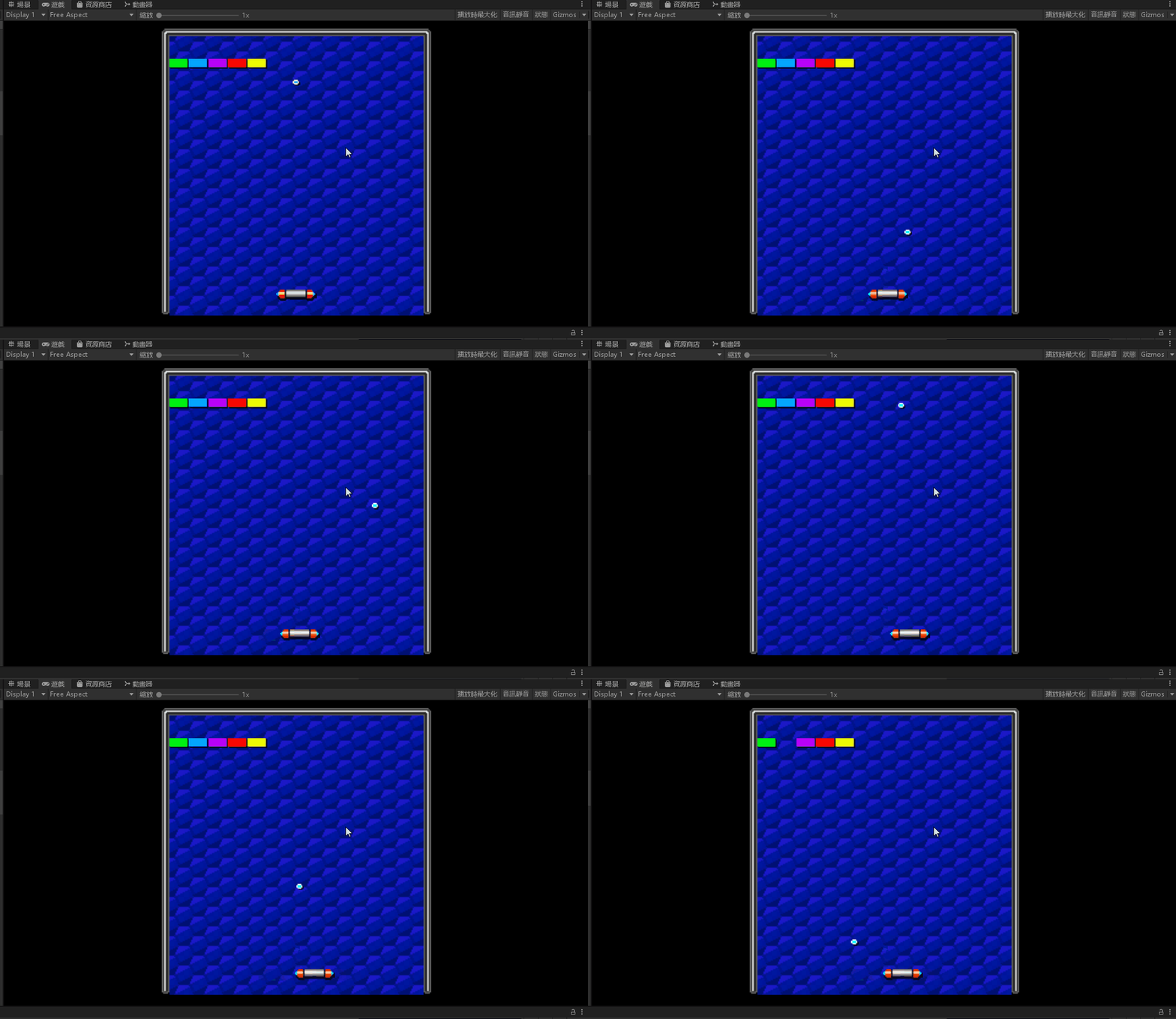
遊戲畫面完成
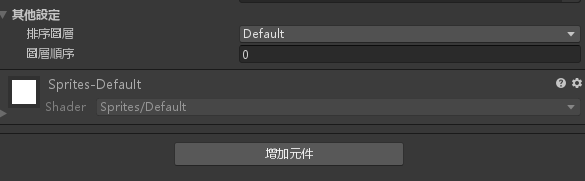
在階層視窗同時選取三個邊框

按下增加元件
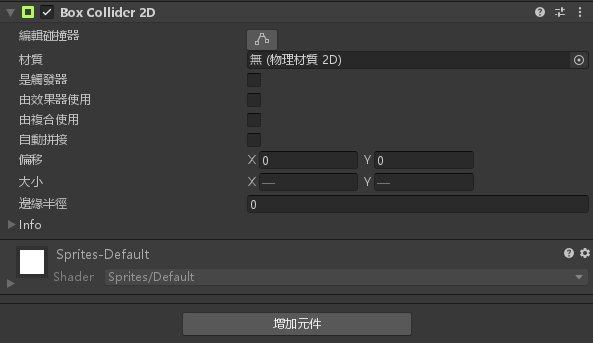
2D 物理 > 2D 盒狀碰撞器
將 racket.png 拉進階層視窗
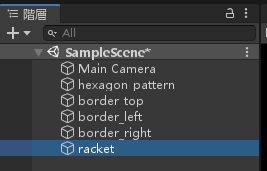
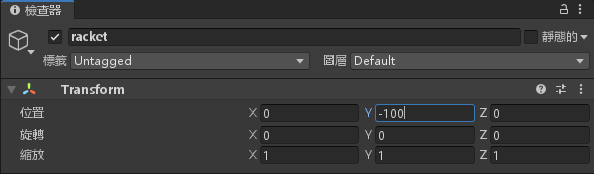
將 racket 物件的位置 Y 設定為 -100
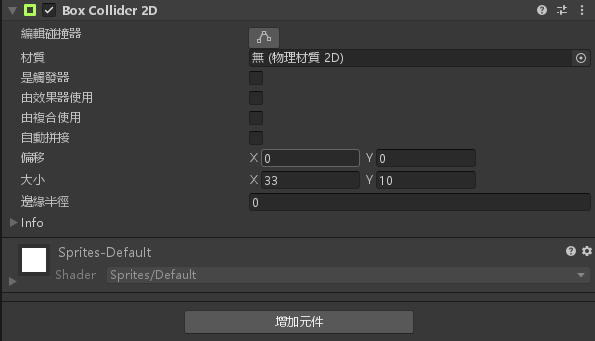
將 racket 物件新增元件 > 2D 物理 > 2D 盒狀碰撞器
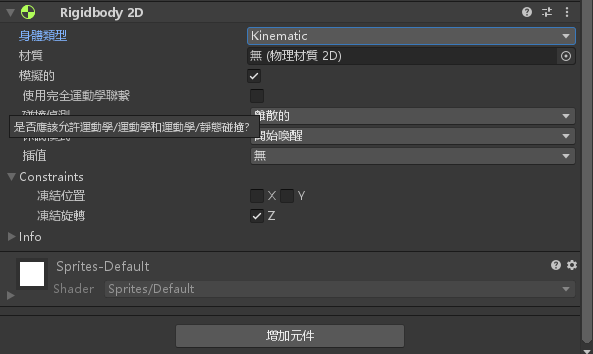
將 racket 物件新增剛體屬性。新增元件 > 2D 物理 > Rigidbody 2D 並且凍結 Z 軸
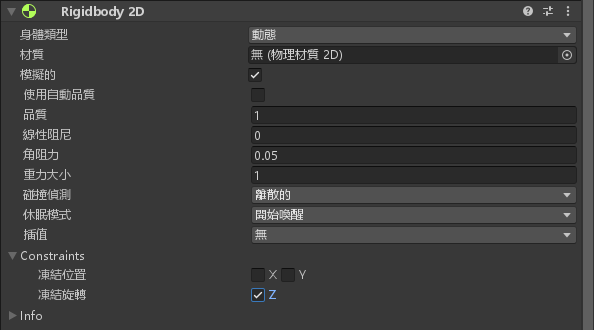
將身體類型改為 Kinematic
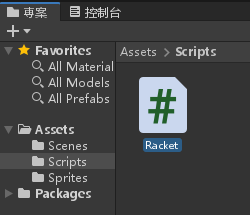
新增一個 Scripts 資料夾,在裡面新增一個腳本文件名為 Racket.cs
點兩下編輯 Racket.cs 腳本,並且輸入以下程式碼
using System.Collections;
using System.Collections.Generic;
using UnityEngine;

public class Racket : MonoBehaviour
{
    // Start is called before the first frame update
    public float speed = 150;
    void Start()
    {

    }

    // Update is called once per frame
    void Update()
    {

    }

    void FixedUpdate()
    {
        float h = Input.GetAxisRaw("Horizontal");
        GetComponent<Rigidbody2D>().velocity = Vector2.right * h * speed;
    }
}
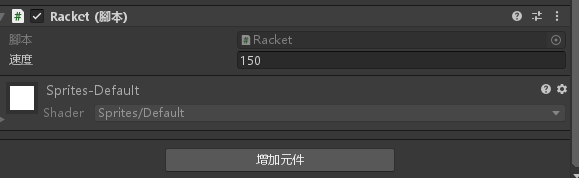
將 Racket.cs 腳本拉到 racket 物件底下
將 ball.png 拉進階層視窗
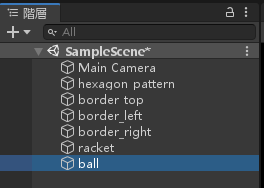
更改 ball 物件的位置 Y 為 -80
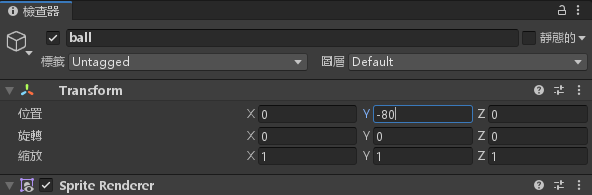
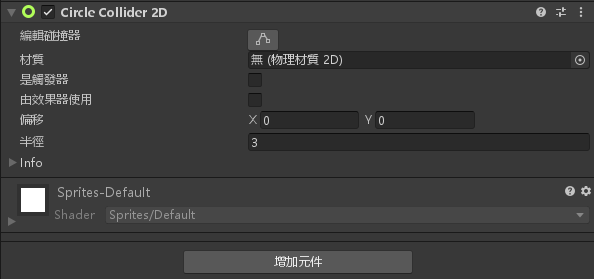
將 ball 物件新增元件 > 2D 物理 > 圓形碰撞器
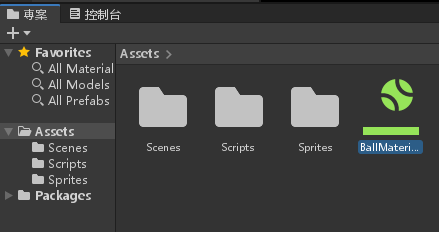
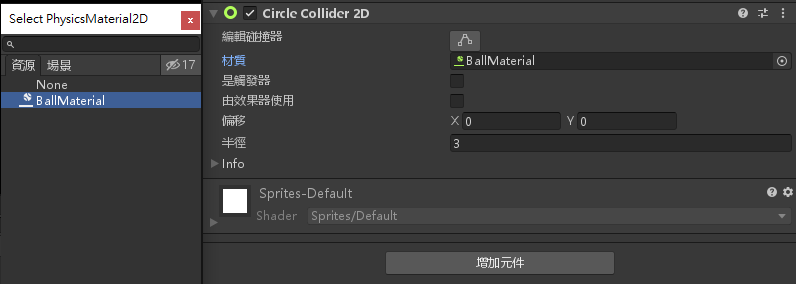
在資源管理器的 Assets 資料夾中按下滑鼠右鍵 > 建立 > 物理材質 2D,名為 BallMaterial
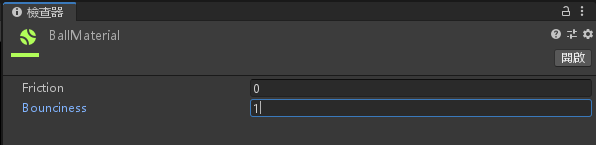
修改 Friction(摩擦係數) 為 0,Bounciness(反彈力) 為 1
在 ball 物件的圓形碰撞器中新增 BallMaterial 材質
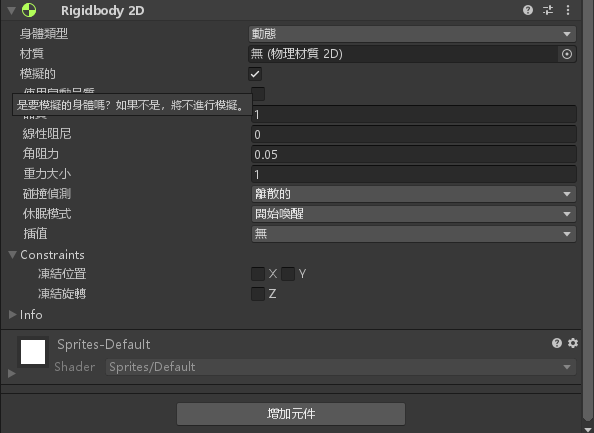
將 ball 物件加入剛體屬性。增加元件 > 2D 物理 > Rigidbody 2D
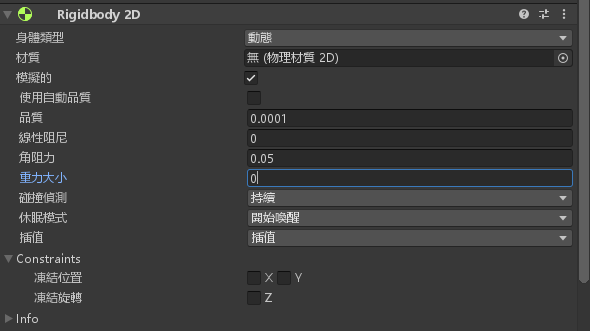
修改品質為 0.0001;重力大小設定為 0;碰撞偵測改為持續;插值改為插值
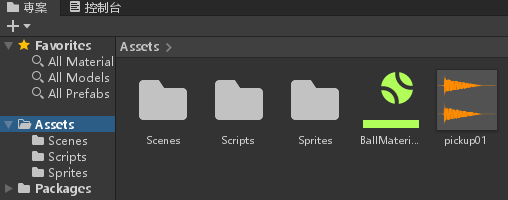
將開頭下載的音效拉進素材視窗
將 ball 物件增加元件 > 音訊 > 音訊源,並選擇剛剛拉入的音訊源
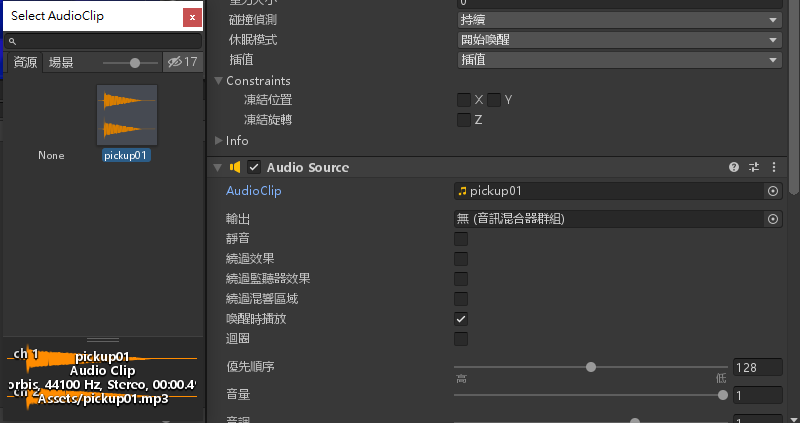
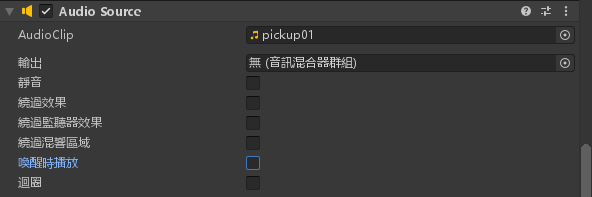
將喚醒時播放勾勾拿掉
新增一個 Ball 腳本,輸入以下程式碼
using System.Collections;
using System.Collections.Generic;
using UnityEngine;

public class Ball : MonoBehaviour
{
    // Start is called before the first frame update
    public float speed = 100.0f;
    void Start()
    {
        GetComponent<Rigidbody2D>().velocity = Vector2.up * speed;
    }
    float hitFactor(Vector2 ballPos, Vector2 racketPos, float racketWidth)
    {
        return (ballPos.x - racketPos.x) / racketWidth;
    }

    void OnCollisionEnter2D(Collision2D col)
    {
        GetComponent<AudioSource>().Play();
        if (col.gameObject.name.Equals("racket")){
            float x = hitFactor(transform.position,
                col.transform.position,
                col.collider.bounds.size.x);
            Vector2 dir = new Vector2(x, 1).normalized;
            GetComponent<Rigidbody2D>().velocity = dir * speed;
        }
    }
    // Update is called once per frame
    void Update()
    {

    }
}
將腳本拉進 ball 物件底下

將 block_xx.png 隨機的顏色放到階層視窗
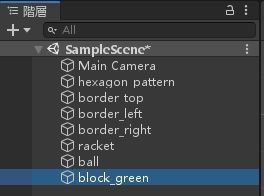
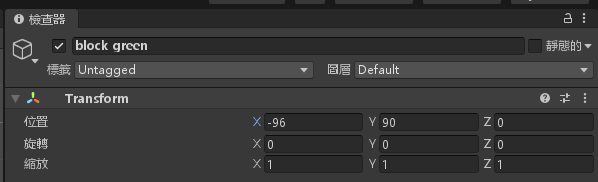
將 block_xx 物件的位置修改為 X 為 -96;Y 為 90
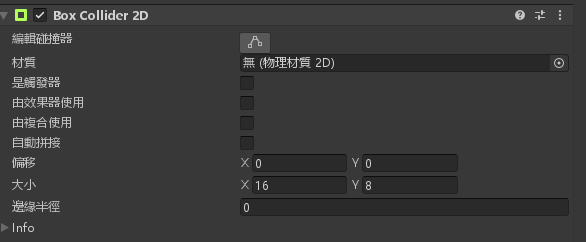
將 block_xx 物件新增元件 > 2D 物理 > 2D 盒狀碰撞器
新增 Block.cs 腳本,並輸入以下程式碼
using System.Collections;
using System.Collections.Generic;
using UnityEngine;

public class Block : MonoBehaviour
{
    // Start is called before the first frame update
    void Start()
    {

    }

    // Update is called once per frame
    void Update()
    {

    }

    void OnCollisionEnter2D(Collision2D collisionInfo)
    {
        Destroy(gameObject);
    }
}
將 Block.cs 腳本拉進 block_xx 物件中

完成

-
車牌回來了
但是現在汽門漏氣,維修ing...
- 受保護的內容: NAS 版 Mathbot 管理網站與 Linebot 啟動方法 - 2024 年 11 月 15 日
- Realtime 啥鬼的 - 2021 年 6 月 15 日
- nodejs 數學遊戲 - 2021 年 6 月 8 日
在〈打磚塊遊戲〉中有 1 則留言