
素材下載
STARTO!
建立一個 2D 專案

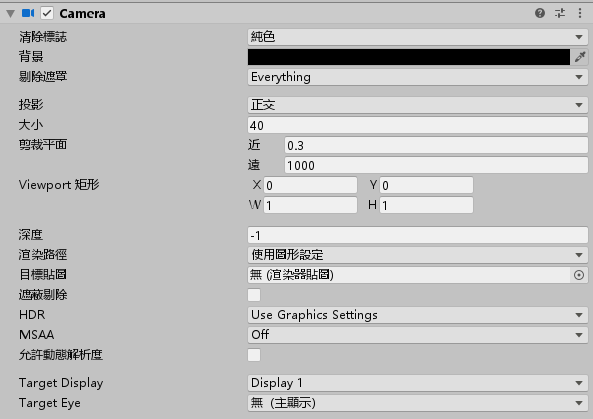
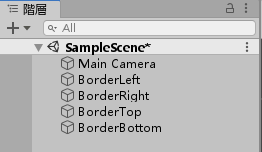
首先設定 MainCamera 屬性,背景為黑色;調整大小為 40
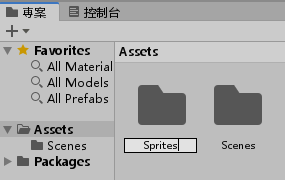
建立一個 Sprites 資料夾
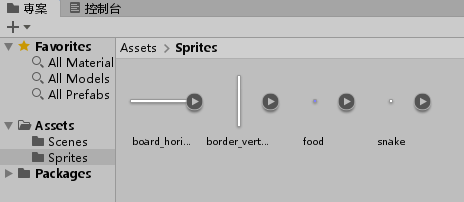
將開頭下載的四張素材拉進 Sprites 資料夾
選取四張圖片
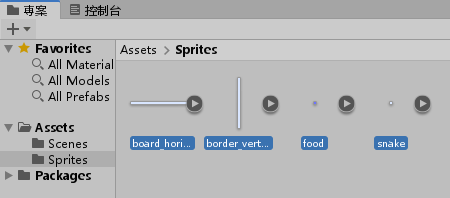
將每單位像素數改為 1
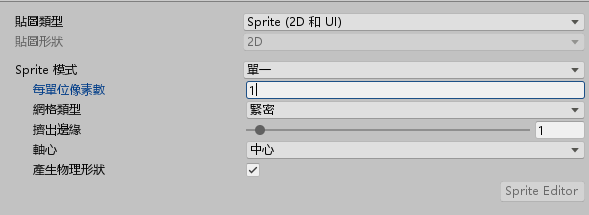
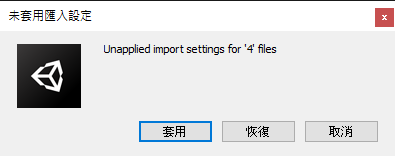
選取套用
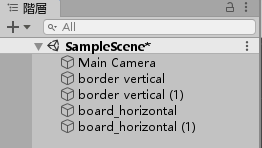
將 board_horizontal 與 border_vertical 各拉兩張進去階層資料夾
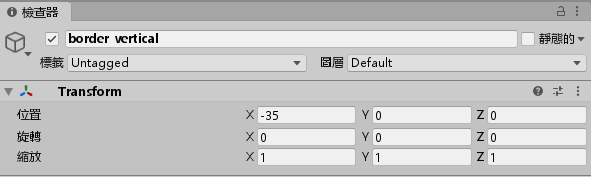
修改 border vertical 物件的屬性 X = -35
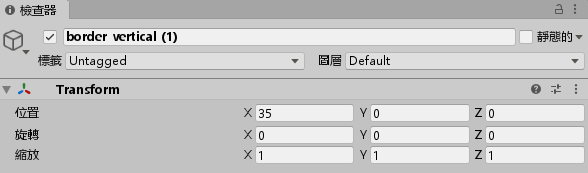
修改 border vertical (1) 物件的屬性 X = 35
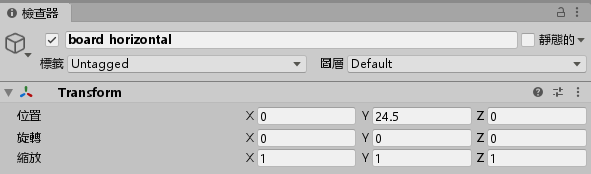
修改 board_horizontal 物件的屬性 Y = 24.5
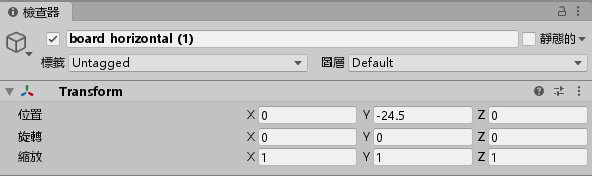
修改 board_horizontal (1) 物件的屬性 Y = -24.5
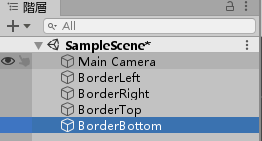
修改 border vertical 物件的名稱為 “BorderLeft”
修改 border vertical (1) 物件的名稱為 “BorderRight”
修改 board_horizontal 物件的名稱為 “BorderTop”
修改 board_horizontal (1) 物件的名稱為 “BorderBottom”
將四個 BorderXX 物件選起來
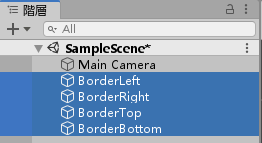
增加元件 > 2D 物理 > 2D 盒狀碰撞器
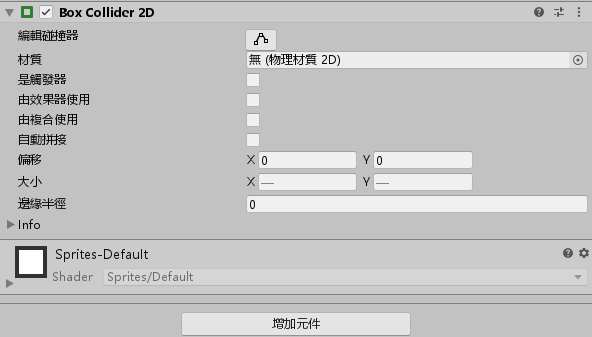
將 “是觸發器” 打勾
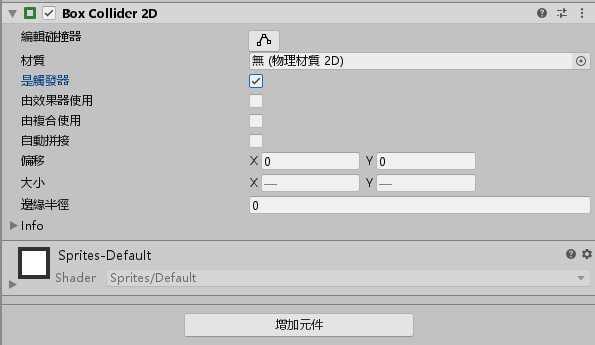
將 food.png 拉到階層視窗
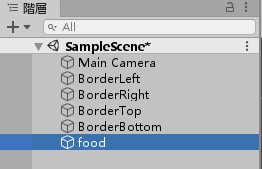
選擇 food 物件,增加元件 > 2D 物理 > 2D 盒狀碰撞器,並且將 “是處發器” 打勾
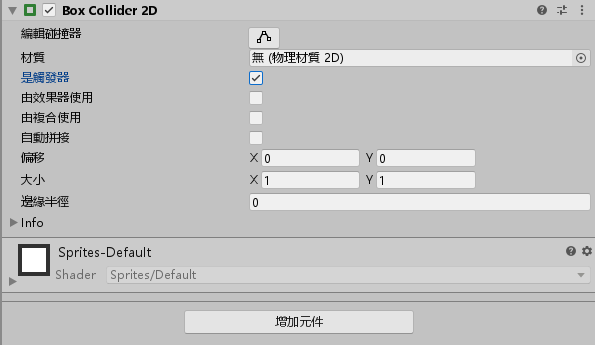
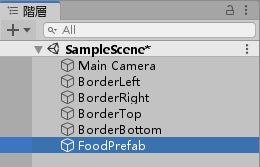
將 food 物件重新命名為 FoodPrefab
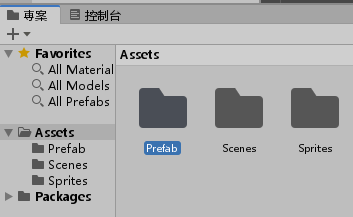
在專案管理器建立一個 Prefab 資料夾
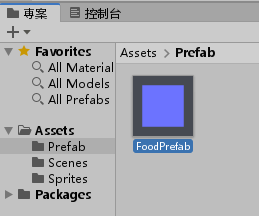
將 FoodPrefab 物件拉到 Prefab 資料夾製做成預製物件
刪除階層視窗中的 FoodPrefab 物件
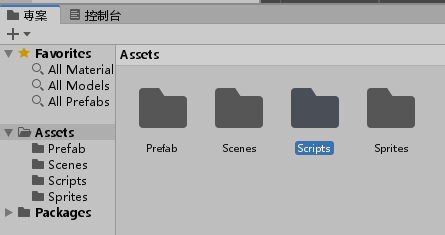
新增一個 Scripts 資料夾
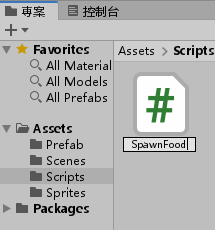
新增一個 C# 腳本,名為 SpawnFood.cs
編輯並輸入以下程式碼
using System.Collections;
using System.Collections.Generic;
using UnityEngine;

public class SpawnFood : MonoBehaviour
{
    // Start is called before the first frame update
    public GameObject foodPrefab;
    public Transform borderTop;
    public Transform borderBottom;
    public Transform borderLeft;
    public Transform borderRight;
    void Start()
    {
        InvokeRepeating("Spawn", 3, 4);
    }

    void Spawn()
    {
        int x = (int)Random.Range(borderLeft.position.x, borderRight.position.x);
        int y = (int)Random.Range(borderBottom.position.y, borderTop.position.y);
        Instantiate(foodPrefab, new Vector2(x, y), Quaternion.identity);
    }
    // Update is called once per frame
    void Update()
    {

    }
}
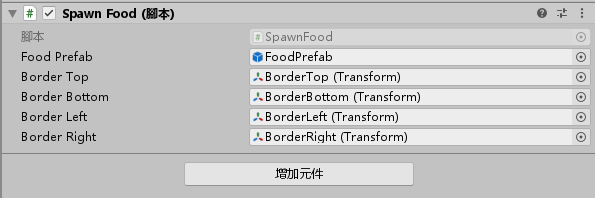
儲存腳本並退出,並將這個腳本放在 MainCamera 裡面
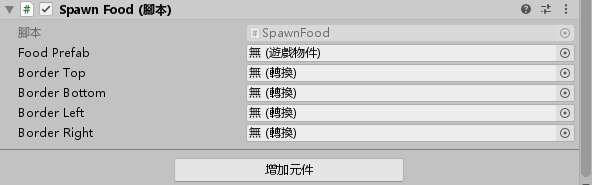
將對應的元件一個一個拉進來
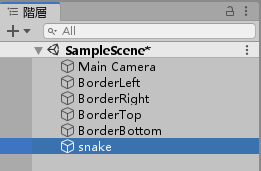
將 snake.png 拉到階層視窗
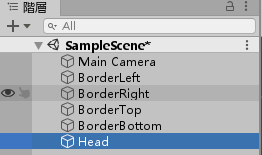
重新命名 snake 物件名稱為 “Head”
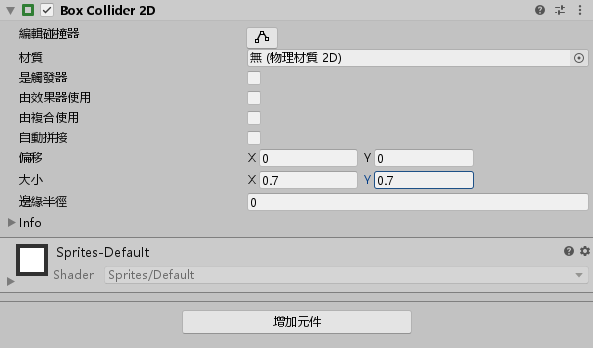
將 Head 物件增加元件 > 2D 物理 > 2D 盒狀碰撞器,並將大小改為 X = 0.7 Y = 0.7
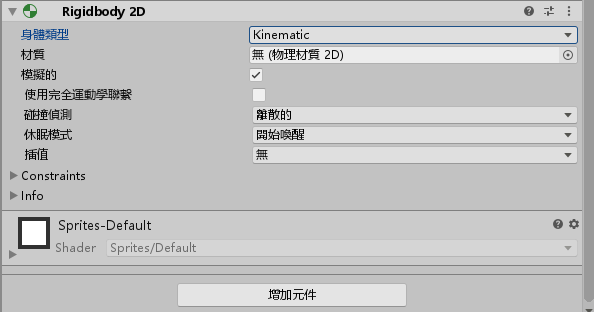
繼續幫 Head 物件增加元件 > 2D 物理 > Rigidbody 2D,將身體類型改為 Kinematic
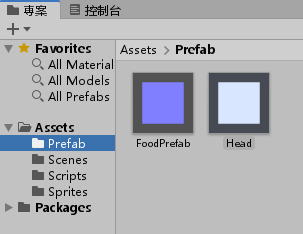
將 Head 物件拉進 Prefab 資料夾裡面製作成預製物件
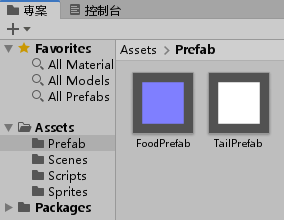
將 Prefab 裡面的 Head 預製物件變更名稱為 “TailPrefab”
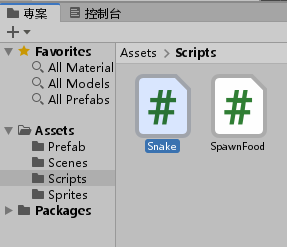
建立一個 C# 腳本,命名為 Snake
編輯並輸入以下程式碼
using System.Collections;
using System.Collections.Generic;
using System.Linq;
using UnityEngine;

public class Snake : MonoBehaviour
{
    // Start is called before the first frame update
    bool ate = false;
    bool isDied = false;
    public GameObject tailPrefab;
    Vector2 dir = Vector2.right;
    List<Transform> tail = new List<Transform>();
    void Start()
    {
        InvokeRepeating("Move", 0.3f, 0.3f);
    }

    // Update is called once per frame
    void Update()
    {
        if (!isDied)
        {
            if (Input.GetKey(KeyCode.RightArrow))
                dir = Vector2.right;
            else if (Input.GetKey(KeyCode.DownArrow))
                dir = -Vector2.up;
            else if (Input.GetKey(KeyCode.LeftArrow))
                dir = -Vector2.right;
            else if (Input.GetKey(KeyCode.UpArrow))
                dir = Vector2.up;
        }
        else
        {
            if (Input.GetKey(KeyCode.R))
            {
                for (int i = 0; i < tail.Count; i++)
                    tail[i].gameObject.SetActive(false);
                tail.Clear();
                transform.position = new Vector3(0, 0, 0);
                isDied = false;
            }
        }
    }
    void Move()
    {
        if (!isDied)
        {
            Vector2 v = transform.position;
            transform.Translate(dir);
            if (ate)
            {
                GameObject g = (GameObject)Instantiate(tailPrefab, v, Quaternion.identity);
                tail.Insert(0, g.transform);
                ate = false;
            }
            else if (tail.Count > 0)
            {
                tail.Last().position = v;
                tail.Insert(0, tail.Last());
                tail.RemoveAt(tail.Count - 1);
            }
        }
    }
    void OnTriggerEnter2D(Collider2D coll)
    {
        if (coll.name.StartsWith("Food"))
        {
            ate = true;
            Destroy(coll.gameObject);
        }
        else
        {
            isDied = true;
        }
    }
}
將 Snake 腳本加進 Head 物件裡面
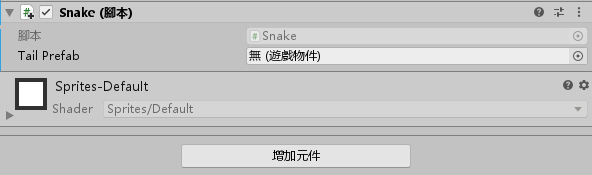
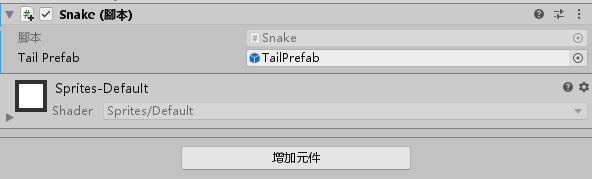
將 TailPrefab 預製物件拉進裡面
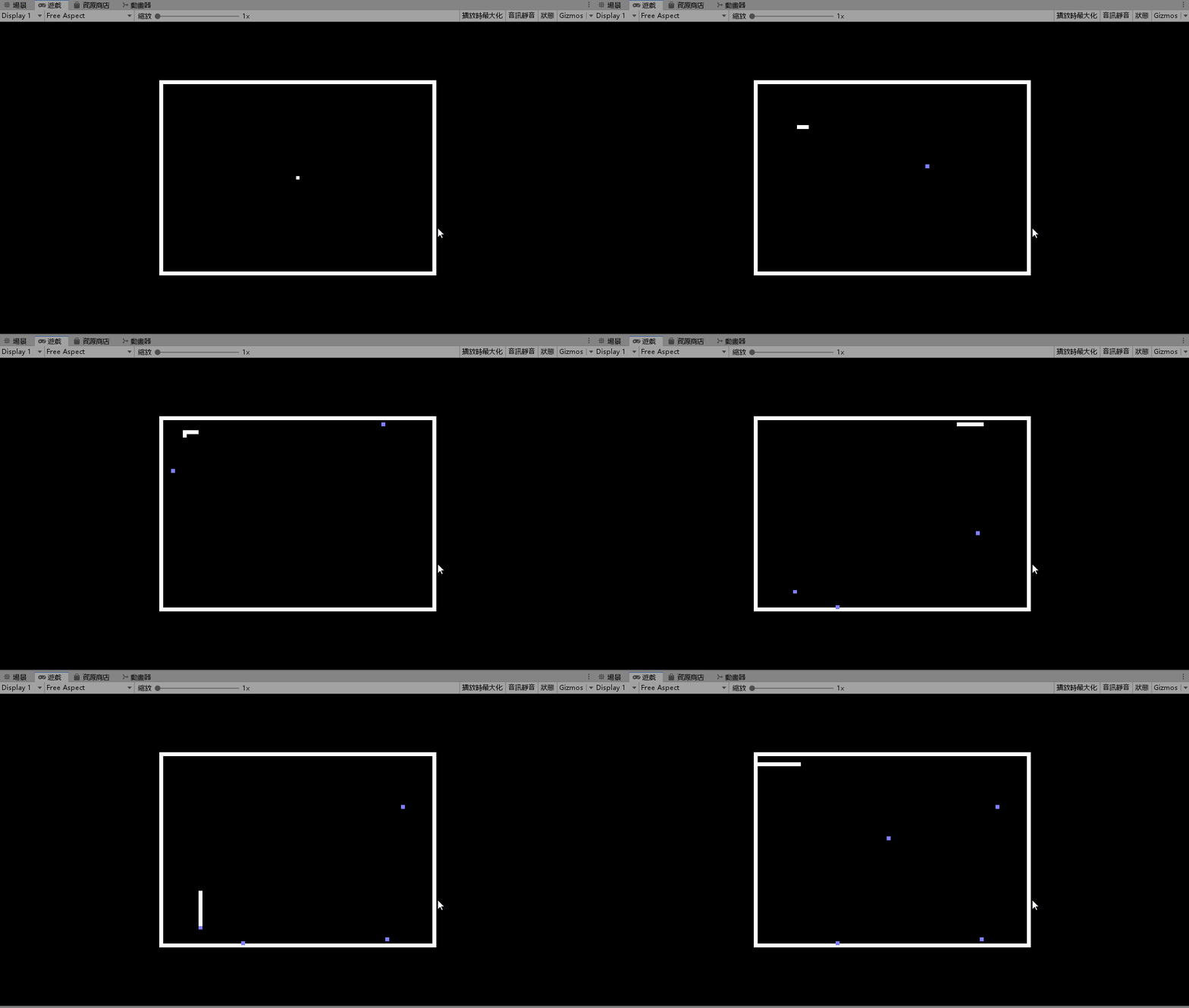
完成!

-
車牌回來了
但是現在汽門漏氣,維修ing...
- 受保護的內容: NAS 版 Mathbot 管理網站與 Linebot 啟動方法 - 2024 年 11 月 15 日
- Realtime 啥鬼的 - 2021 年 6 月 15 日
- nodejs 數學遊戲 - 2021 年 6 月 8 日
在〈貪食蛇〉中有 1 則留言