
作業需求
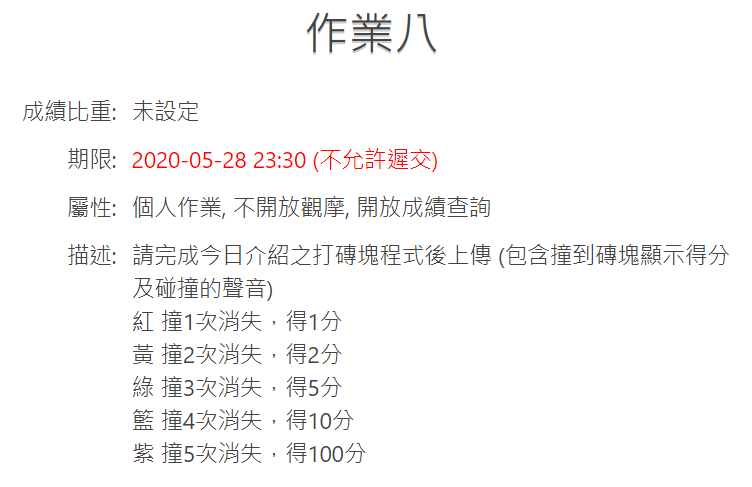
前置需求
先完成上課內容的文章 :打磚塊遊戲
要拿做好的來改~
STARTO!
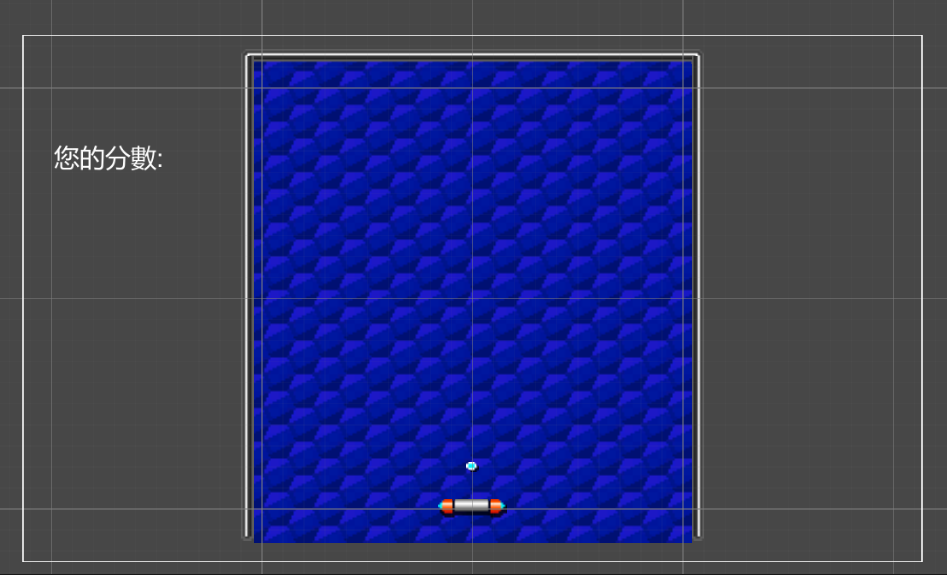
在階層視窗按下滑鼠右鍵>UI>文字,建立一個 Text

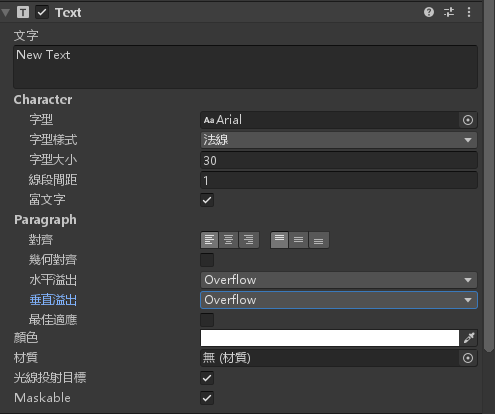
修改 Text 的屬性讓文字可以看到,修改顏色為白色,大小30點,水平與垂直溢出改為 Overflow
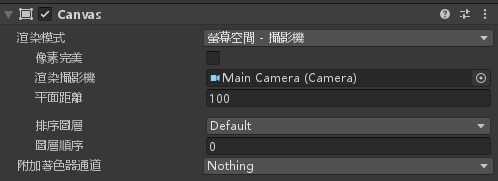
設定 Canvas 渲染模式為 螢幕空間-攝影機,渲染攝影機設定為 MainCamera
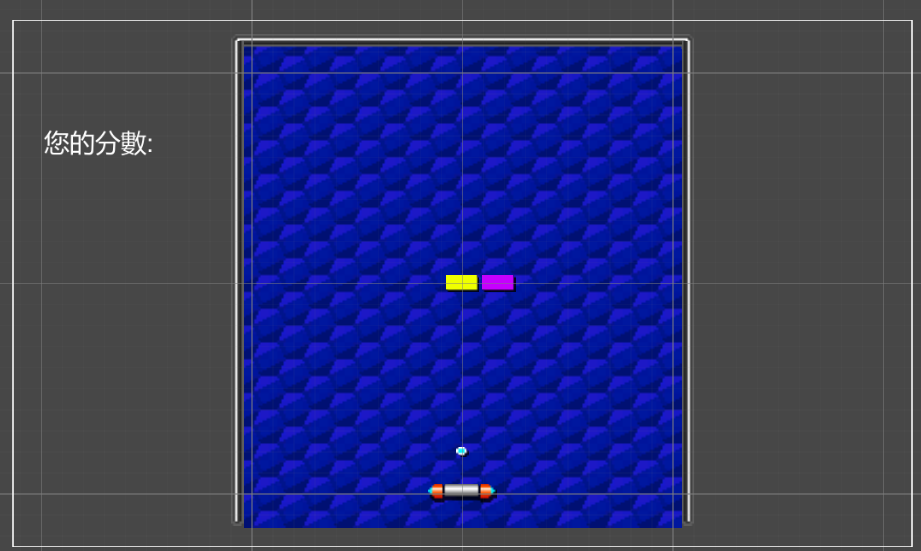
將 Text 拉到畫面左邊
將 Block.cs 腳本修改成以下的程式碼
using System;
using System.Collections;
using System.Collections.Generic;
using UnityEngine;
using UnityEngine.UI;

public class Block : MonoBehaviour
{
    // Start is called before the first frame update
    string[] block_list = new string[] { "red", "yellow", "green", "blue", "purple" };
    int[] block_score = new int[] { 1, 2, 5, 10, 100 };
    int index, Score, Count;
    Text display_score;
    void Start()
    {
        for (int i = 0; i < block_list.Length; i++)
            if (gameObject.name.Contains(block_list[i]))
                index = i;
        display_score = GameObject.Find("Text").GetComponent<Text>();
        display_score.text = "0";
    }

    // Update is called once per frame
    void Update()
    {

    }

    void OnCollisionEnter2D(Collision2D collisionInfo)
    {
        if (++Count == index + 1)
        {
            Score = Convert.ToInt32(display_score.text);
            Destroy(gameObject);
            Score += block_score[index];
            display_score.text = Score.ToString();
        }
    }
}
將畫面上的所有 Block_xx 物件刪除
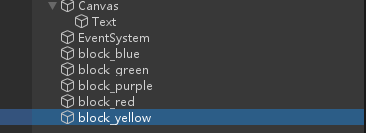
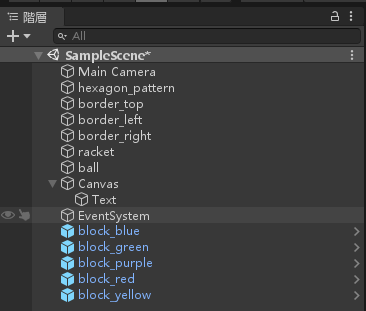
分別將五種 block_xx 拉到階層視窗
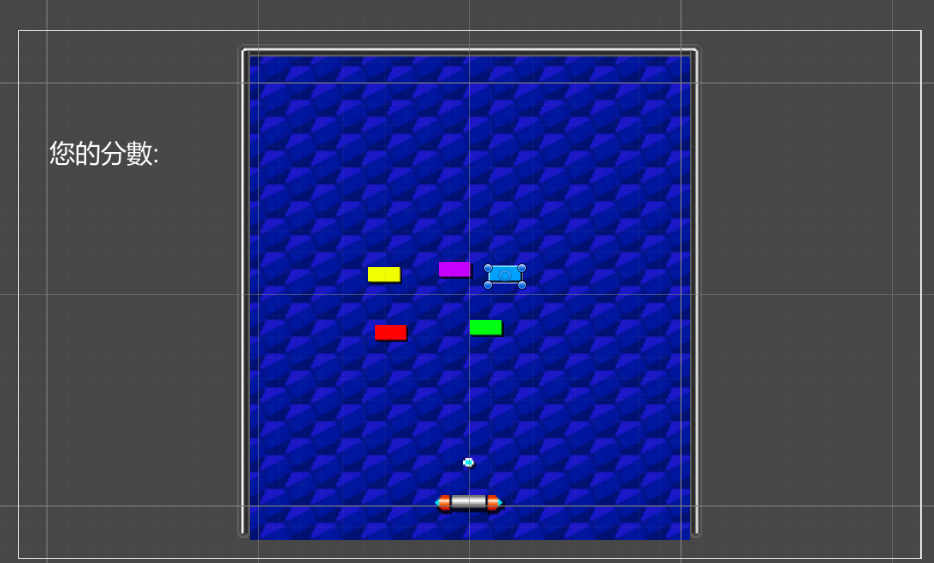
將畫面上的 block 排開
在階層視窗將五個 block_xx 選取
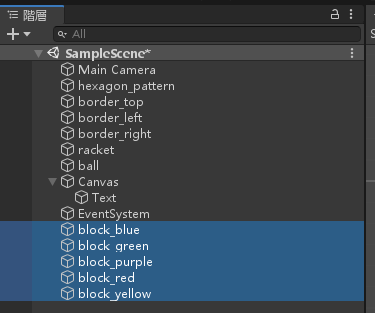
增加元件 > 2D 物理 > 2D 盒狀碰撞器
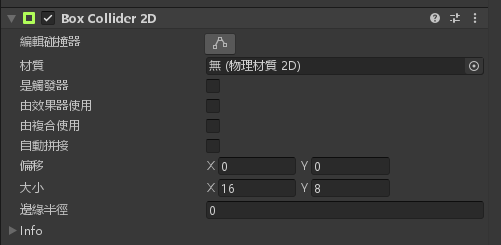
將 Block.cs 腳本拉進去

在 Assets 新增一個資料夾 Prefabs
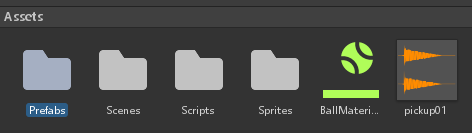
將階層視窗的五個 block_xx 一個一個拉進 Prefabs 資料夾,做成預製物件
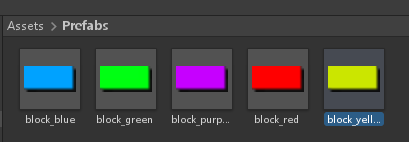
現在可以用這五個預製物件去排列你的畫面
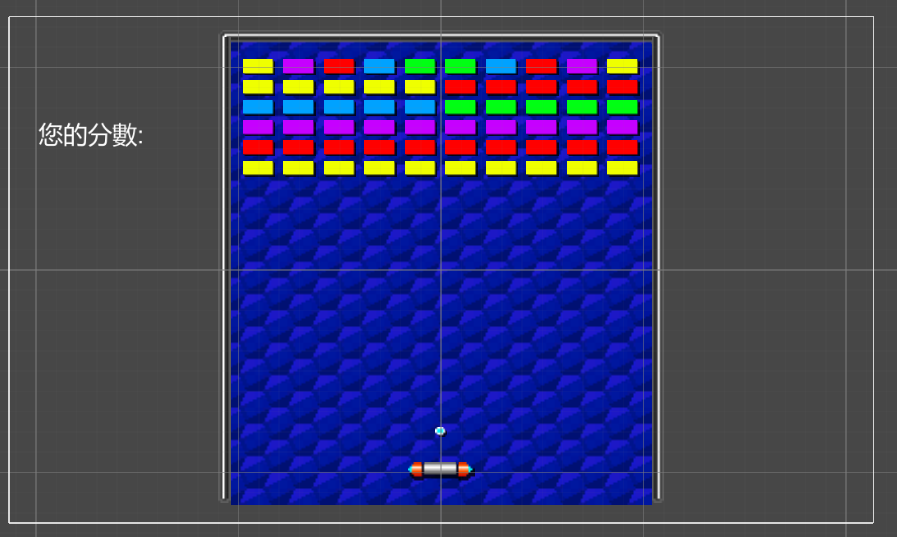
完成!


資工系所碩二畢
-
車牌回來了
但是現在汽門漏氣,維修ing...
-
車牌回來了
但是現在汽門漏氣,維修ing...
Latest posts by SHXJ (see all)
- 受保護的內容: NAS 版 Mathbot 管理網站與 Linebot 啟動方法 - 2024 年 11 月 15 日
- Realtime 啥鬼的 - 2021 年 6 月 15 日
- nodejs 數學遊戲 - 2021 年 6 月 8 日